
Best Profile Picture for Business: 9 Selection Rules
Business profile picture checklist
- Use a recent photograph that still looks like you.
- Choose a solo image with no ambiguous crop from a group photo.
- Keep the face clear, evenly lit, and easy to recognize at thumbnail size.
- Use a clean background that does not merge with hair or clothing.
- Select a natural expression that fits how you meet people at work.
- Leave enough room for both square and circular crops.
- Check clothing, hair, glasses, and jewelry for distracting edges or glare.
- Export versions for LinkedIn, company bio, email, and press use.
- Keep the high-resolution original so future crops do not lose detail.
The best profile picture for business is current, recognizable, and technically flexible. It does not need to look identical on every platform, but the person, expression, and overall visual treatment should remain consistent.

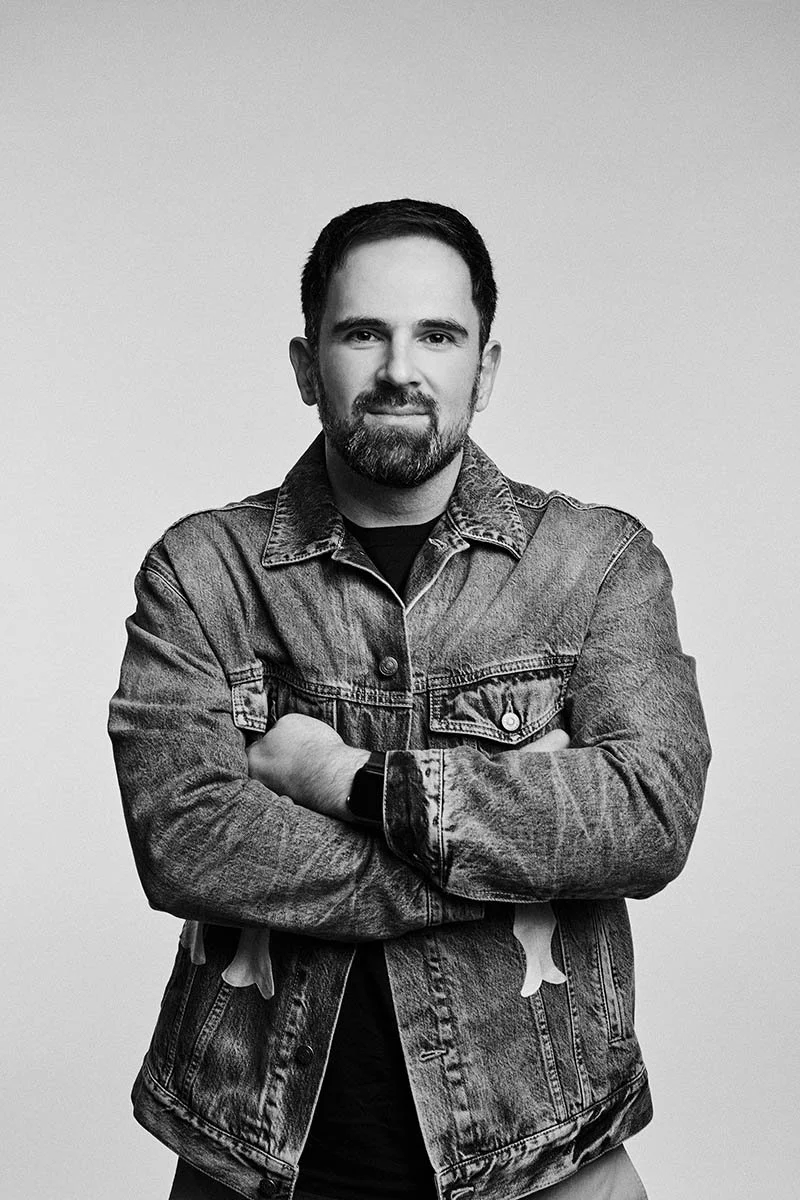
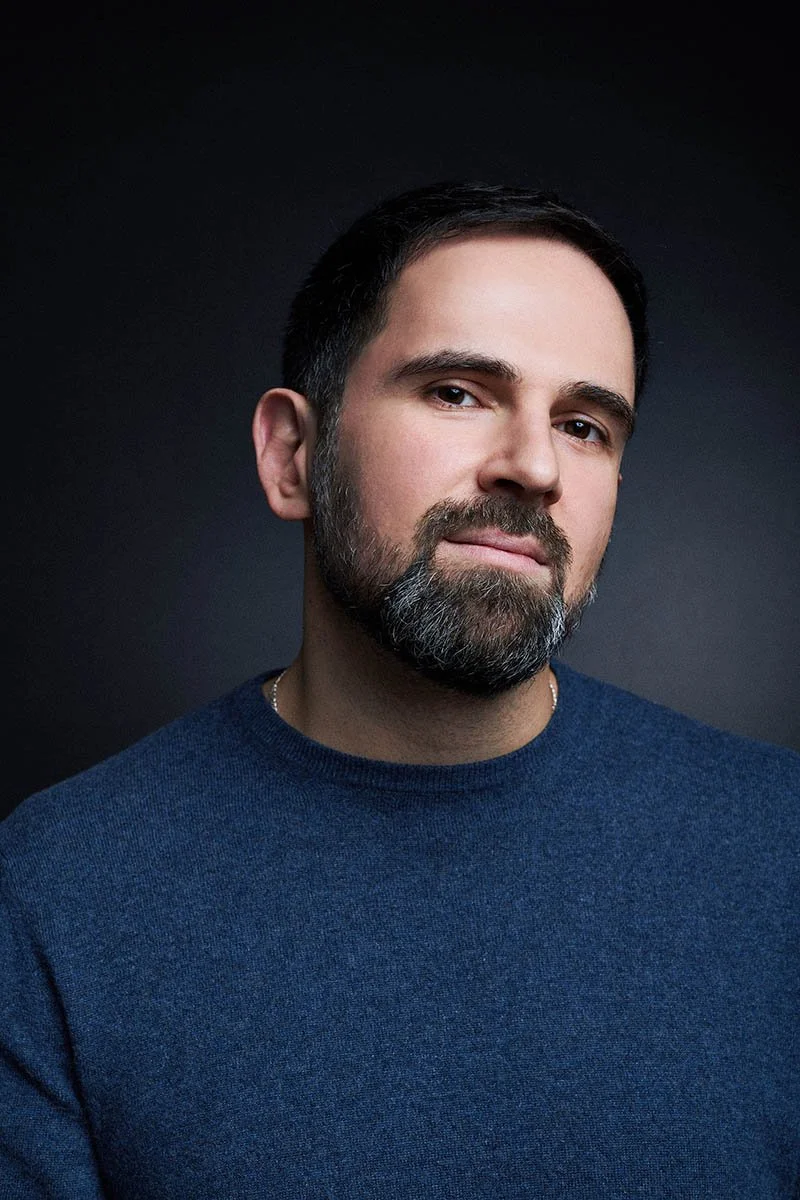
If you are still planning the session, compare LinkedIn headshot poses and wardrobe options first. For a guided individual portrait, see LinkedIn headshots in NYC.
Choose the photograph before polishing the profile
Start with the image itself: recognizable face, controlled light, clean background, natural expression, and enough resolution for the largest planned use. Profile text and design cannot rescue a photograph that is outdated, soft, or awkwardly cropped.
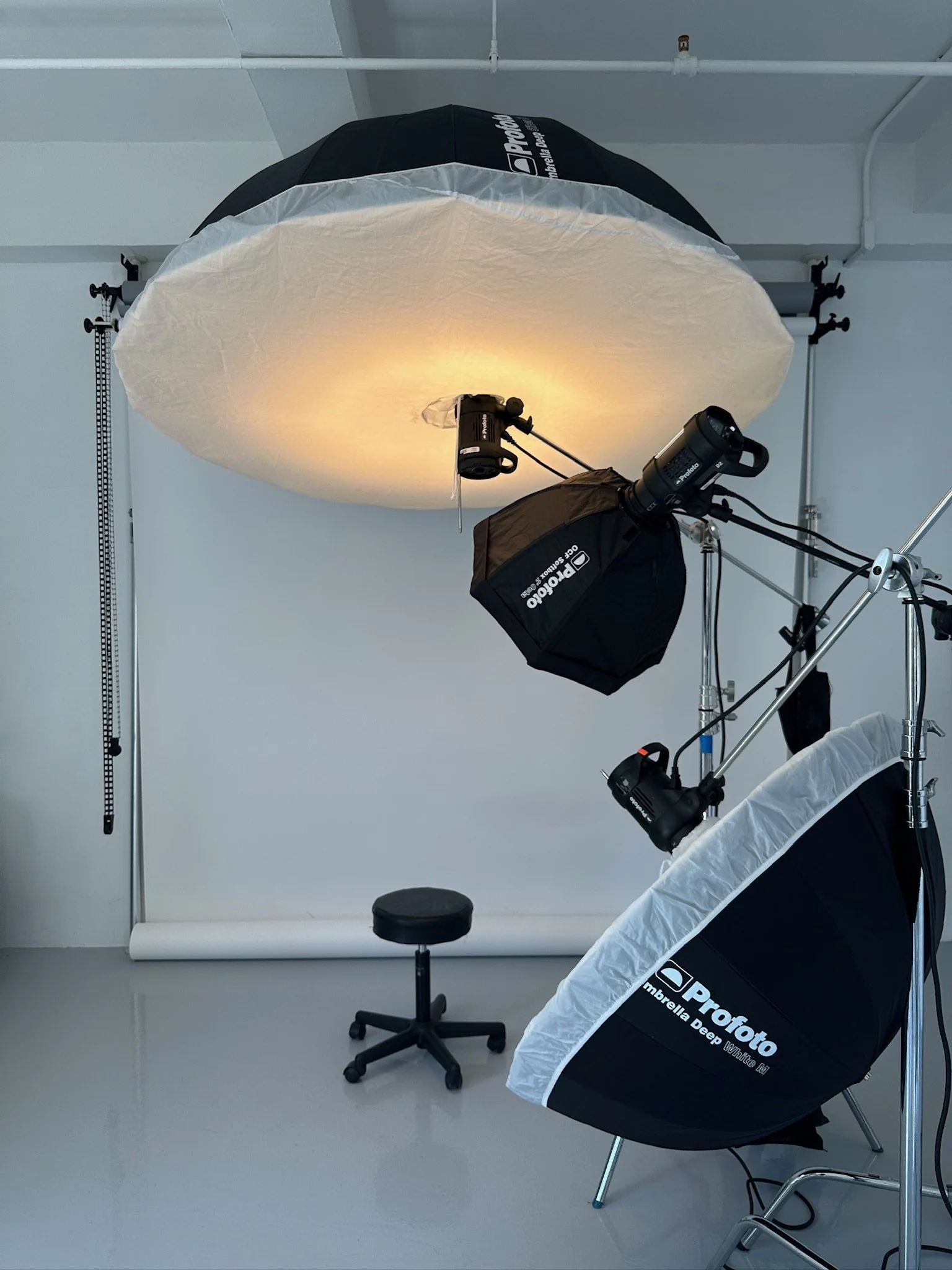
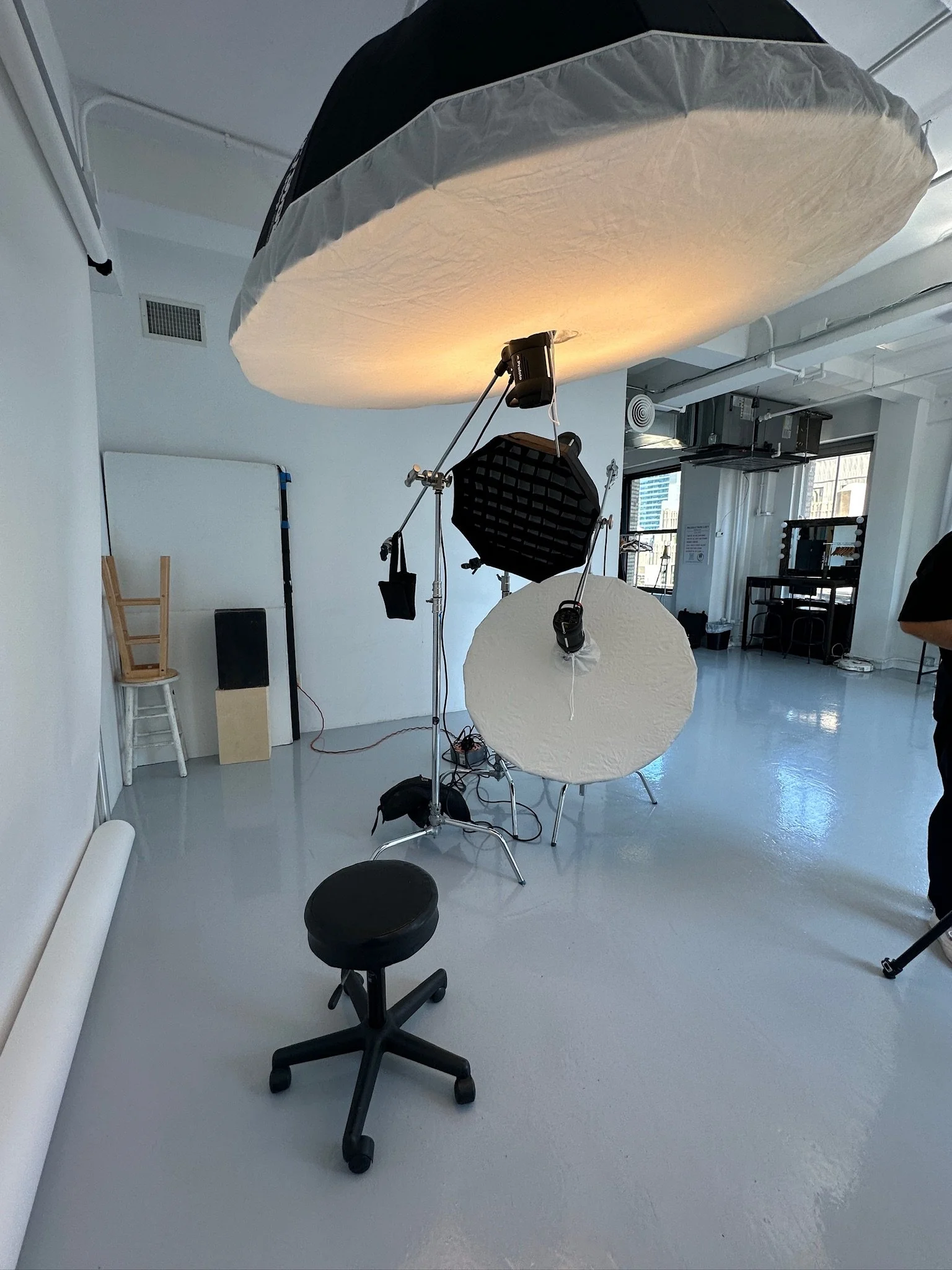
1. Use a current, recognizable photograph
Choose an image that matches how you look now, including your usual hair, glasses, and facial hair. Recognition matters when someone moves from a profile or company page to a video call or in-person meeting.
2. Make the face readable at a small size
Preview the photograph as a small circle. The eyes, expression, and outline of the face should remain clear. If the person becomes a small figure surrounded by background, choose a tighter crop.
3. Keep the light even and intentional
Look for clear eyes, natural skin tone, and detail on both sides of the face. Avoid a bright window behind the subject, mixed color casts, or deep shadows that remove facial detail when the image is reduced.
4. Use a background with separation
A simple studio, office, or environmental background can all work. Check the thumbnail for objects that appear to grow from the head and for clothing or hair that disappears into a similar tone.
5. Select an expression you can sustain in person
A restrained smile, fuller smile, or calm neutral expression can each be appropriate. Choose the one that feels consistent with how you normally greet clients and colleagues. Avoid selecting a frame only because it looks unusually intense or polished at full size.
6. Choose a comfortable pose
Look for relaxed shoulders, a comfortable chin position, and hands that do not distract when included. If you need technique rather than selection criteria, use the separate LinkedIn headshot pose guide.
7. Match clothing to the intended context
Clothing should feel plausible for the role and should not compete with the face. Check collars, lapels, wrinkles, logos, and high-contrast patterns. The full preparation guide explains what to wear for headshots.
8. Leave room for several crops
A LinkedIn avatar needs a tight square or circle. A company bio often benefits from a little more shoulder and background. Press teams may need vertical and horizontal files. Pick a source photograph that can support those variations without cutting into hair, chin, or hands.
9. Keep the original file and label exports clearly
Save the full-resolution edited file, then create purpose-specific exports. Use clear file names such as name-linkedin-square, name-company-bio, and name-press-high-res. This prevents a compressed social download from becoming the only available copy.
Use one photograph differently across business channels
Test a circular thumbnail, keep the face central, and confirm that hair and shoulders are not clipped by the interface. Use a bright enough version to stay legible beside posts, comments, and messages. LinkedIn currently accepts JPG or PNG profile images at 400 by 400 pixels or larger, up to 8 MB; keep a larger edited original for other uses. See LinkedIn's profile photo specifications.
Company bio
Follow the site's existing portrait ratio and background treatment. For a leadership page, consistency across crop, camera height, light, and background matters more than forcing every person into the same expression.
Email and internal tools
Use a small square export with the face centered. Fine background details will disappear, so choose the simplest crop rather than the widest composition.
Press and speaker use
Keep a high-resolution vertical file and, when available, a wider option with usable negative space. Do not enlarge a thumbnail downloaded from a social platform.
How to compare finalists
- Remove files that are soft, outdated, or difficult to crop.
- Compare expressions at the same size rather than zooming into every detail.
- Preview the top choices in the actual profile shape.
- Ask whether the image is recognizable and suitable for all planned uses.
- Keep one primary image and one alternate rather than switching constantly.
Individual and company use
An individual usually needs one flexible portrait and a small set of crops. A company needs a repeatable visual system for multiple people and future hires. Teams planning that system can review corporate headshots in NYC; individual profile portraits remain available through LinkedIn headshots in NYC.
Refreshing profile pictures for your whole team? We run on-site sessions for 5–500+ people across NYC →
Final check before uploading
Confirm that the photograph is current, solo, sharp, and recognizable. Preview the circular crop, check that the face is not covered by interface elements, and keep the full-resolution original outside the platform.