
Startup Photoshoot Planning Guide
Start With the Assets You Actually Need
A startup photoshoot works best when the team agrees on the finished assets before choosing a date. List every immediate use, such as founder bios, the company team page, a press announcement, recruiting pages, investor materials, and profiles for current employees. Then separate individual headshots from small groups and environmental office photographs.
This guide covers the brief, schedule, shot order, approvals, and handoff. The startup headshots service page contains the current session and team-package options.
Startup Photoshoot Planning at a Glance
Name the assets, channels, people, locations, and deadline in one working brief.
Choose one visual reference for background, crop, expression, wardrobe range, and retouching.
Confirm who can approve the visual direction and final selects before the session.
Build the shot order around who must leave first, group combinations, wardrobe changes, and room access.
Use the published founder and startup team packages for exact included headcounts, selects, retouched finals, and current prices.
Standard Team package finals are listed as 24–48 hours after selections. Other deadlines and custom productions need written scope in the proposal.

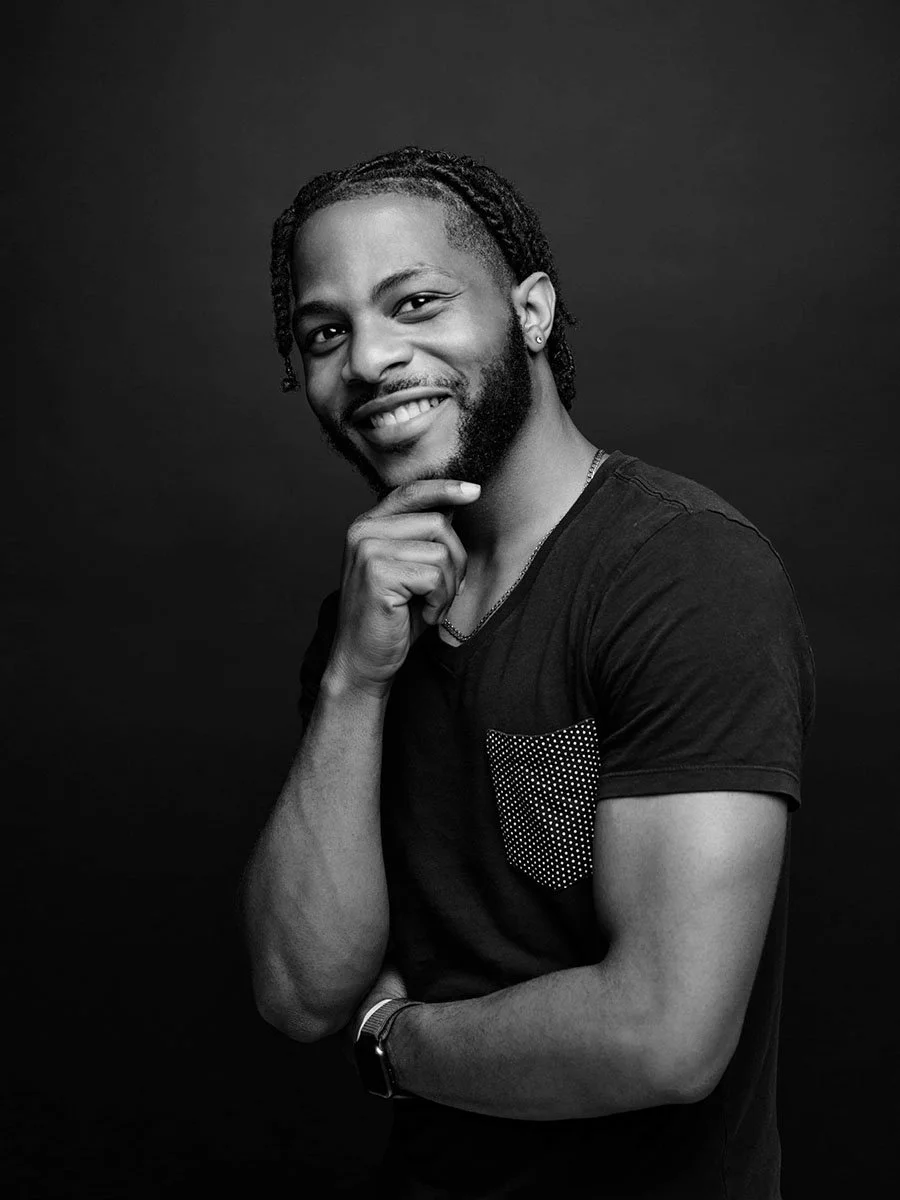
1. Build an Asset List Before the Shot List
Start with deliverables rather than poses. A founder announcement may need a vertical portrait, a horizontal press crop, and a clean headshot. A team page needs repeatable framing and enough space for the site design. Recruiting content may need small groups or office context. Write the channel beside each asset so the photographer can plan framing and variations.
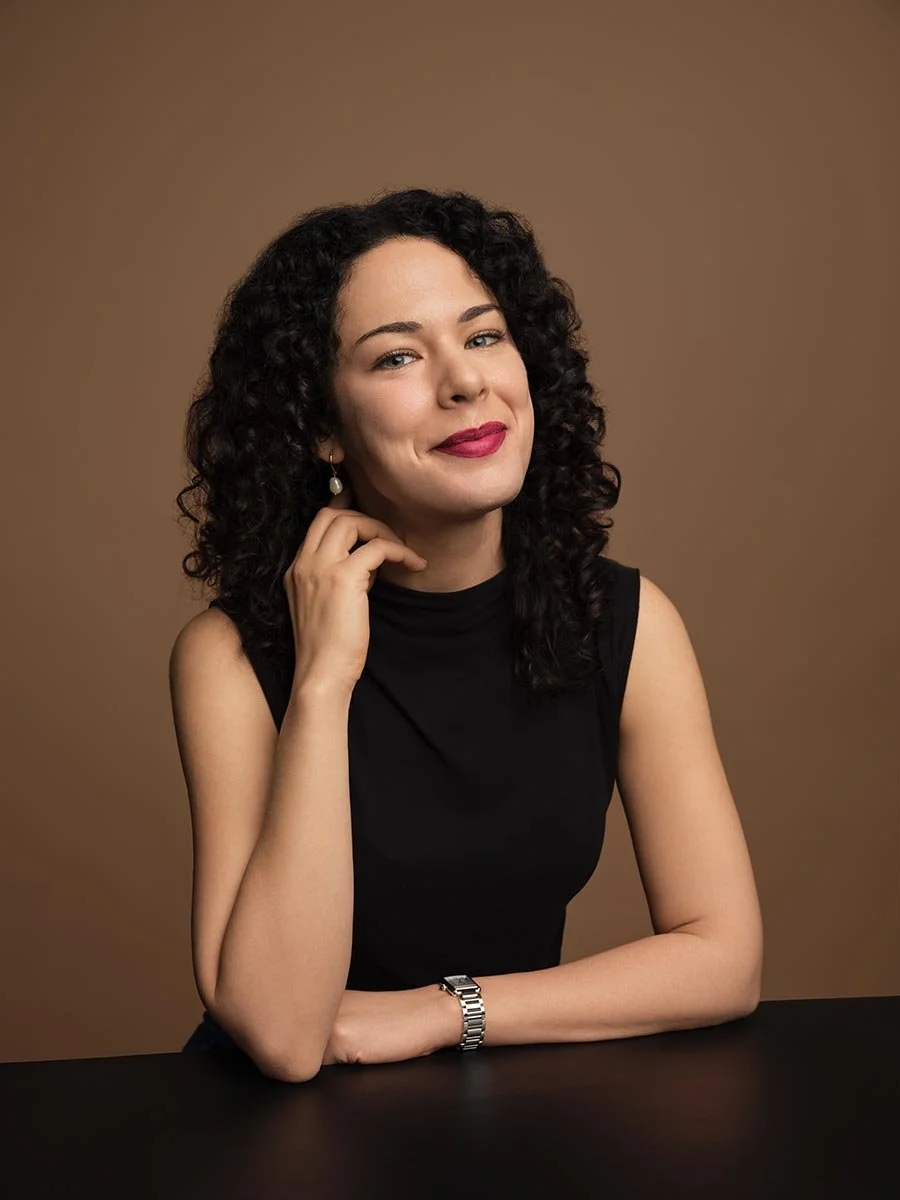
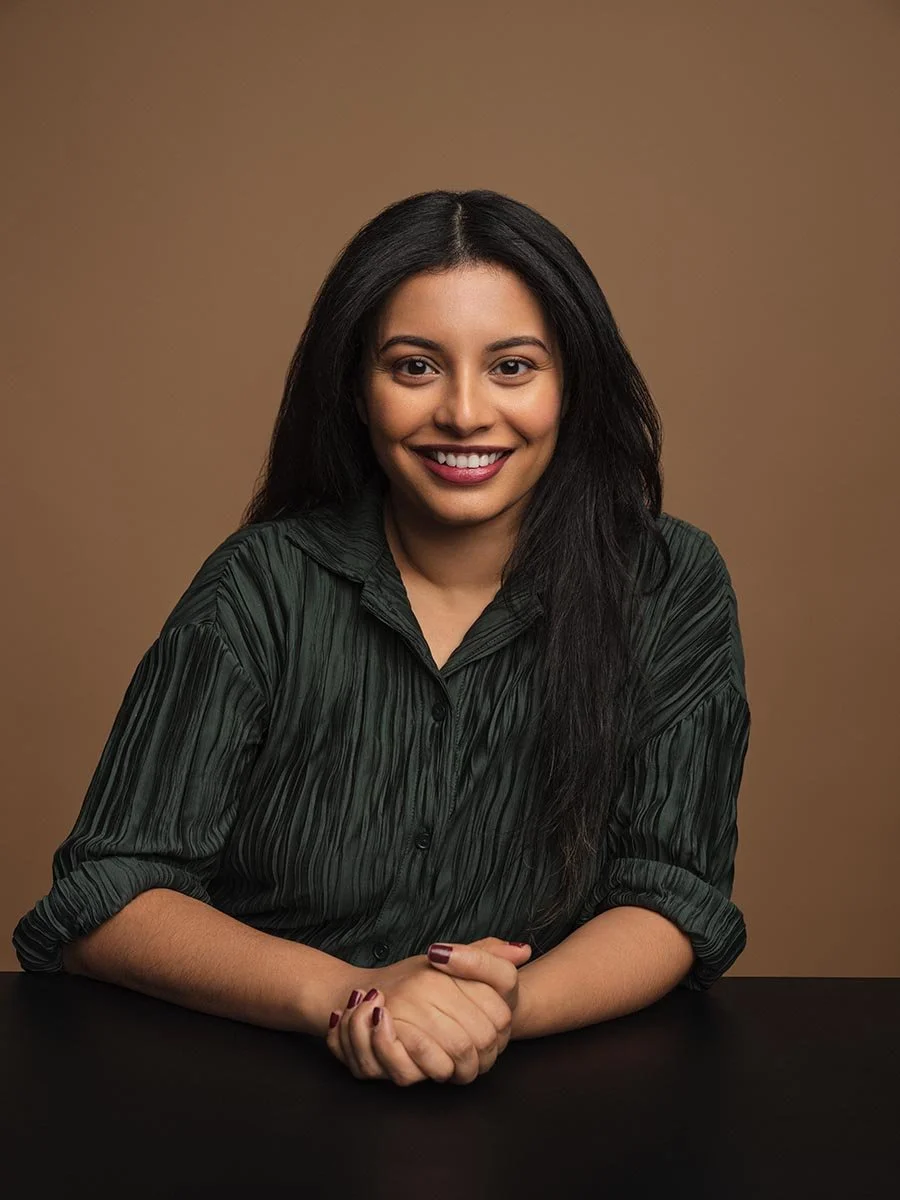
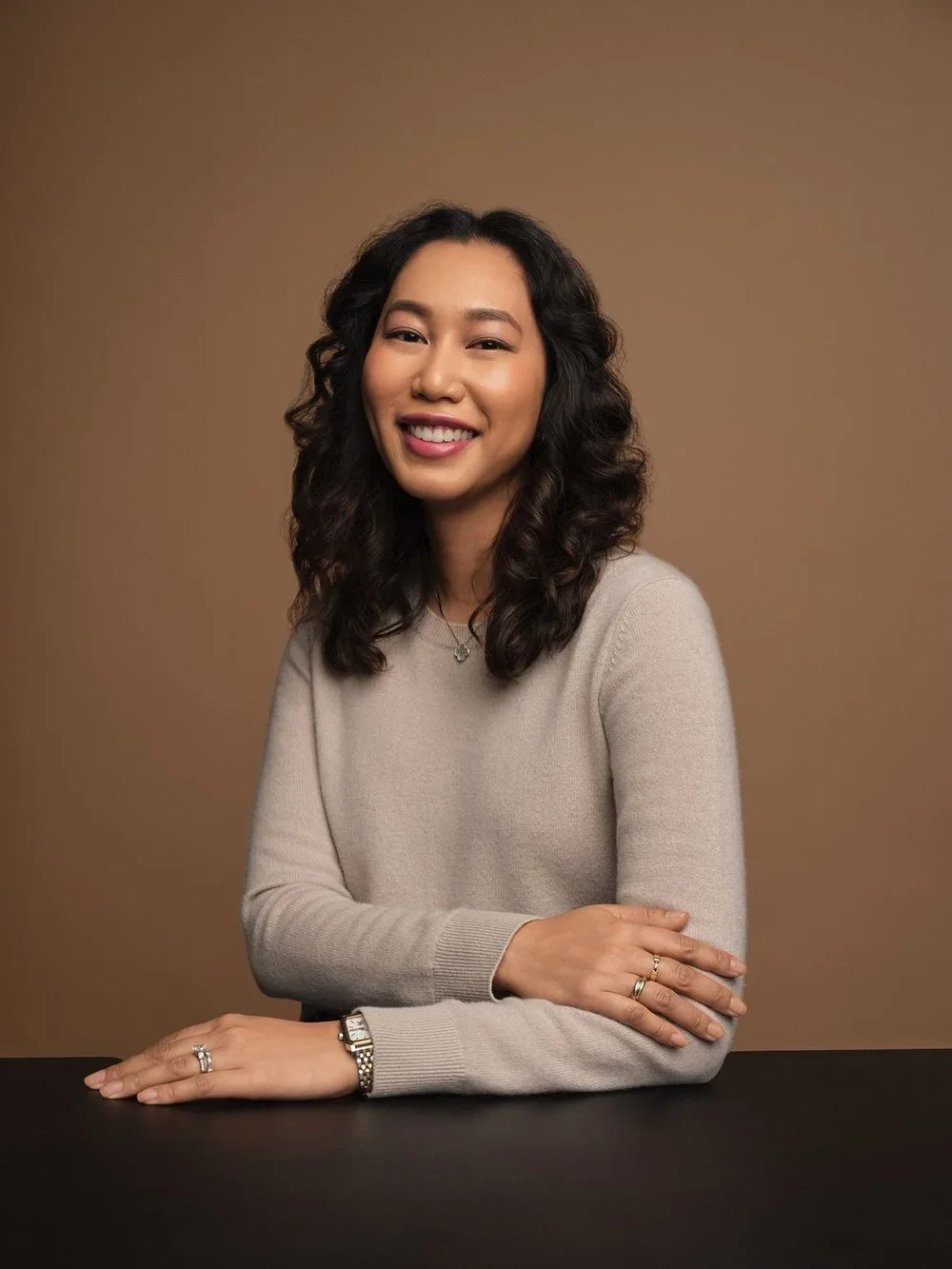
Mark the people who appear in each photograph and whether the image must be usable when the team changes. Individual portraits are easier to update later than a single large group photograph. If new hires will be added regularly, save the approved background, crop, lighting direction, expression range, and retouching notes as a simple visual standard.
2. Write a Brief the Team Can Approve
A useful brief can fit on one page. Include the business purpose, audience, asset list, people and roles, locations, visual references, wardrobe guidance, required crops, file uses, deadline, and the person with final approval. If brand colors matter, provide the actual reference and decide whether the color belongs in the backdrop, wardrobe, office setting, or later layout.
Choose a direction that can be repeated. Record whether portraits should feel formal or relaxed, close or environmental, neutral or colorful, and consistent or intentionally varied for founders. Avoid vague instructions such as “make it innovative.” A sample image plus notes about what the team likes is easier to use.
Founder, Team, and Press Uses
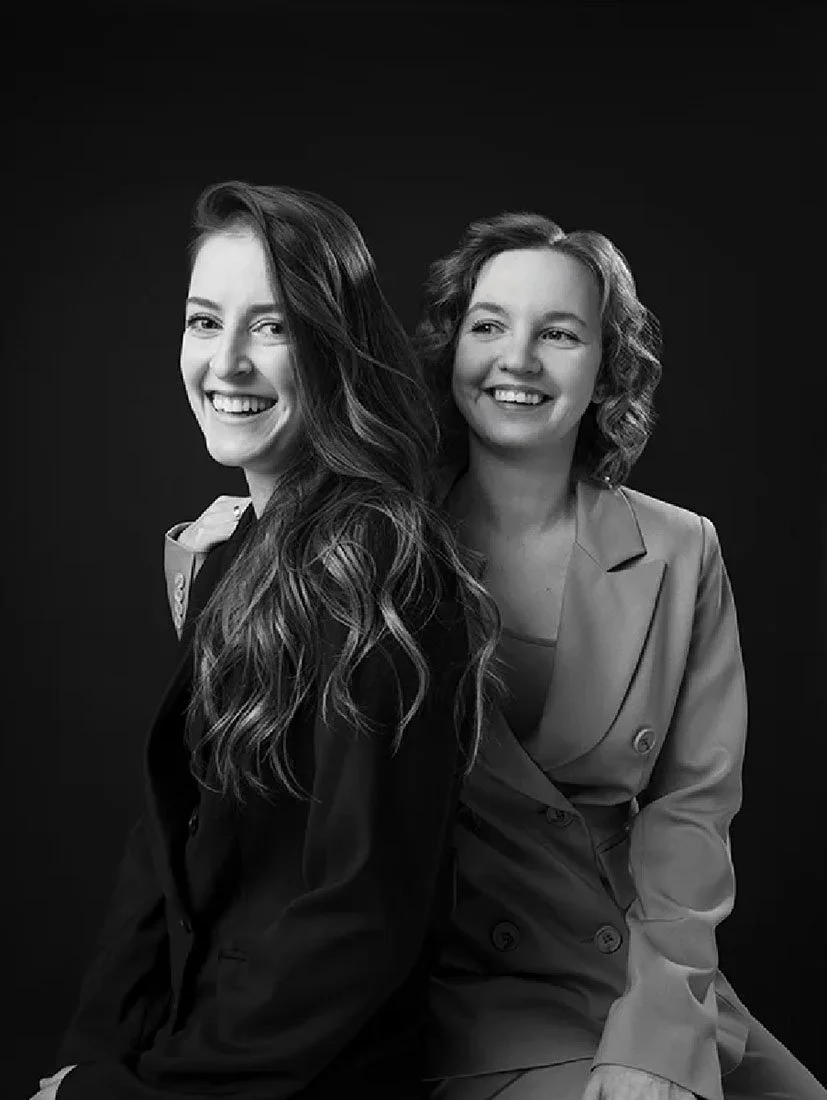
Founder portraits can support press, speaking, and leadership pages with a more editorial frame. Employee headshots usually need a repeatable system for the company directory or team page. Group and office photographs can show collaboration, space, or product context. Decide which of these uses is required now and which can wait, because each adds setups, people, and approval decisions.
3. Turn Availability Into a Real Schedule
Collect availability before setting the order. Put founders, external guests, and anyone with a hard departure first. Schedule group combinations while every required person is present. Place wardrobe or background changes together so the setup does not move back and forth.
For an office session, confirm building access, freight or elevator rules when relevant, the room, power access, furniture moves, and a contact who can solve access problems. Send the final participant list and shot order to both the photographer and the internal coordinator. Published packages define included headcounts; custom office, hybrid, and larger programs should be scoped from the actual list rather than a fixed minutes-per-person rule.
Keep a Small Buffer
Leave room for late arrivals, a required group variation, or a background adjustment. A buffer is most useful around the people with the least flexible schedules. It should be part of the plan, not a promise that any last-minute request can be added.
4. Prepare People and the Location
Send participants the arrival time, address or room, wardrobe range, and whether a second option is useful. Solid colors and restrained patterns are easier to coordinate, but wardrobe should still suit the person and the approved visual direction. Ask everyone to arrive ready for their assigned slot.
For office images, remove confidential material and decide which areas may appear. Identify any screens, product details, signage, or prototypes that need explicit approval. If the session includes a group, name the exact combinations in advance rather than assembling them from memory on set.
5. Make Selects and Approvals Explicit
Choose one person to collect feedback and submit selections. Decide whether each subject selects their own headshot or whether marketing makes the final choice for consistency. Use filenames or gallery identifiers in the approval list, and separate selection notes from retouching requests.
Match Production’s listed Studio packages currently start at $399, $549, and $899. Listed Team packages are $1,449, $1,889, $2,499, and $4,490, with exact headcounts and deliverables stated on the service page. A managed option is listed at $6,900 for up to 50 people. Location, additional assets, hybrid coverage, and other custom requirements belong in a written proposal.
Standard Team packages list delivery of retouched finals 24–48 hours after selections. Do not plan a press release around an assumed proof time or emergency turnaround. Confirm any fixed deadline in the scope before booking.
6. Save the Handoff for New Hires
At handoff, keep the approved final files, crop requirements, background reference, wardrobe note, retouching direction, and the name of the internal approver together. This gives a future session a concrete reference and makes it easier to add new hires without reconstructing the original decisions.
When the brief is ready, compare it with the current startup photoshoot options and request a proposal for anything outside the listed packages.