
Virtual Headshots for Remote Teams
Get remote headshots for distributed teams, remote employees, and companies that need a consistent professional look without bringing everyone into one studio.
Match Production creates virtual headshots through a live, photographer-led remote photo session. Each person joins from a phone, receives direction on lighting, pose, expression, framing, and background, and gets a polished final image for LinkedIn profiles, company websites, team pages, employee directories, press materials, and internal platforms.
Real remote headshot photography, not AI. Real photos, real direction, and studio-quality results from a simple smartphone setup. Editing and usage rights included, and team quotes are answered within 2 business hours.
From $100
Per person for large team headshots.
10 minutes
Short live session per person.
1 to 2 days
Final image delivery in 1 to 2 business days.
400+ clients
Remote, hybrid, and corporate teams served.
Virtual headshots that look credible, not automated.
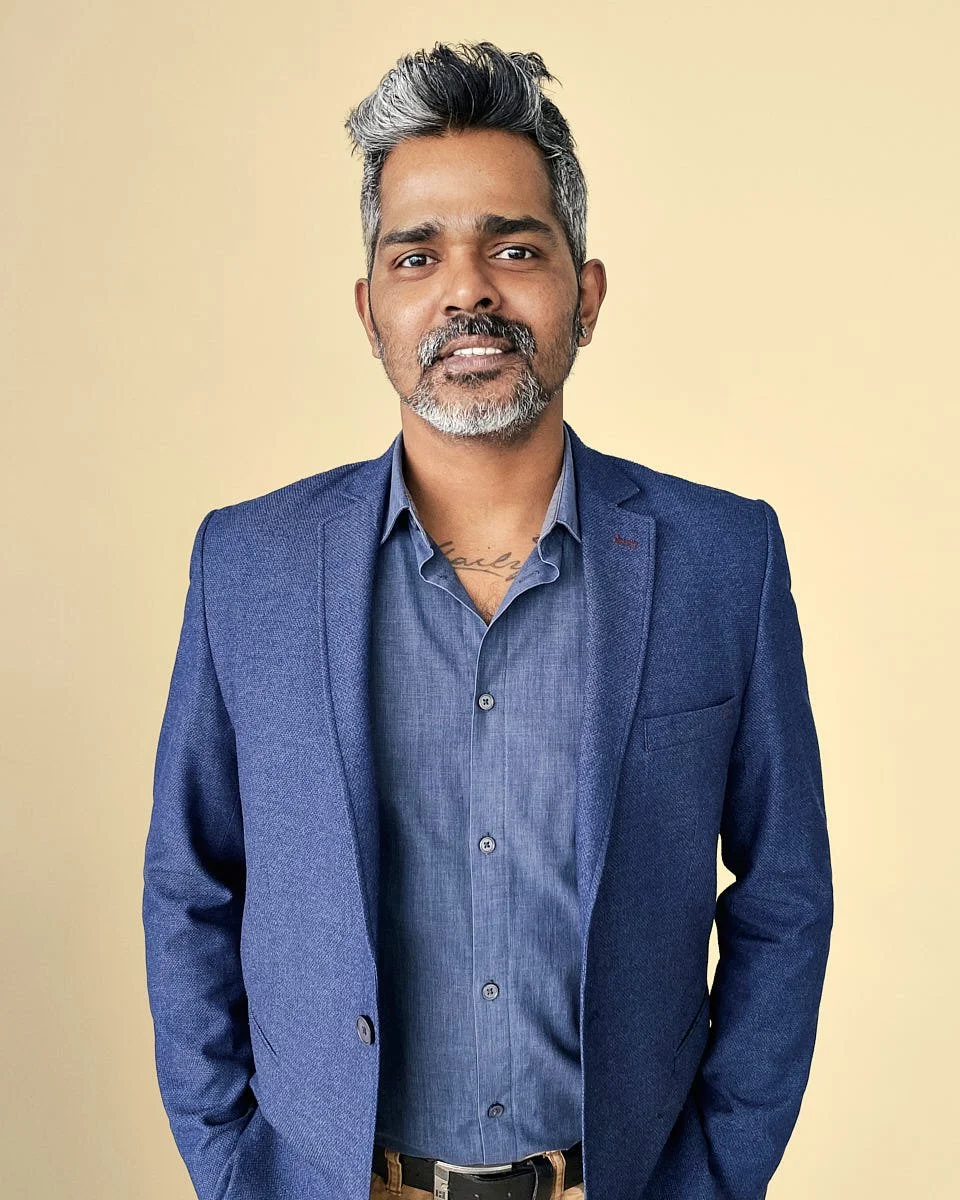
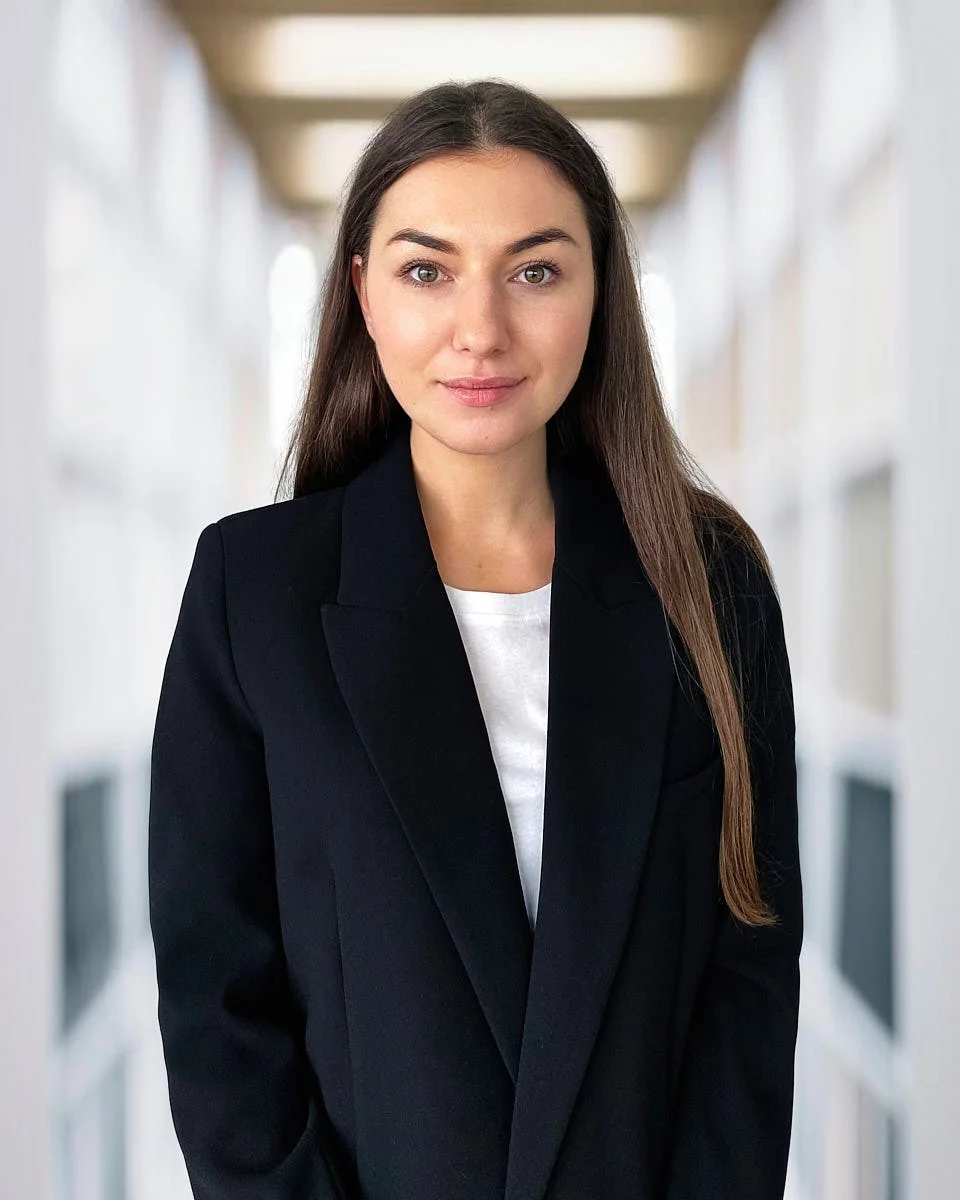
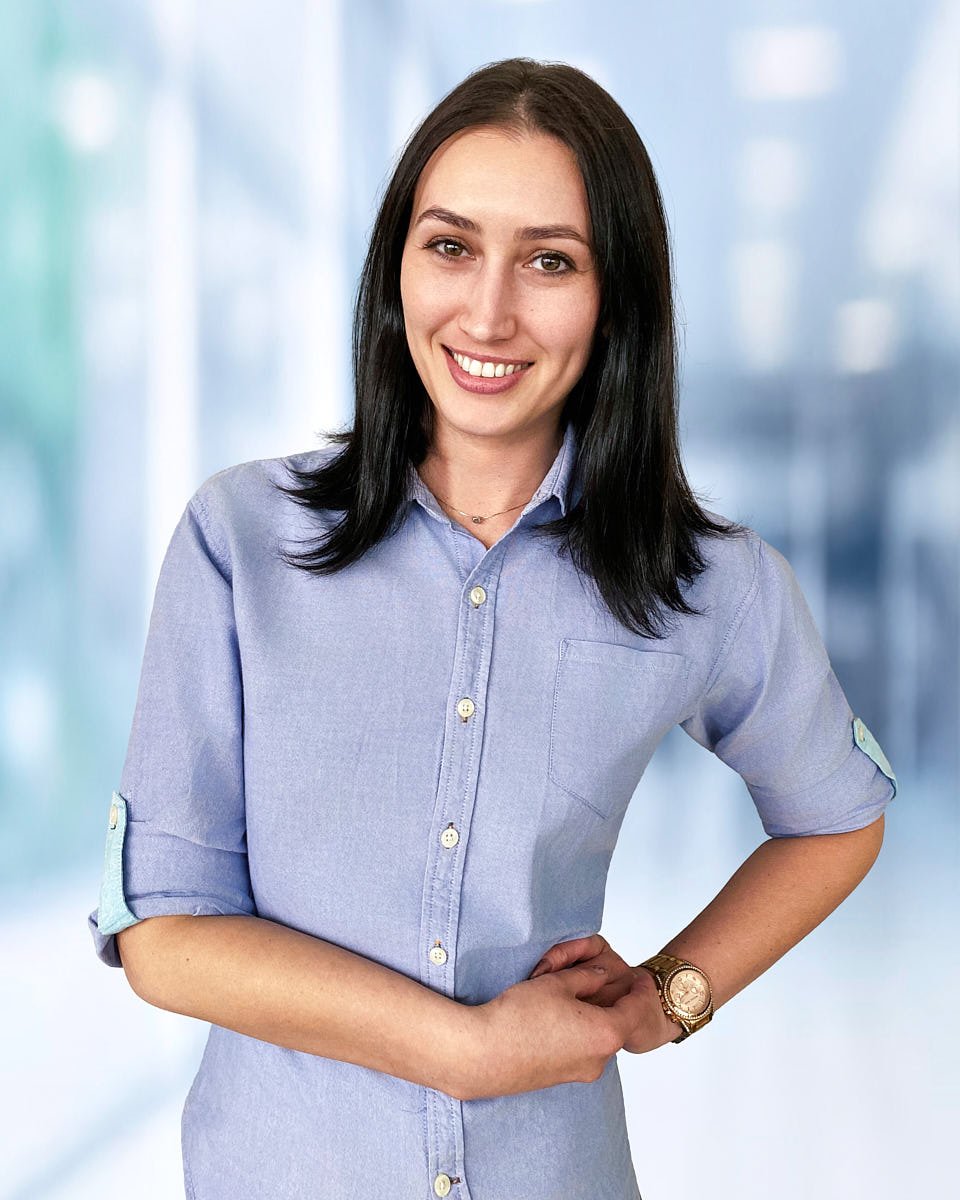
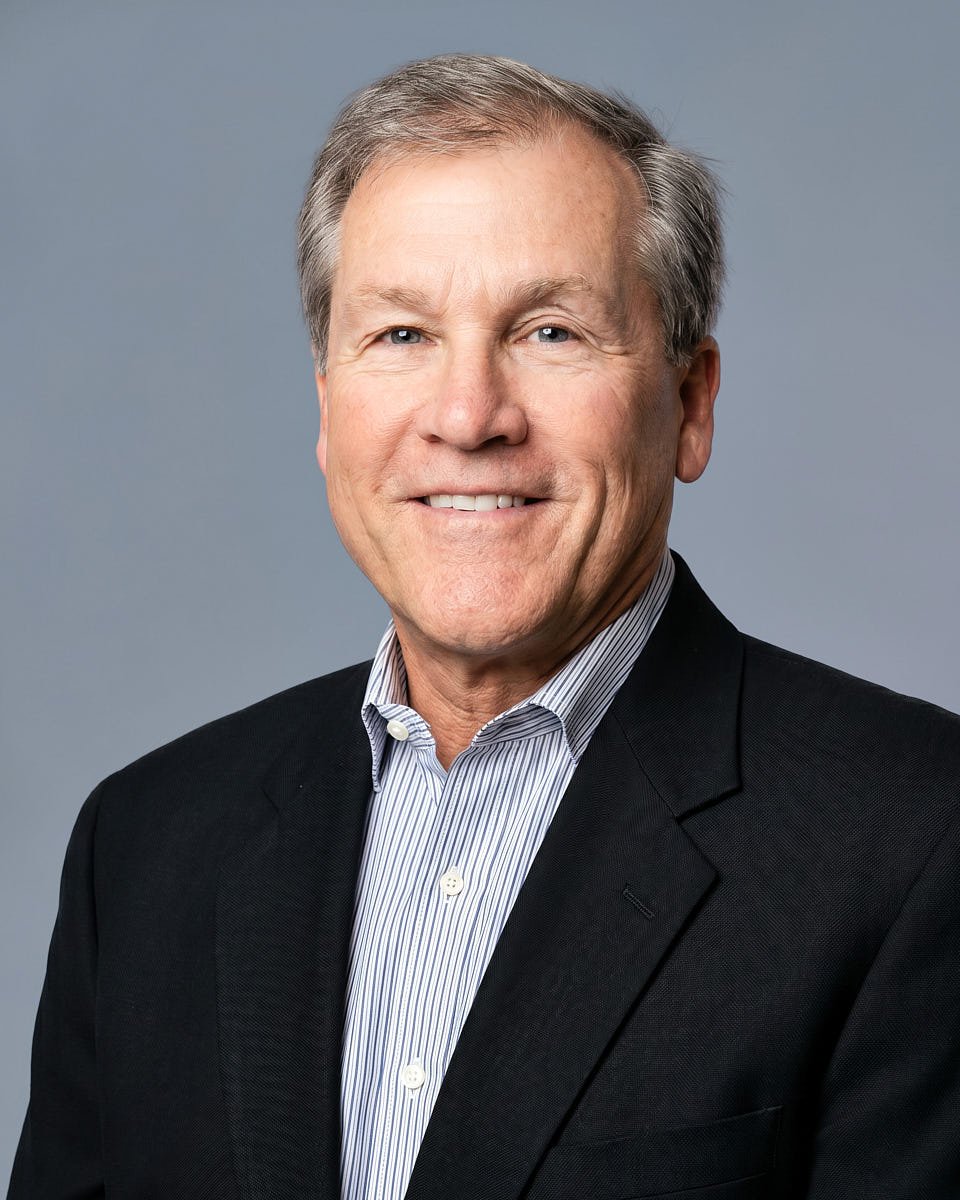
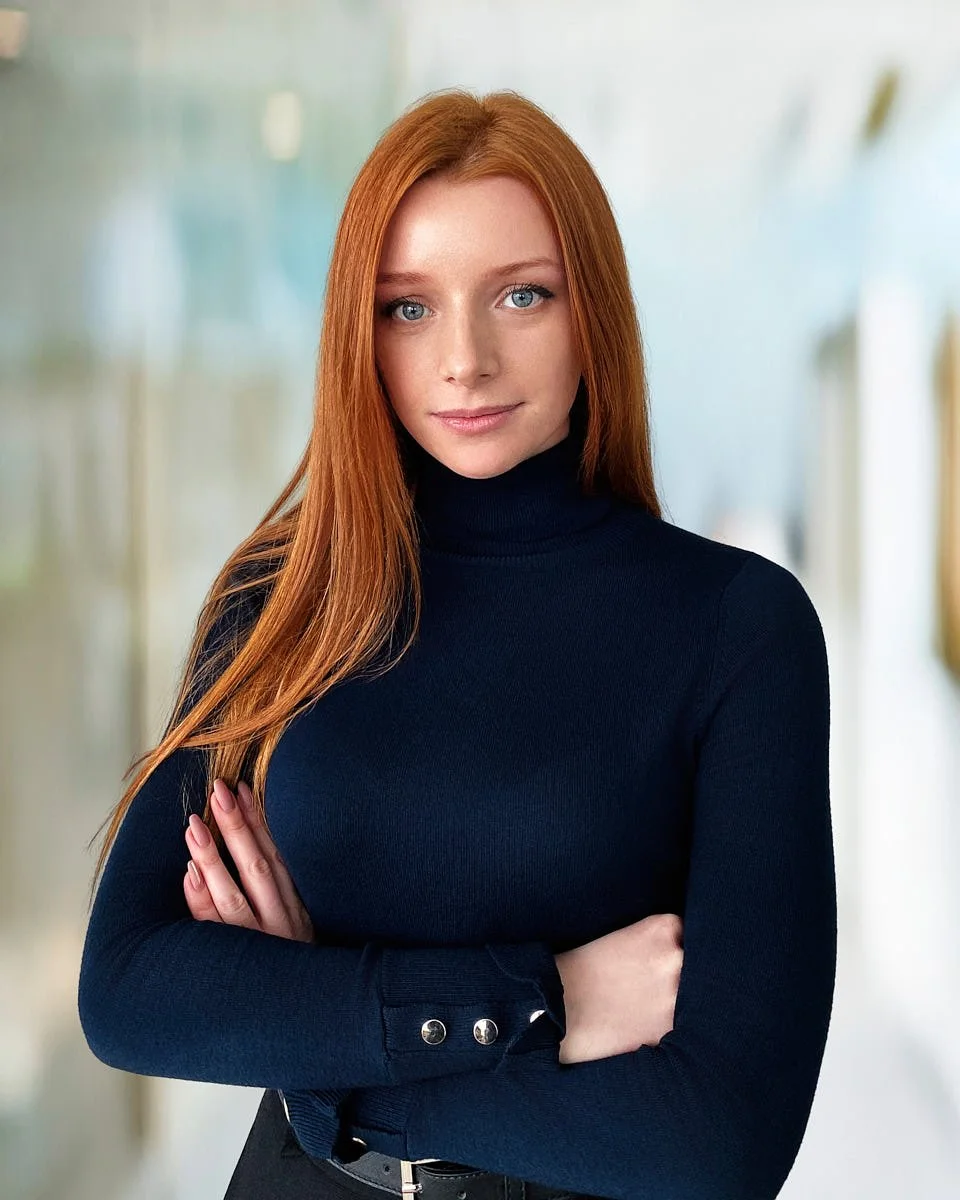
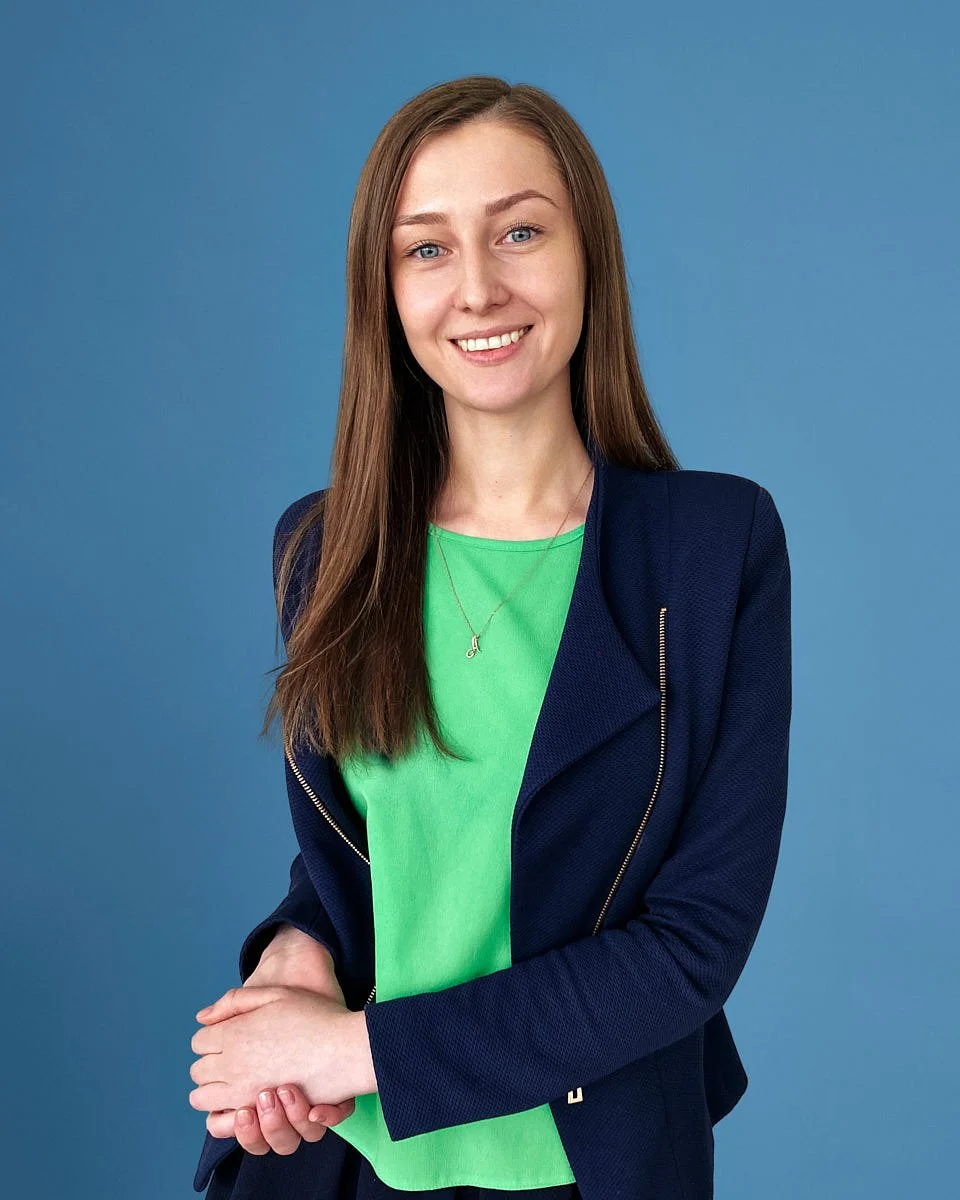
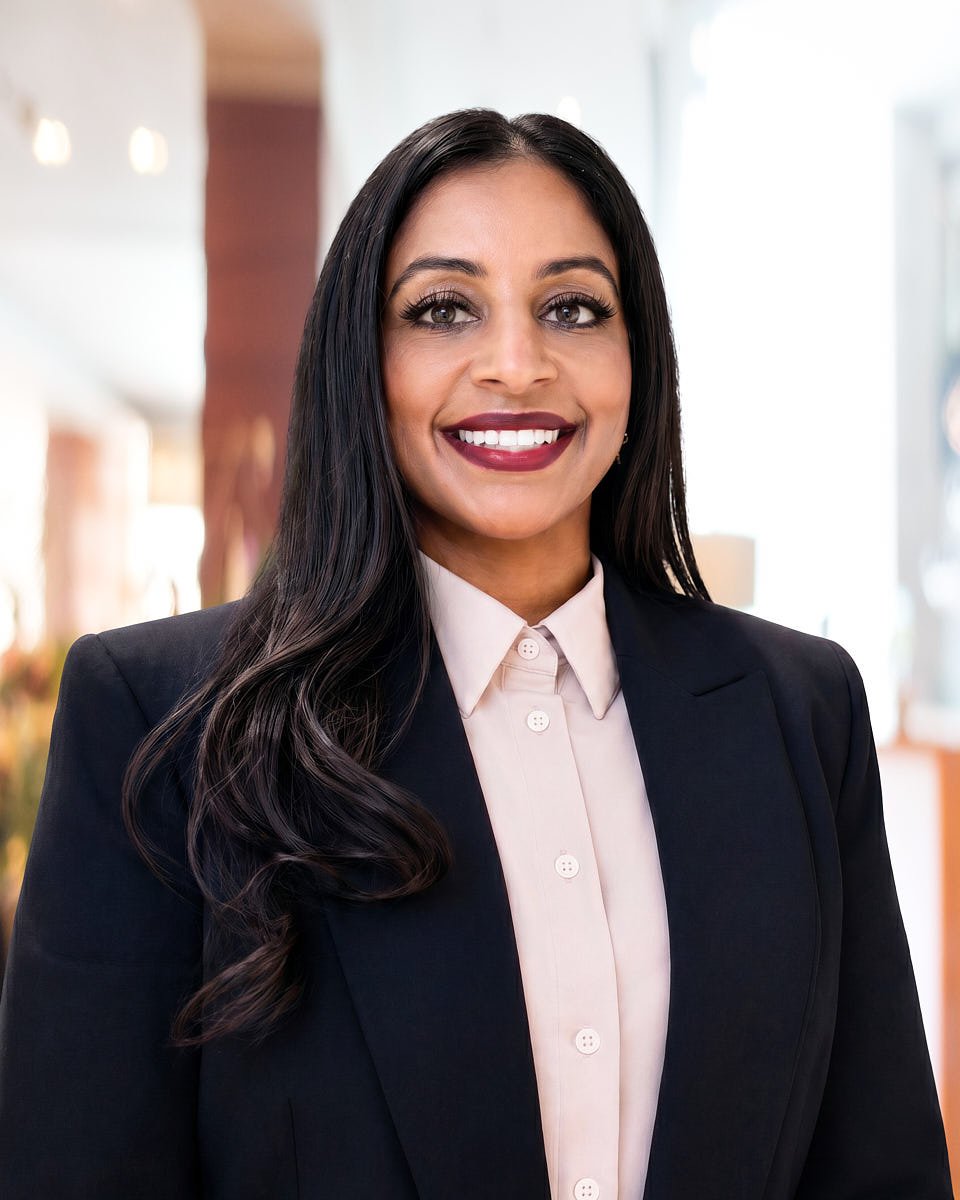
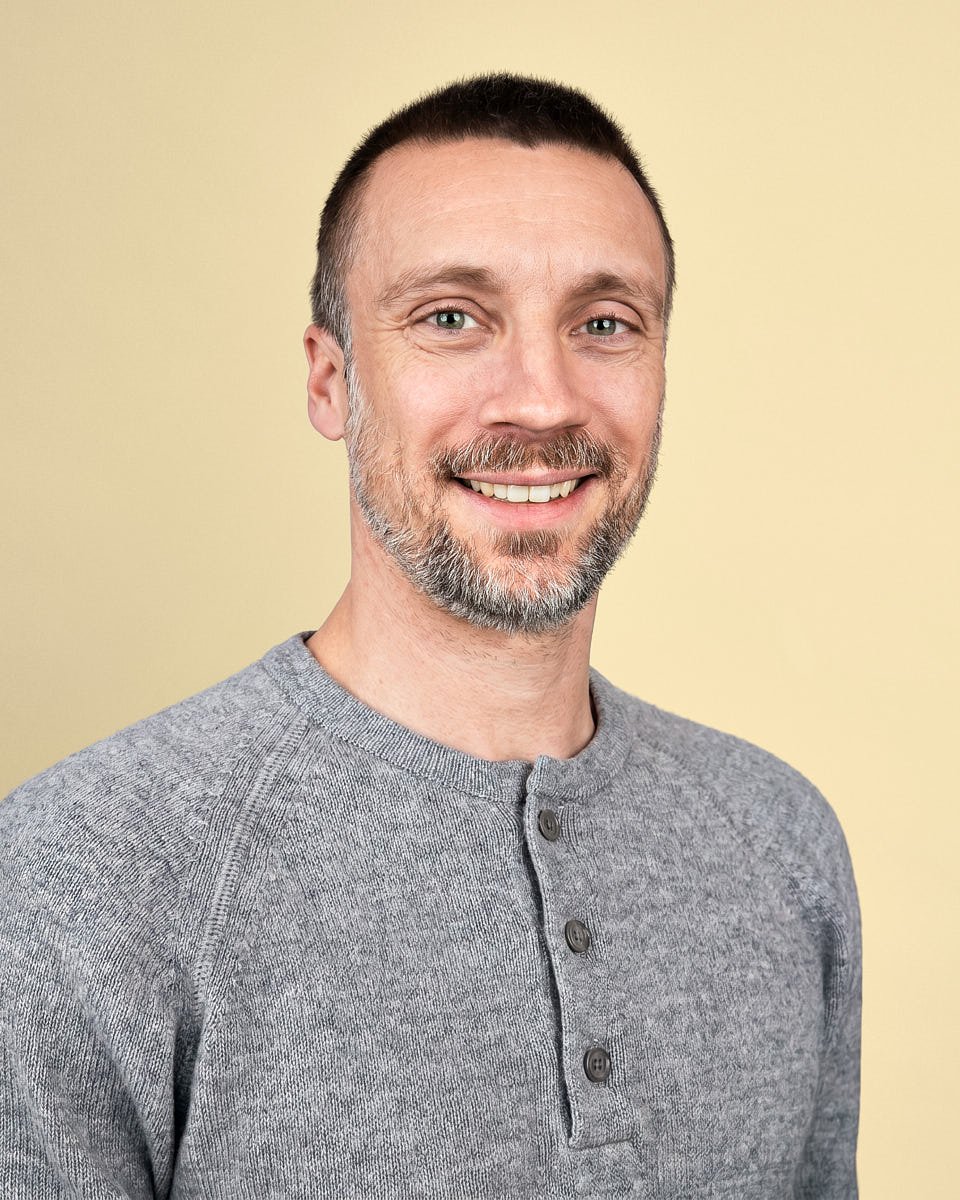
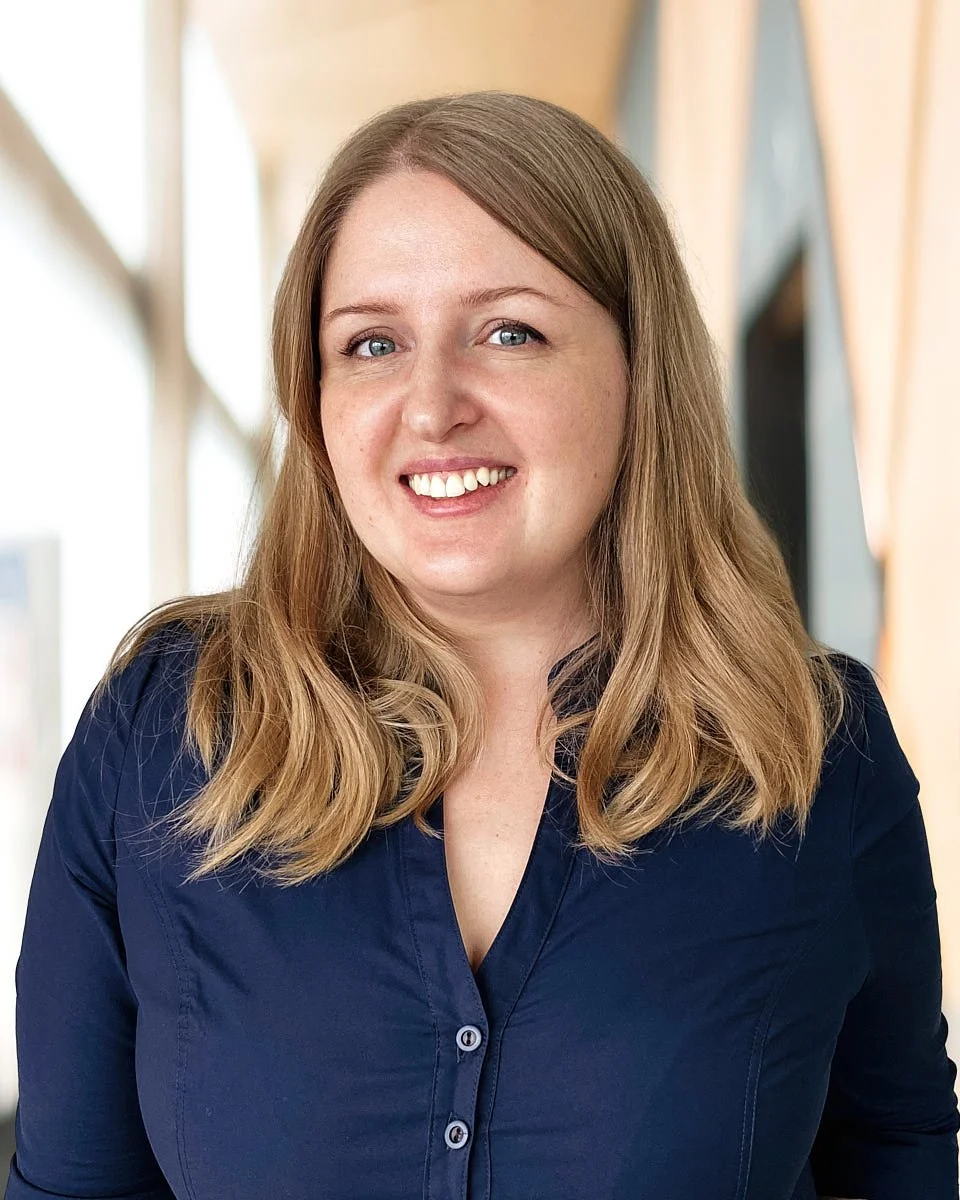
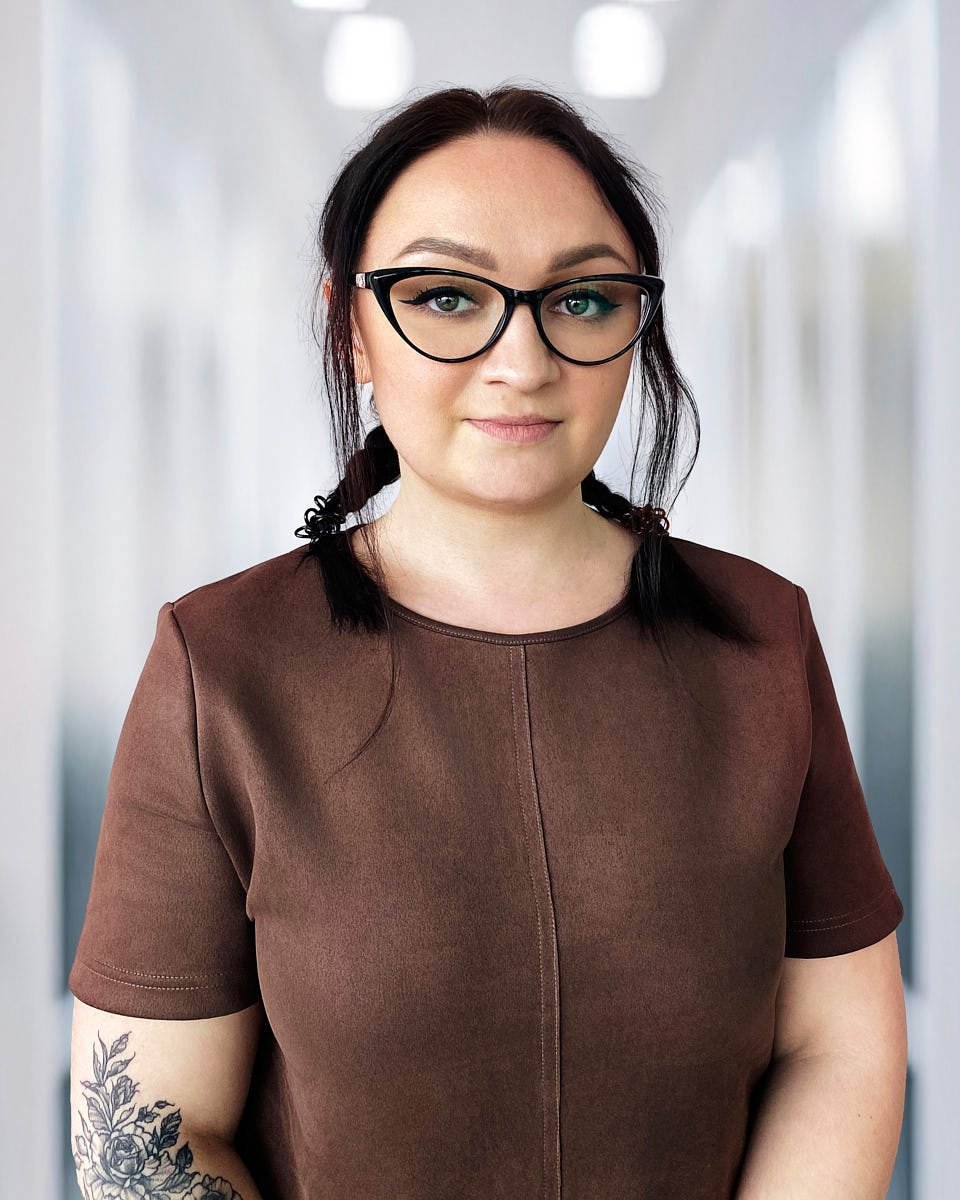
These are virtual headshots created through a live virtual headshot photo shoot. Each image starts with a real person, a smartphone or iPhone, and direction from a professional photographer.

Captured remotely
Source photo, setup note, and final crop shown together.

Guided live
Lighting, expression, angle, posture, and framing are directed during the session.

Edited consistently
The editing team prepares the final file for consistent crop, color, background, natural skin tone, and a higher quality finish.
The best virtual headshots make every employee feel aligned with the company brand while still looking natural. For HR and People Ops, virtual headshots reduce coordination. For employees, the process feels simple and guided.
The goal is to make every photo feel credible, not overprocessed, so clients can see the difference between a synthetic-looking image and a high-quality virtual headshot based on real photography.
Simple options for individuals, teams, and company rollouts.
Every package includes live direction, lighting guidance, background support, private delivery, and retouching.
Individual remote headshots
Per person
- Fully remote session
- Live posing and lighting guidance
- One retouched final image
- Digital background option
- Private gallery
- Unlimited usage rights
Remote team headshots
Per person for teams of 3+
- Live virtual photoshoot for each participant
- Guidance from a professional photographer
- One high-end retouched final image per person
- Private gallery
- Usage rights for recruiting, PR, LinkedIn, and internal tools
Large company headshots
From $100 per person for 10+
- Shared visual direction
- Booking link for all team members
- Consistent crop, color, and background
- Editing team review
- Delivery for website, recruiting pages, and brand systems
Remote New-Hire Program
Hiring every month? Keep every new face consistent with the rest of the team.
- Monthly or quarterly new-hire batches
- Your saved visual direction: same background, crop, and editing as the original set
- Flat per-person rate, agreed up front in your quote
- One standing booking link HR can share on day one
- Delivery to the same private gallery in 1 to 2 business days
Choose the workflow that fits your team.
Whether you need headshots for remote teams, one professional profile update, or corporate headshots for new hires in different cities, the process stays simple.
I need headshots for remote teams
Book virtual headshots for remote teams with one link. Team members schedule their own session, receive prep guidance before the virtual photoshoot, and get a polished final image without visiting a studio.
Plan team headshotsI need professional headshots for myself
Book a live remote headshot session with a virtual headshot photographer and create a professional virtual headshot from your own setup at home or at work. We guide the lighting, backdrop, pose, camera angle, and expression so you do not have to guess.
Book individual sessionI need company headshots for new hires
Keep remote employees, new hires, and new employees visually consistent. Set one look, one background, and one delivery process so every team member gets polished portraits that align with the rest of the organization.
Start a new-hire program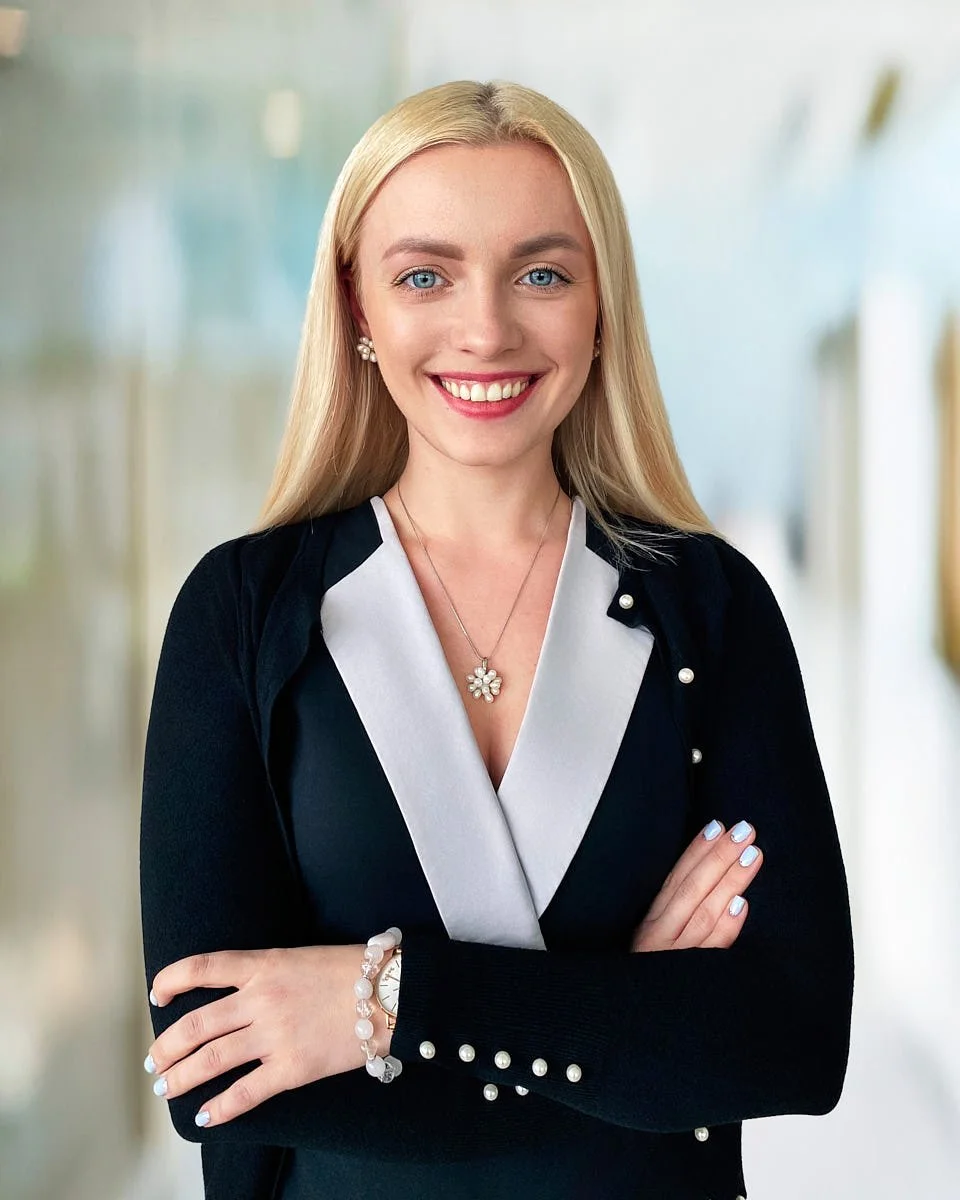
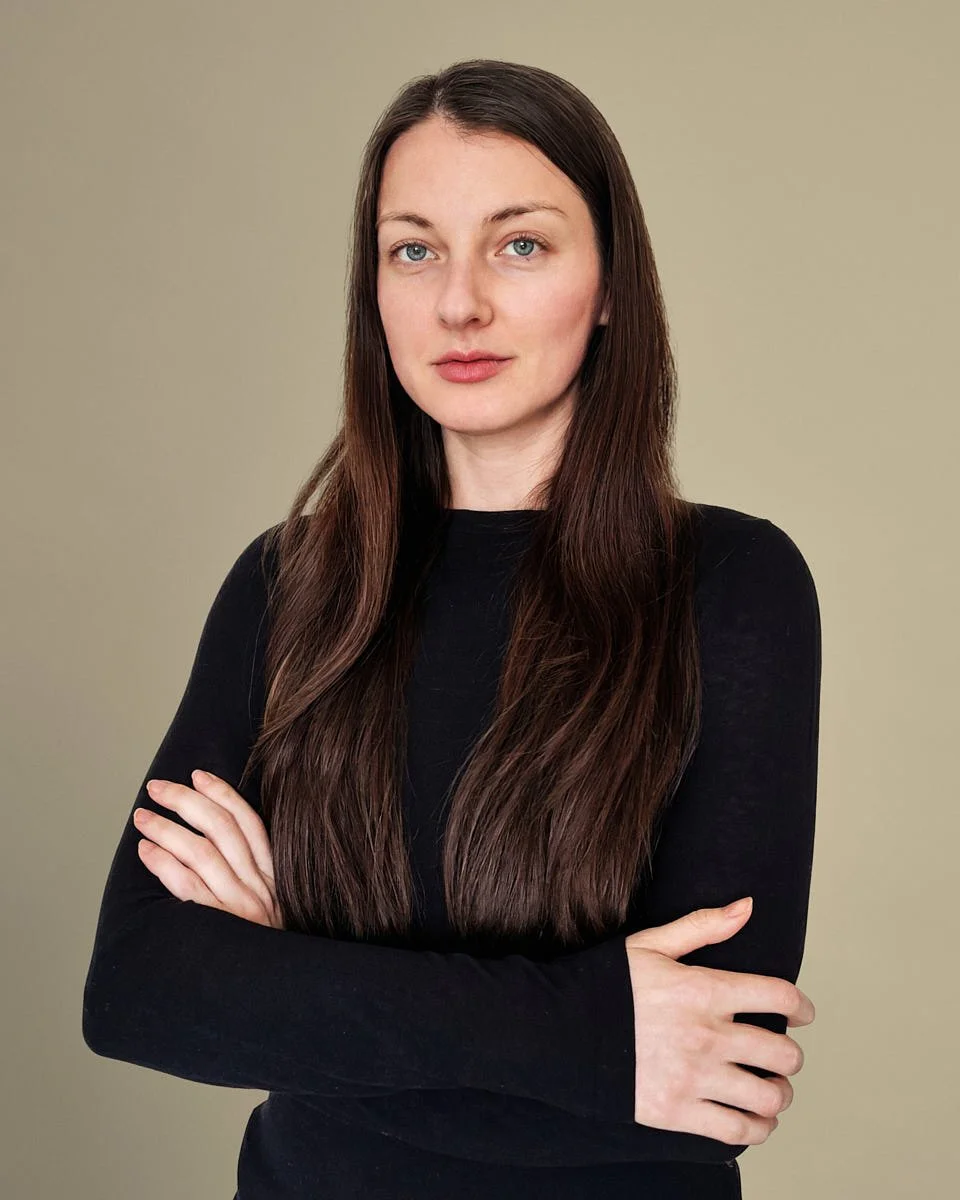
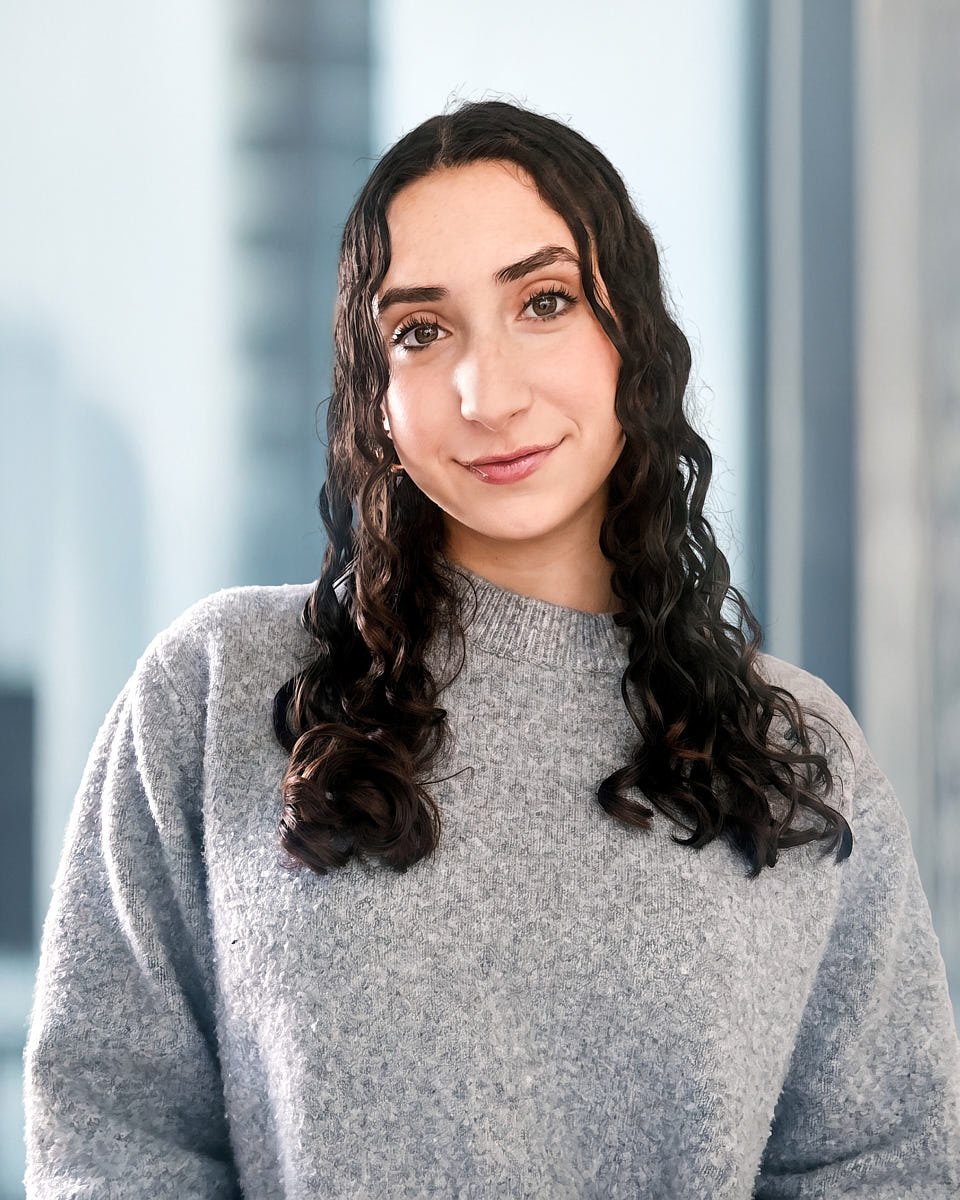
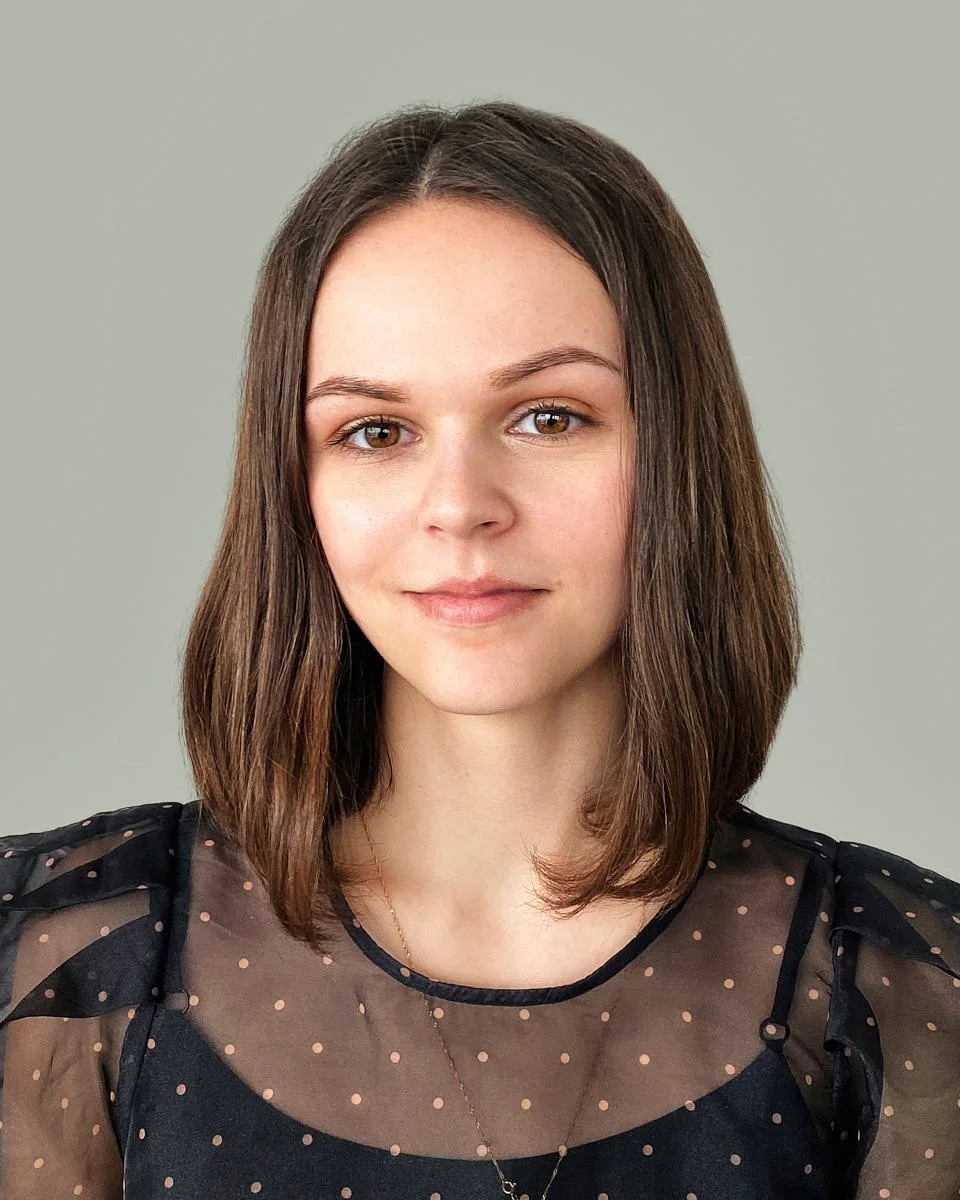
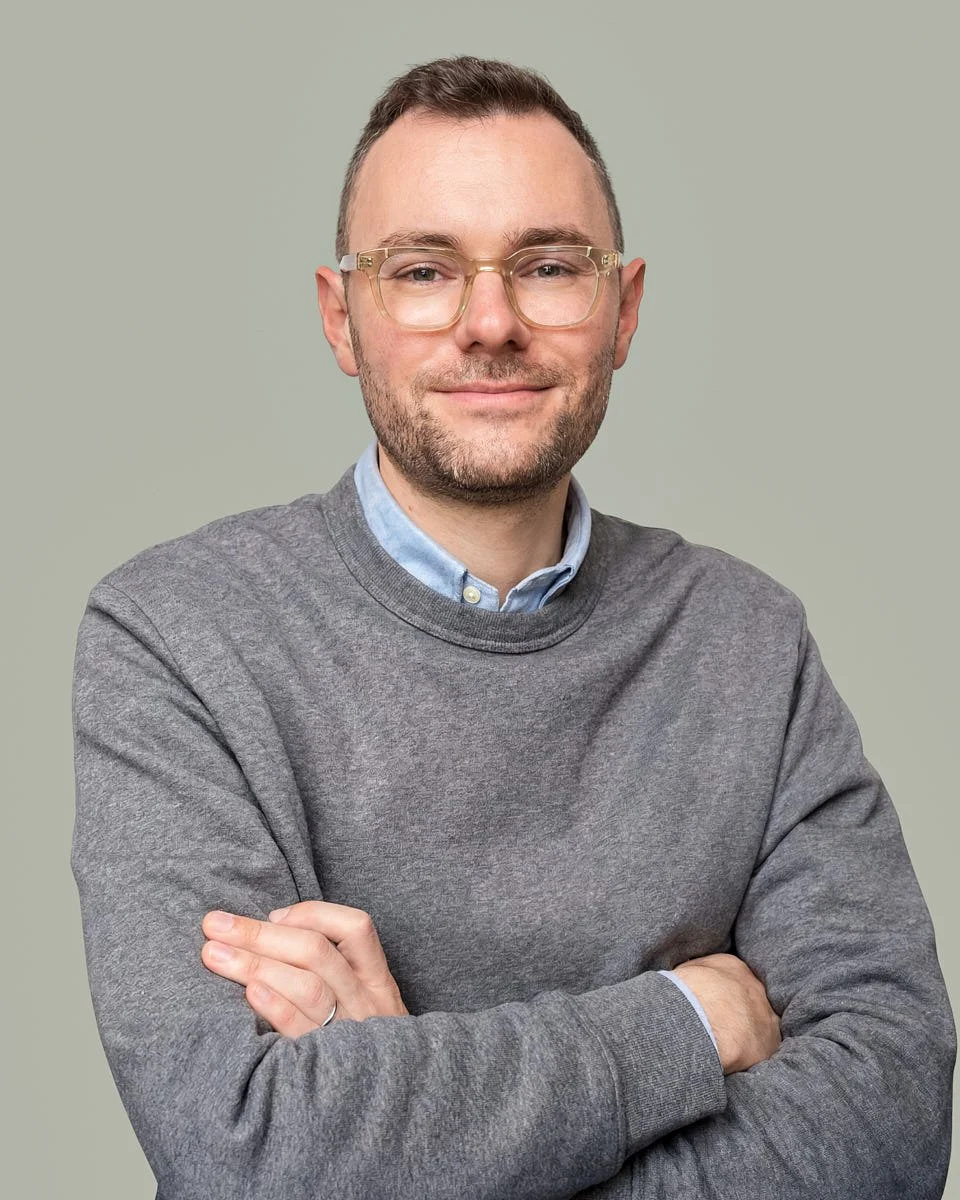
One workflow for every team member.
Remote teams need a clear process: set the look, send one link, join the session by phone, capture the right image, and receive edited files.
Step 01
Set the look
Choose the background, crop, and editing style for your virtual company headshots. Most companies choose a clean background, white backdrop, neutral backdrop, or branded digital background so team members look consistent across the company website, LinkedIn profiles, internal tools, sales materials, and press pages.
Step 02
Send one booking link
We give your team one link, and team members choose a time that works for them. This helps HR, founders, marketing teams, and operations teams save time, track progress, and avoid chasing remote employees across different time zones.
Step 03
Join the session by phone
During the remote photo session, a professional photographer guides every participant through lighting, posture, expression, and framing. We use natural light when it works, adjust the setup when needed, and help each person look relaxed enough for a credible professional headshot.
Step 04
Capture the right image
We capture several options during the virtual photo shoot and select the strongest image for the final product. The goal is not to take hundreds of photos. The goal is to get the right expression, clean lighting, and a professional impression.
Step 05
Edit and deliver
Our editing team prepares each image with color correction, crop consistency, background cleanup, natural retouching, and final quality control. Final files are delivered in a private gallery, usually within 1 to 2 business days depending on the package and rollout schedule.
Result
Consistent headshots
The process creates consistent headshots for remote teams without forcing everyone into the same physical location.
Built for HR and People Ops
Headshots for remote teams without the coordination headache.
Remote teams need a simple process. You should not have to book a studio day, manage travel, or ask team members to upload random images that do not match.
With Match Production, headshots for remote teams are managed through one clear workflow. We help your company choose the look, send instructions, guide every participant, and deliver professional headshots that feel like they came from the same visual system.
This is especially useful for remote teams, hybrid teams, fully remote teams, and distributed teams hiring across different cities. New employees can be added later, new hires can follow the same process, and remote workers can get new headshots without waiting for the next office event.
Get your team quoteRollout checklist
- One booking link for all team members.
- Shared visual direction for crop, style, and background.
- Prep guidance before the session.
- Live direction so employees feel comfortable.
- Private gallery for delivery and review.
- Repeatable workflow for new hires and new employees.
400+
Companies Served
8K+
Professional Headshots
5.0
Average Rating
12+
Years Experience
Why NYC Companies Choose Us
- Experience with 400+ companies across industries, roles, and team sizes
- Specializing in professional headshots for individuals, teams, founders, and executives
- Studio, office, and remote options for flexible scheduling
- Editorial lighting, guided posing, natural retouching, and clear delivery workflows
“Anna is a true artist and a visionary. She possesses the consistent ability to add such incredible meaning, energy and timelessness to every moment she captures. Her brilliant use of color, space and composition can be seen in all the work that she has done.”
“Working with Anna has been wonderful professional and human experience. Besides being a talent in photography, she has a graceful attitude that seamlessly brings out people’s beauty.”
“Great headshot studio in Midtown. Convenient location, friendly vibe, photos turned out great.”
“I had a wonderful experience working with Anna for professional headshots. She is incredibly patient, kind, and professional, and she has a real talent for making people feel comfortable in front of the camera.”
“Usually, I am a little shy in front of the camera, but Alex, photographer, was very patient and made me feel comfortable giving directions. The photos turned out great. I am happy 😊”
“Can't recommend this highly enough. From scheduling to final selection this is hands-down the best studio experience I've ever had. I don't want to use anyone else.”
“Thoroughly professional experience, great service, an incredible service overall. I highly recommend!”
“I had a fantastic photo session with Anya! Best pictures ever. Highly recommend!”
“We needed to update the photographs for our entire team. Olle's photos show each person's personality while maintaining a cohesive look. We're all very pleased with Olle's work.”
“Alex was a pleasure to work with. Professional, easygoing, and made the whole experience feel natural. The photos turned out great, and I highly recommend him to anyone looking for a talented photographer.”
“Such an incredible experience. We came to Match for team headshots, and everything was seamless from start to finish. The whole process felt easy, professional, and genuinely enjoyable.”
“I recently did a photoshoot for my portfolio with Match Production and I’m super happy with the results. The whole process was easy and professional, and the photos turned out amazing.”
“Fantastic experience with Match Production. The studio is beautiful, the team is professional, and the results feel truly editorial—clean lighting, great guidance, and a final look that’s perfect for LinkedIn and company profiles.”
“Had my headshots done with Alex and wow, just great. Beautiful private studio, chill atmosphere, zero stress. He knows exactly how to direct you. Pics look awesome. Would def go back.”
Why teams choose Match Production
Virtual corporate headshots that look consistent across the company.
Teams choose us because they need professional headshots that make a strong first impression and still feel human. A great headshot should look confident, natural, and aligned with the company brand.
Match Production is a NYC-based production studio, but the remote workflow is built for global teams. For companies that want to go deeper into remote team workflows, preparation, pricing, and rollout options, we also created a dedicated remote headshots resource. For companies searching remote headshots nyc, virtual headshots nyc, or online corporate headshot services, the value is the same: real direction, a repeatable process, and polished images that work beyond one local market. We help with natural light, better lighting when available, background choice, camera position, expression, and crop. Our editing team then improves image consistency and final quality so your team page does not look like a mix of random selfies.
The result is a higher quality system for headshots for remote teams: efficient for HR, comfortable for employees, and credible for clients.
Live direction
Every team member gets clear guidance instead of guessing.
Consistent style
Background, crop, color, and delivery stay aligned.
Real capture
The image starts from a real session, not a synthetic face.
Built for teams
New employees and new hires can follow the same workflow later.
Built for teams that cannot gather in one room.
Virtual headshots for remote teams work for companies that need a professional, repeatable image system without office-day logistics.
Remote and hybrid companies
Virtual headshots for remote teams give every employee a consistent professional presence, even when the team works from different cities.
Startups and growing companies
Virtual headshots for remote teams help startups look organized before a funding announcement, hiring push, or new website launch.
Enterprise HR teams
Virtual corporate headshots make it easier to support new hires, remote employees, and team members across locations without planning a full photo day.
Law firms and consultancies
Remote professional headshots help partners, associates, consultants, and client-facing teams make a stronger impression across websites, proposals, and internal directories.
Healthcare teams
Virtual headshots for remote employees help patients recognize the people behind the organization when teams work across clinics, offices, and remote roles.
Real estate teams
Virtual company headshots help buyers, sellers, and potential customers recognize the people behind the brand.
Everything your team needs to know before booking
-
Remote headshots are captured through a live, photographer-led session. Each participant joins from a phone, receives direction on lighting, pose, expression, framing, and background, and then receives a professionally retouched final image.
-
Remote headshots usually describe the production format: the person does not visit a studio. Virtual headshots can describe AI tools, DIY uploads, or live virtual headshot photography. At Match Production, virtual headshots are real photos captured during a directed remote session, then edited for a polished finish.
-
We set the visual direction, send one booking link, guide each employee through a short session, and deliver final retouched files in a private gallery. This is the easiest way to get team headshots virtually while keeping the final set consistent.
-
Yes. We create consistent remote headshots and scalable remote headshots for distributed teams, hybrid teams, fully remote teams, and companies hiring across multiple cities. New hires can follow the same workflow later.
-
Yes. We offer virtual corporate headshots and corporate virtual headshots for remote employees, leadership teams, departments, and company-wide rollouts. Final files can be used for company websites, LinkedIn profiles, team pages, press materials, recruiting pages, and internal directories.
-
Yes, when they are directed properly. A modern phone can create a strong professional image when lighting, angle, background, and expression are guided live, then finished with careful retouching and quality control.
-
Yes. Our New-Hire Headshot Program runs monthly or quarterly batches with the same visual direction, booking link, crop, background, and delivery process, at a flat per-person rate. New employees get headshots that match the rest of the team.
Helpful Articles on Remote Headshots
Planning remote headshots in NYC? These guides from our studio cover wardrobe, posing, pricing, and what to expect before your shoot.
Get professional headshots without the studio.
Whether you need one great headshot or a rollout across the company, Match Production makes the process simple. Your team gets real direction, a comfortable virtual photoshoot, and polished results that create a stronger first impression.