
Headshot Retouching: How Much Is Too Much?
The short version: good retouching enhances a headshot without changing who you are. It evens skin, removes temporary blemishes and stray hairs, balances color, and cleans up the background. It should never plastic-smooth your skin, reshape your face, or make you unrecognizable. The test is simple: you should look like yourself on a great day, not like someone else.
Key takeaways
In this guide
- What is headshot retouching (and what isn't)?
- What does good retouching do?
- What should retouching never do?
- What are the levels of retouching?
- Retouching for teams
- A note on AI retouching
- Why over-retouching backfires
- How to spot good retouching from bad
- Retouching and authenticity in the AI era
- How much retouching different uses need
- What we keep, on purpose
- Briefing tips for a natural result
- How retouching fits the bigger picture
- How do you brief a retoucher?
- Frequently asked questions
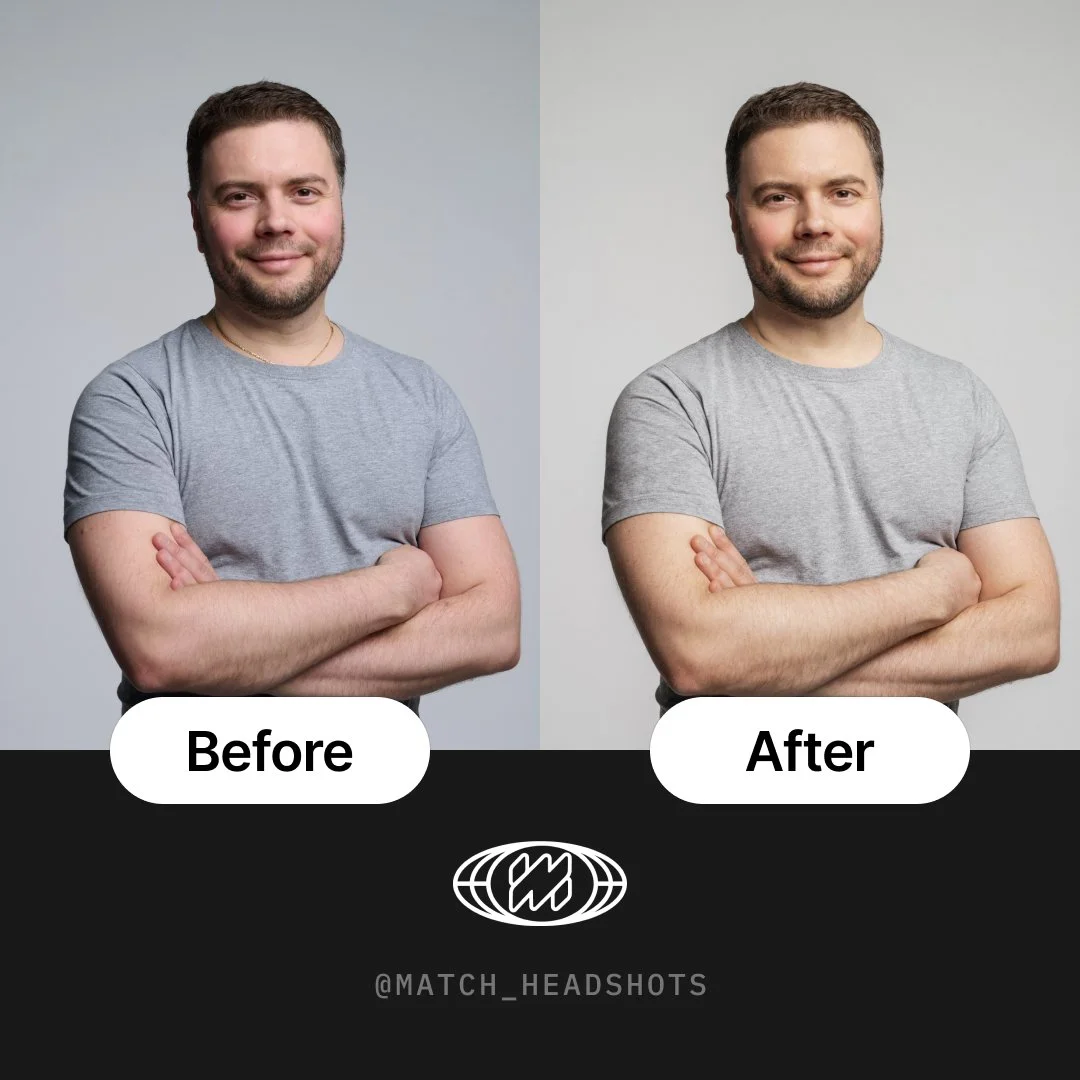
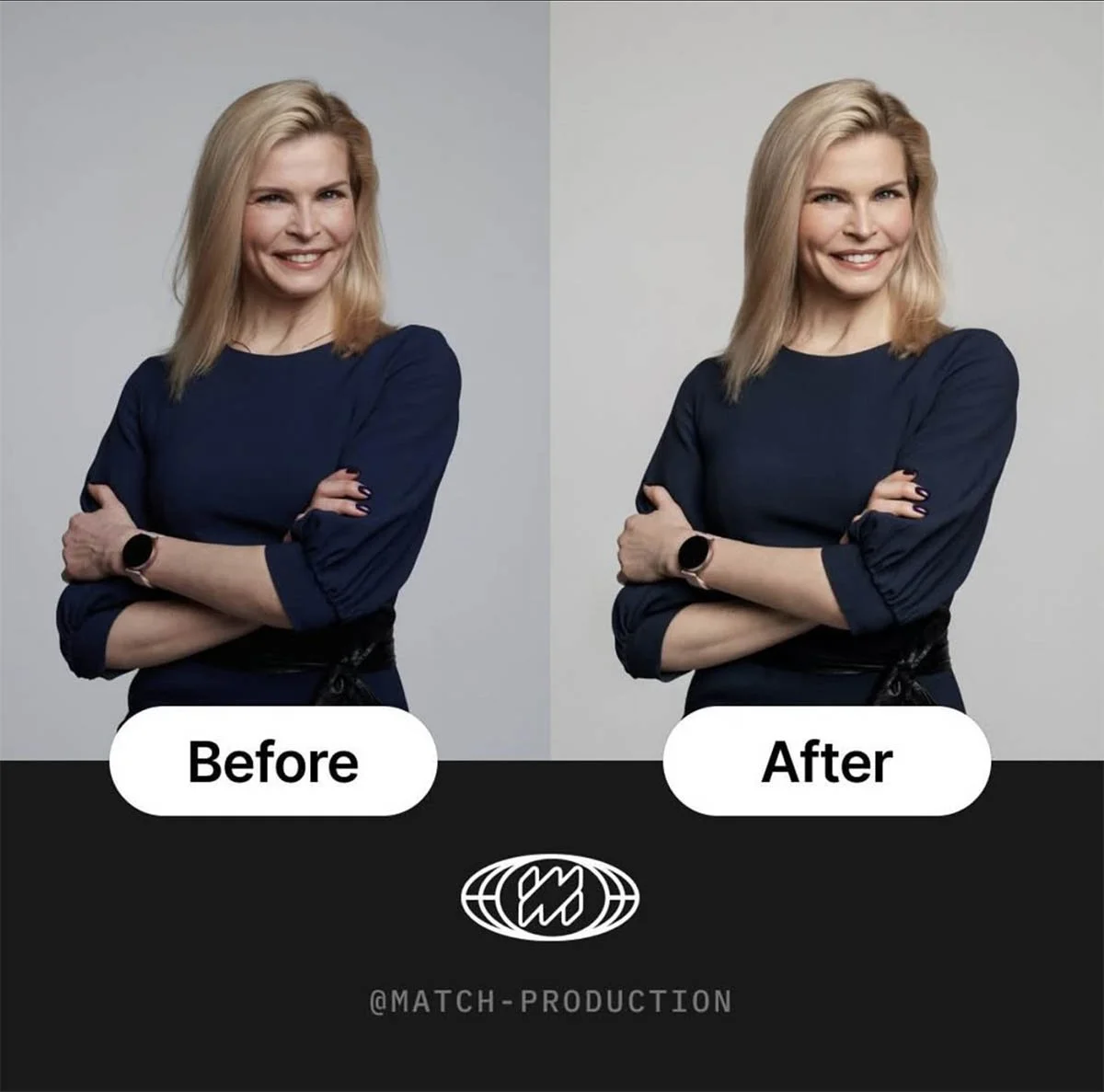
What is headshot retouching (and what isn't)?
Retouching is the editing step after the shoot. At its best, the photograph looks clean while the person remains recognizable. Heavy smoothing or reshaping can make the result look artificial. People can form facial impressions quickly, as the Princeton 100-millisecond research explains. Review the finished image at thumbnail and full size, and keep permanent features and natural texture. PhotoFeeler also publishes general guidance for evaluating profile photographs.
What does good retouching do?
Evens skin tone and reduces shine and redness.
Removes temporary blemishes (a spot, a stray hair, a bit of flyaway).
Softens, not erases, under-eye shadows.
Brightens and sharpens the eyes a touch.
Balances color and exposure so skin looks natural.
Cleans the background of distractions and uneven tone.
What should retouching never do?
Over-smooth skin into a wax look. Keep texture.
Reshape your face, jaw, or body. That's not you anymore.
Remove permanent features like real lines, scars, or freckles that make you recognizable.
Whiten teeth or eyes unnaturally.
| Fix this (temporary) | Keep this (permanent / you) |
|---|---|
| A spot or blemish | Real lines and natural skin texture |
| Stray hairs, flyaways | Your actual hairstyle |
| Shine, redness | Your skin tone |
| Background clutter | Your face shape and features |
| A bit of under-eye shadow | The fundamentals of how you look |
What are the levels of retouching?
Basic / natural: color, exposure, blemish removal, light cleanup. Right for most corporate and LinkedIn headshots.
Standard: the above plus refined skin, eyes, and background. A polished, still-natural look.
High-end / editorial: detailed skin work for press, campaigns, and executive portraits, done carefully to stay realistic.
Most business headshots want basic to standard. High-end is for when the photo will be printed large or used in press.
Retouching for teams
For a company, consistency matters as much as quality. Every person should get the same level and style of retouching so the team page looks uniform, not like ten different editors worked on it. This is part of why one provider for the whole team beats a patchwork.
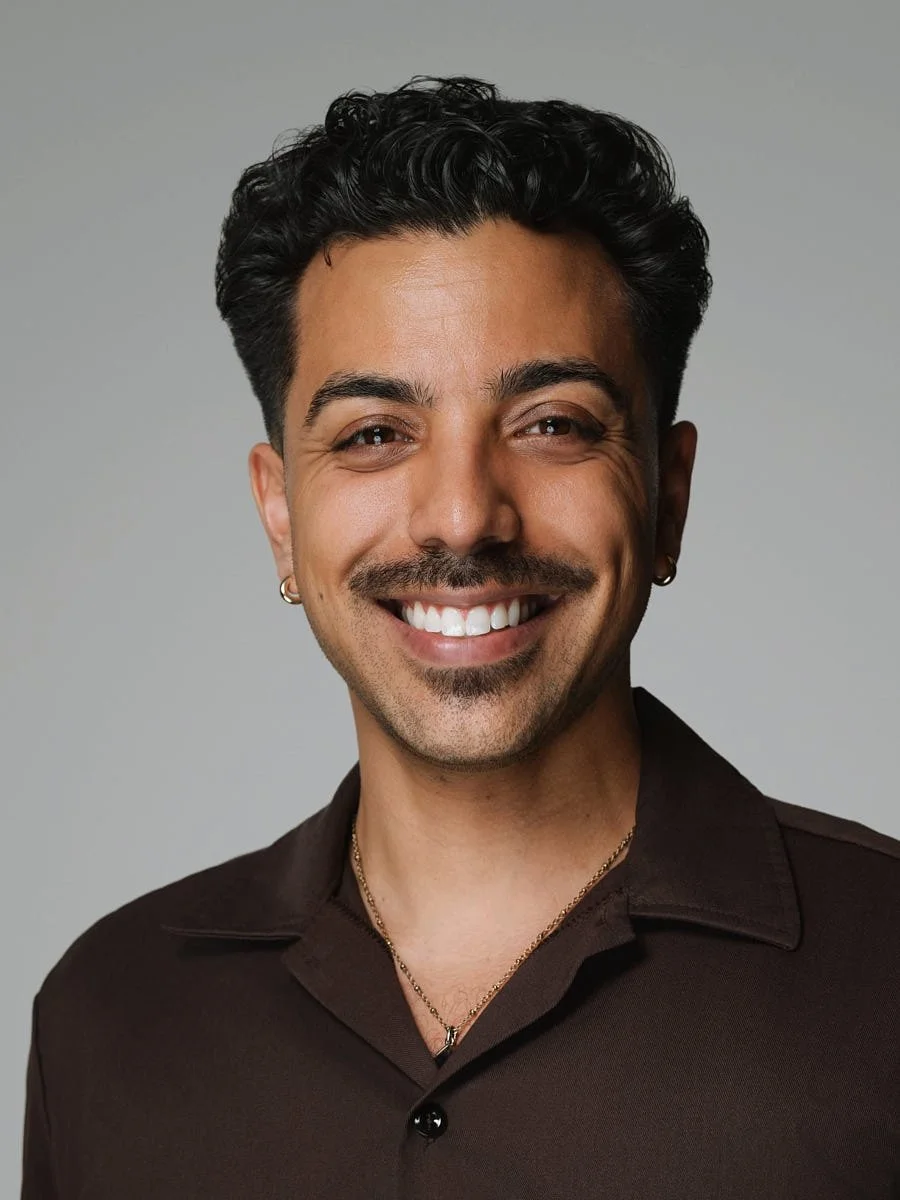
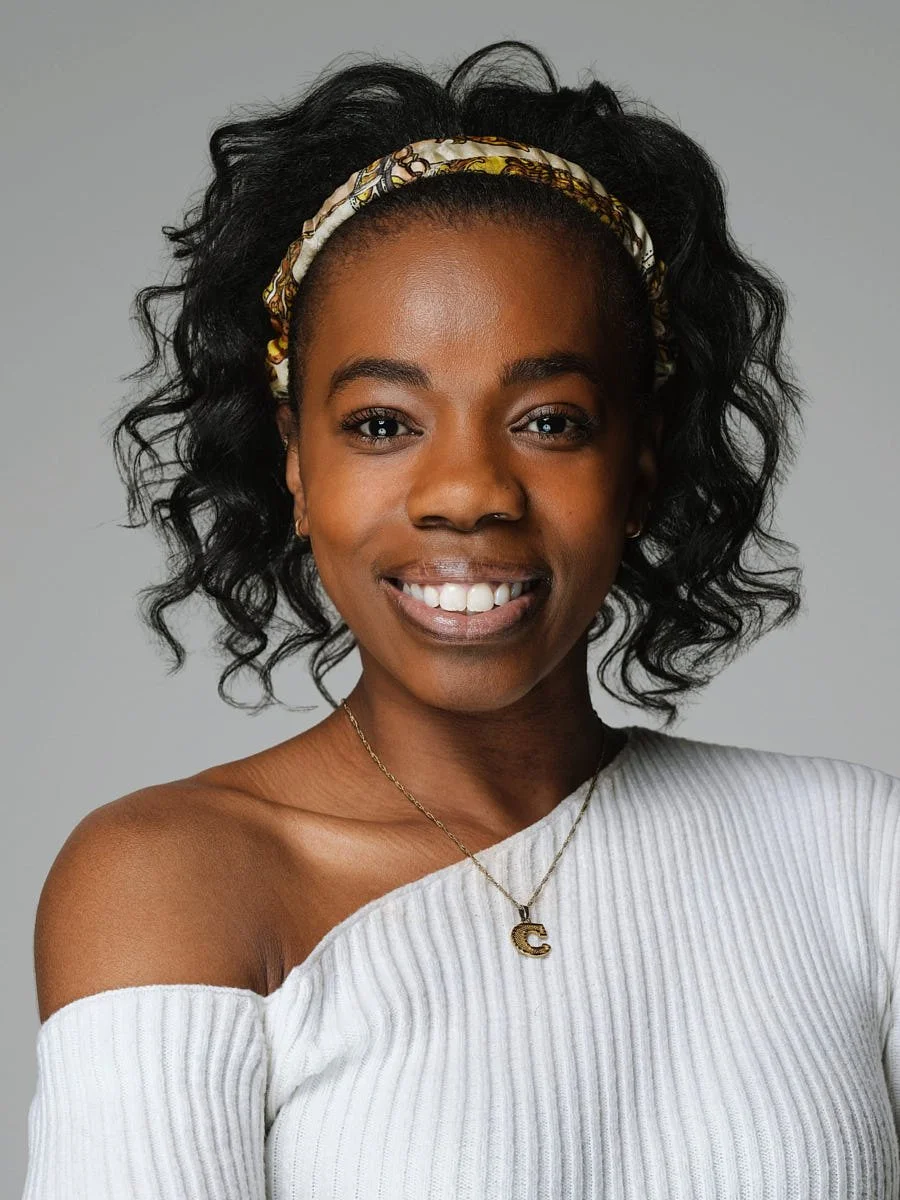
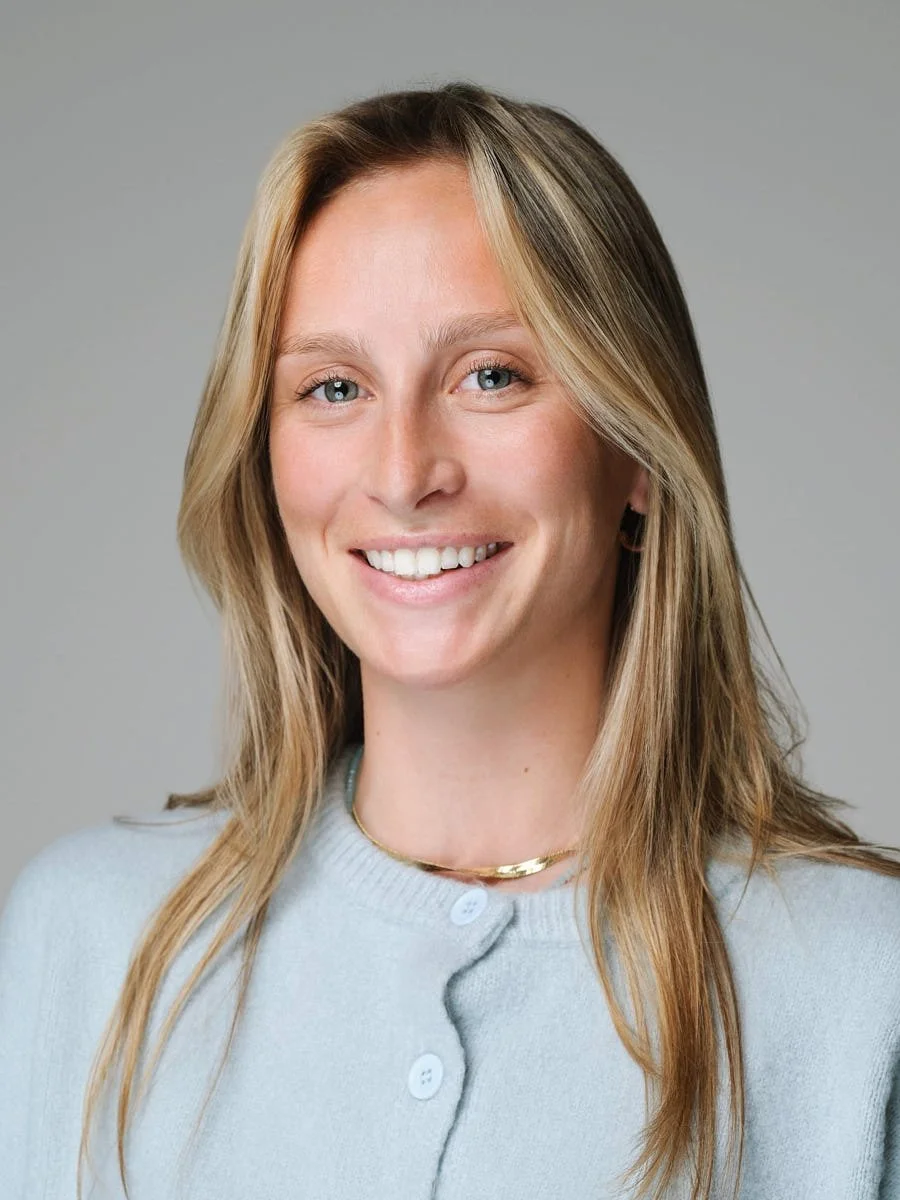

A note on AI retouching
AI "enhance" tools are fast but tend to overdo it: smoothing texture, subtly altering features, and adding an artificial sheen. Used carefully they can speed up cleanup, but unchecked they push photos into uncanny territory. The same caution applies as with AI headshots vs real photography.
Why over-retouching backfires
It is tempting to ask for a flawless version of yourself, but over-retouching quietly defeats the purpose of a headshot. Skin smoothed into wax, features subtly reshaped, every line erased, the result reads as "off" before anyone can say why, and that uncanny quality undercuts trust. Since a face is judged in about a tenth of a second, a viewer registers "this looks fake" almost instantly, even at small sizes. The goal of a business headshot is credibility and recognition, and both depend on the photo still looking like a real person, specifically you.
How to spot good retouching from bad
Good retouching is invisible. You should look at the photo and think "that is a great picture of me," not "that has been edited." The tells of bad retouching are easy to learn: skin with no texture or pores, a strange plastic sheen, eyes or teeth whitened past natural, and edges where the body or jaw has obviously been narrowed. Good retouching, by contrast, keeps skin texture, removes only temporary things like a blemish or a stray hair, and leaves the permanent features that make you recognizable. When in doubt, ask for a natural version next to a more polished one and compare; almost everyone picks the natural one once they see them side by side.
Retouching and authenticity in the AI era
As AI editing tools make heavy alteration effortless, restraint has become a real differentiator. Audiences are increasingly fluent at spotting over-processed and synthetic images, and they discount them accordingly. A headshot that looks authentically like you now reads as more trustworthy, not less polished, than one that has been pushed too far. The smart move is to use editing to present your best real self, clean, well-lit, blemish-free for the day, while deliberately preserving the texture, lines, and features that signal "this is a genuine person." Authenticity is the asset; do not retouch it away.
How much retouching different uses need
The right level depends on where the photo will live. For a LinkedIn or corporate headshot, basic to standard editing is plenty: color, exposure, blemish cleanup, and light skin and background work, all kept natural. For press, a large print, or an executive portrait that will be reproduced at size, a more detailed but still realistic pass is worth it, because larger reproduction shows more. What almost no business use needs is high-fashion, heavily-sculpted retouching; that register belongs to editorial and beauty work, not to a photo whose job is to look like a credible professional.
What we keep, on purpose
The features people sometimes ask us to remove are often the ones that make them recognizable, so we keep them on purpose. Real skin texture, natural lines, freckles, a scar someone has had for years, these are not flaws to erase, they are what make the photo read as a genuine person rather than a rendering. Removing them does not make you look better, it makes you look like a slightly different, slightly fake version of yourself, which is exactly the impression a headshot should avoid. Our default is to fix what is temporary and preserve what is permanently you.
Briefing tips for a natural result
You do not need to know retouching to get a natural result, you just need to say a few things up front. Tell the editor you want to stay recognizable and prefer a natural look. Point out anything genuinely temporary you would like gone, like a blemish from that week. Name anything you specifically want kept, such as freckles or character lines. And for a team, ask for one consistent level across everyone so the set matches. A good retoucher will take that brief and stop well short of the uncanny zone, delivering a clean, polished, still-authentic photo.
How retouching fits the bigger picture
Retouching is the final 10% of a good headshot, not the foundation. The heavy lifting happens in the shoot: the light, the angle, the expression. Editing then refines that strong base, it cannot rescue a poorly-lit or badly-posed photo, and it should never try to. When the session is done right, retouching is quick and invisible, because there is little to fix. That is the healthiest way to think about it: get the photo right in camera, then use restrained editing to present your best real self, the same standard behind every business headshot we deliver, as our business headshot tips lay out.
How do you brief a retoucher?
Ask for natural results and say you want to stay recognizable.
Flag anything temporary you'd like gone (a current blemish).
Say what to keep (freckles, a scar, character lines).
For teams, specify one consistent level for everyone.
About Match Production
Match Production is an NYC studio specializing in corporate, team, and executive headshots, with consistent in-house retouching on every session. We've delivered consistently retouched sets for teams across New York.
From a recent session: a client asked us to "remove all the wrinkles." We did a version that way and a natural version side by side. She picked the natural one immediately. The over-smoothed one didn't look like her, and she knew her colleagues would notice. That's the whole rule in one moment.
Frequently asked questions
What does headshot retouching include? Typically evening skin tone, removing temporary blemishes and stray hairs, softening under-eye shadows, brightening the eyes, balancing color and exposure, and cleaning the background, all while keeping you recognizable.
How much retouching is too much? Too much is anything that changes who you are: over-smoothed "plastic" skin, reshaped features, or removed permanent characteristics. Good retouching keeps skin texture and your real face.
Should retouching remove my wrinkles and freckles? No, not the permanent ones. Good retouching removes temporary things like a blemish, but keeps character lines, freckles, and texture so you still look like yourself in person.
What level of retouching do I need for a LinkedIn or corporate headshot? Basic to standard: clean, natural editing. High-end editorial retouching is mainly for press, large prints, or campaign use.
Can AI tools retouch my headshot? They can speed up cleanup, but they tend to over-smooth and subtly alter features. Use them carefully, or have a human retoucher keep the result natural and recognizable.