
Corporate Headshot Examples: Choose a Style for Your Team
How to use these company headshot examples
A useful reference makes four decisions easier: background, lighting, framing, and expression. Compare the portraits on this page, note which choices fit your website or directory, and send two or three references with your team brief. The photographs show visual directions, not named client case studies.
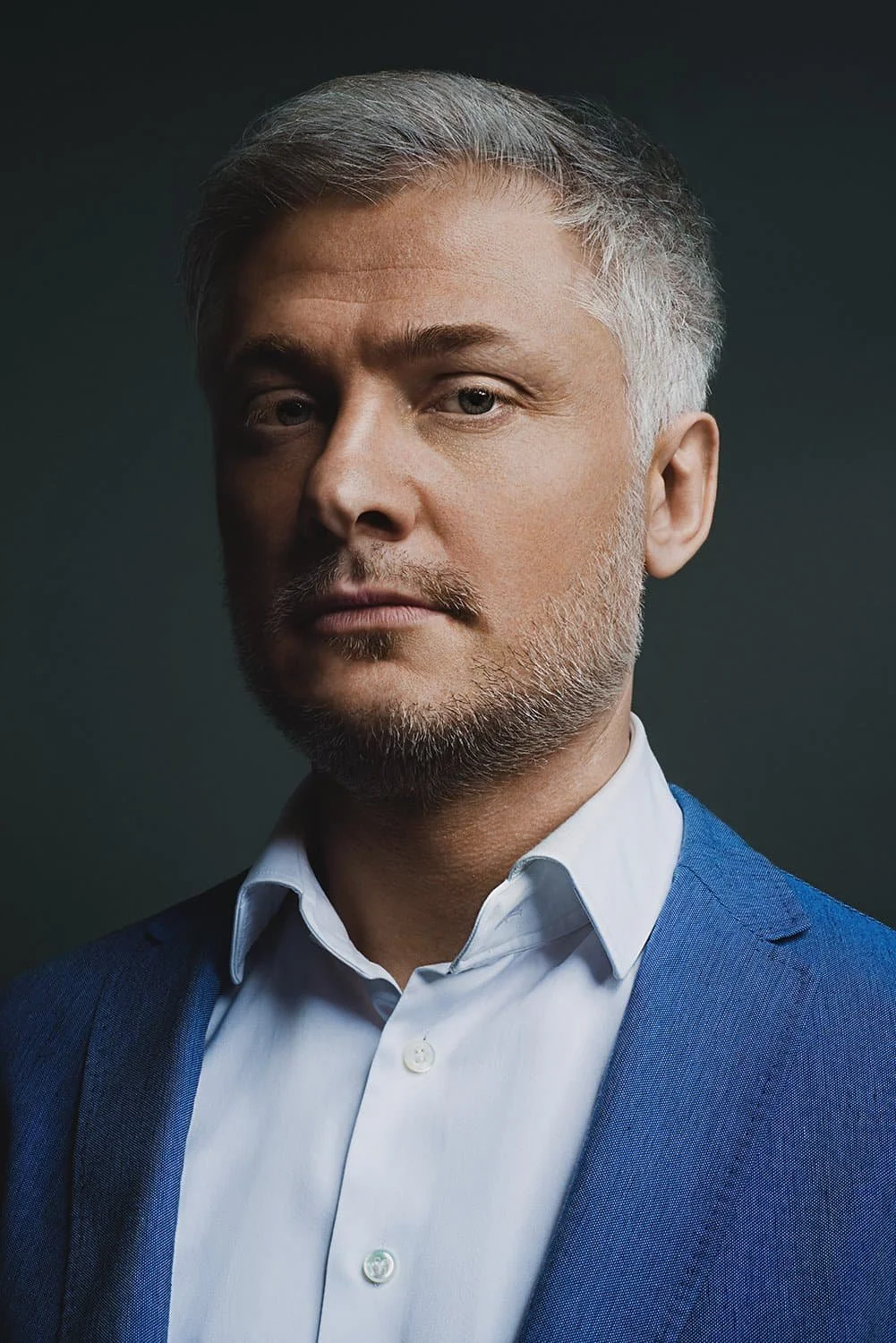
A tight frame, dark background and directional light make this a higher-contrast reference.

A wider standing portrait gives posture and clothing room. Plan a separate close crop for small profiles.
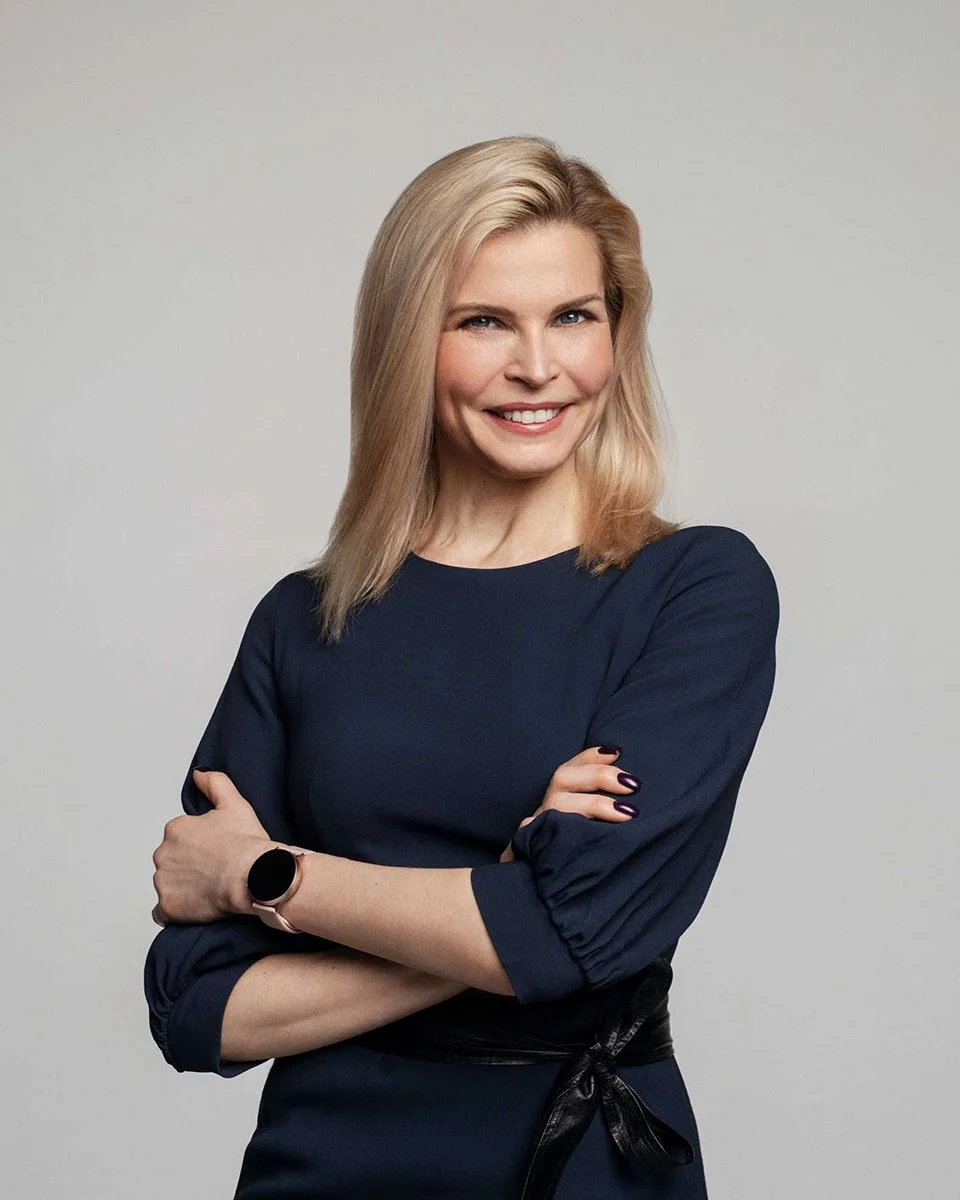
A light neutral backdrop keeps the system simple. Review expression and posture together.
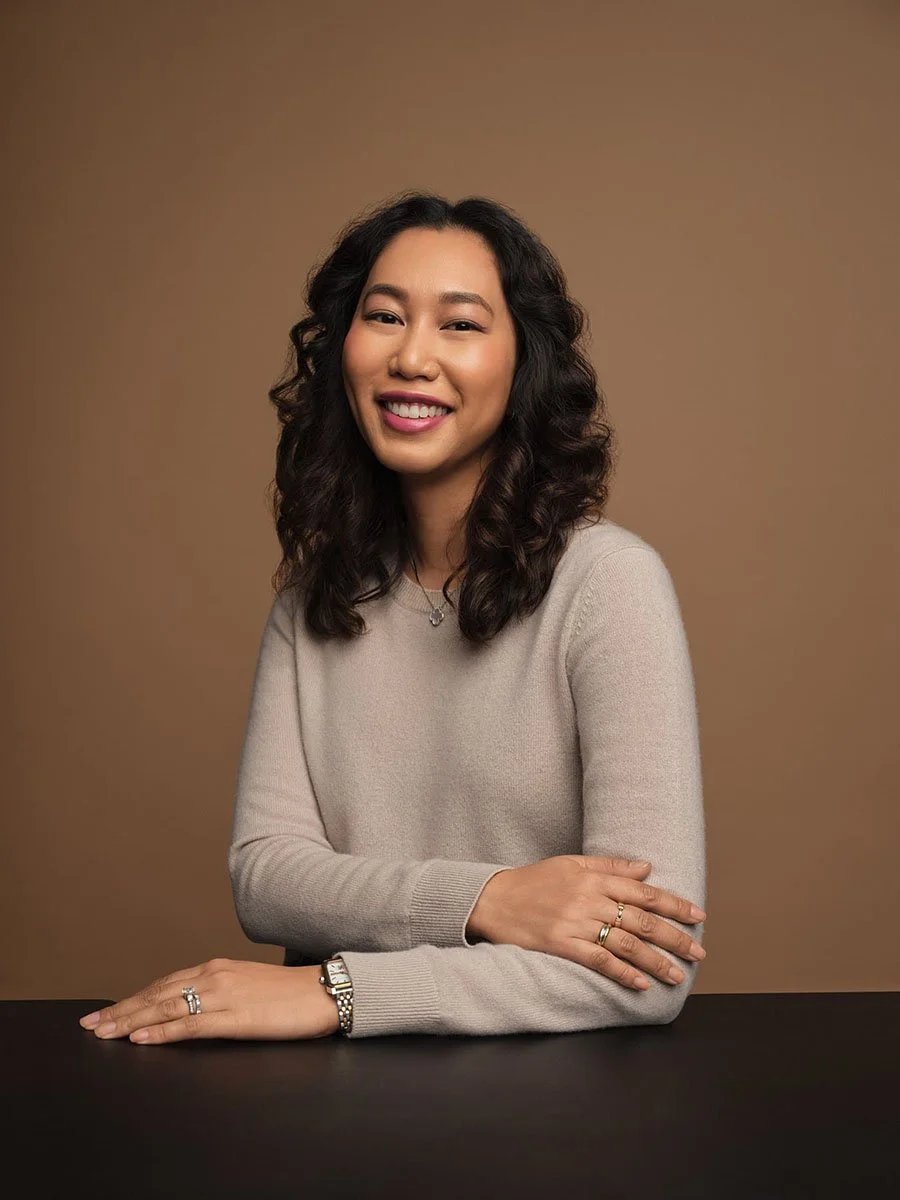
A seated pose gives the hands a natural resting place; the warm backdrop sets another direction.
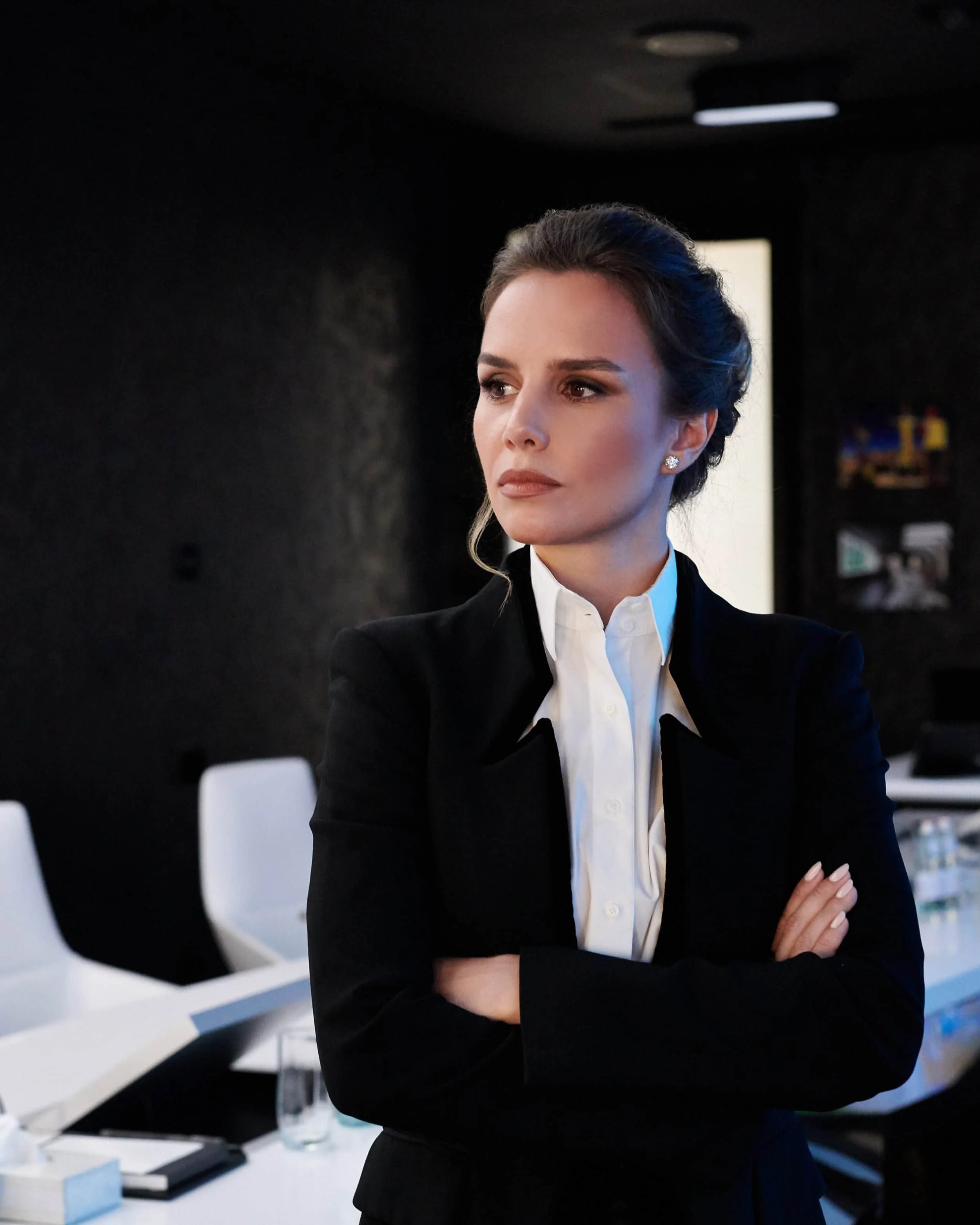
A visible room adds context. Decide which details should stay consistent across the team.
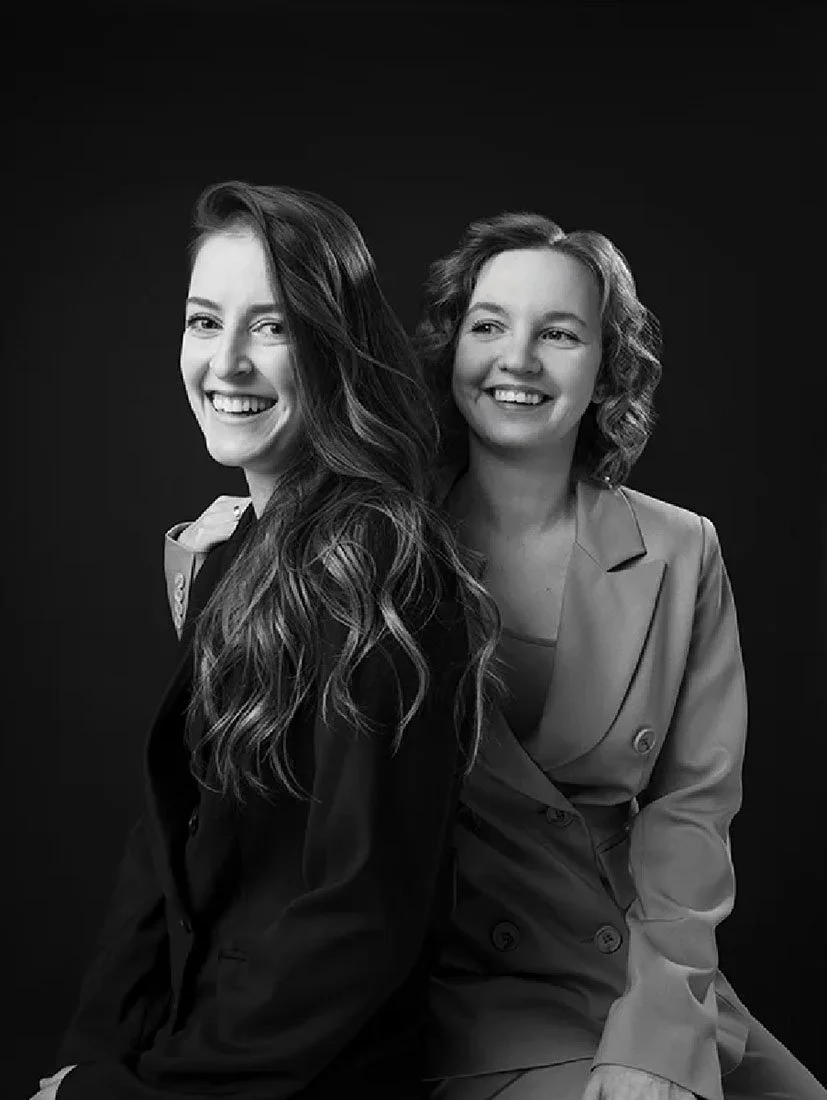
A paired portrait can support an About page; directories still need individual headshots.
Start with the job the photographs must do. A directory usually needs a repeatable crop and background. A leadership page may use a wider portrait alongside a tighter headshot. Press and speaker profiles may need both horizontal and vertical files. Decide the required uses before choosing a style.
What to compare in the gallery
Frame: tight head-and-shoulders, wider standing or seated portrait, or a paired composition.
Background: dark, light neutral, colored, or a softly detailed workplace setting.
Expression: choose a range that suits the placement instead of asking every employee for one identical expression.
Continuity: identify which camera position, crop, lighting direction, and retouching choices must repeat for later hires.
Use the current Team Headshots packages for a bounded group session or Corporate Headshots for a managed rollout.
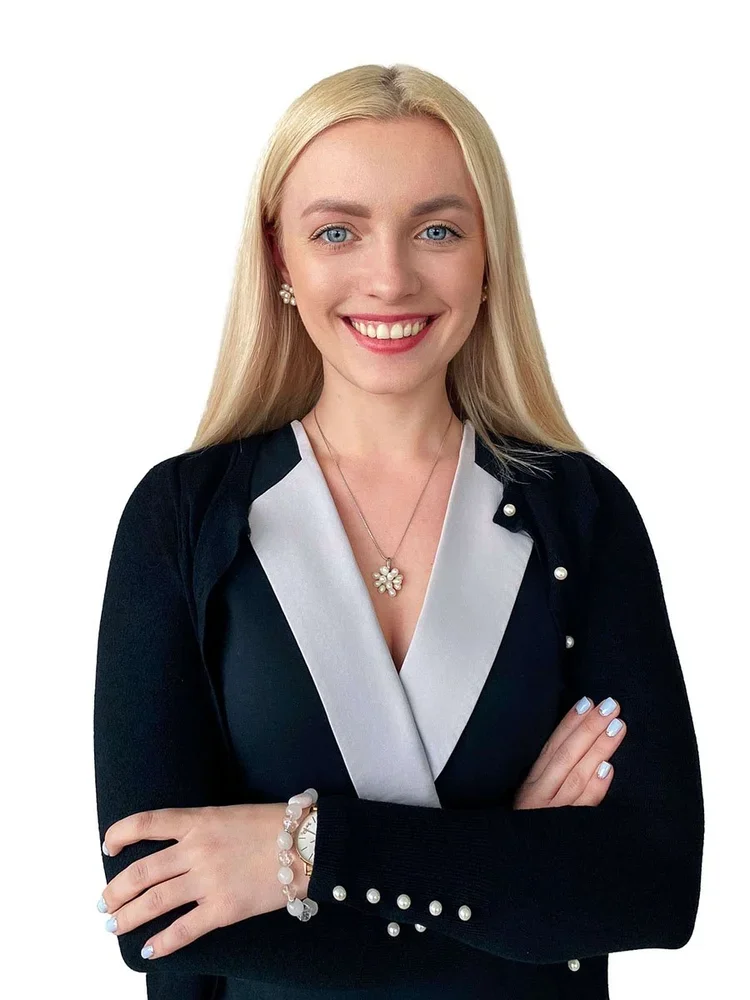
Background comparison, bright white: check separation around the face and clothing.
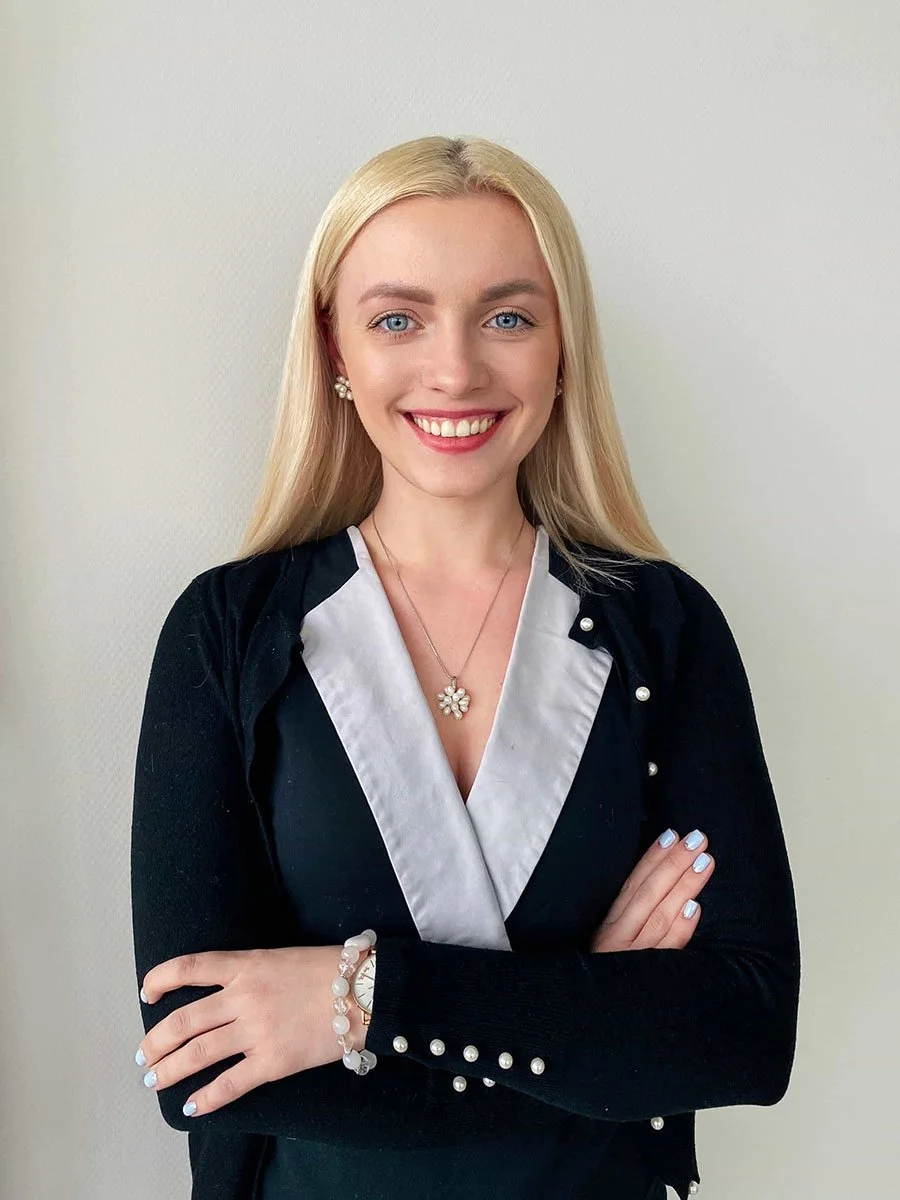
Background comparison, light neutral: compare the edge and overall contrast.
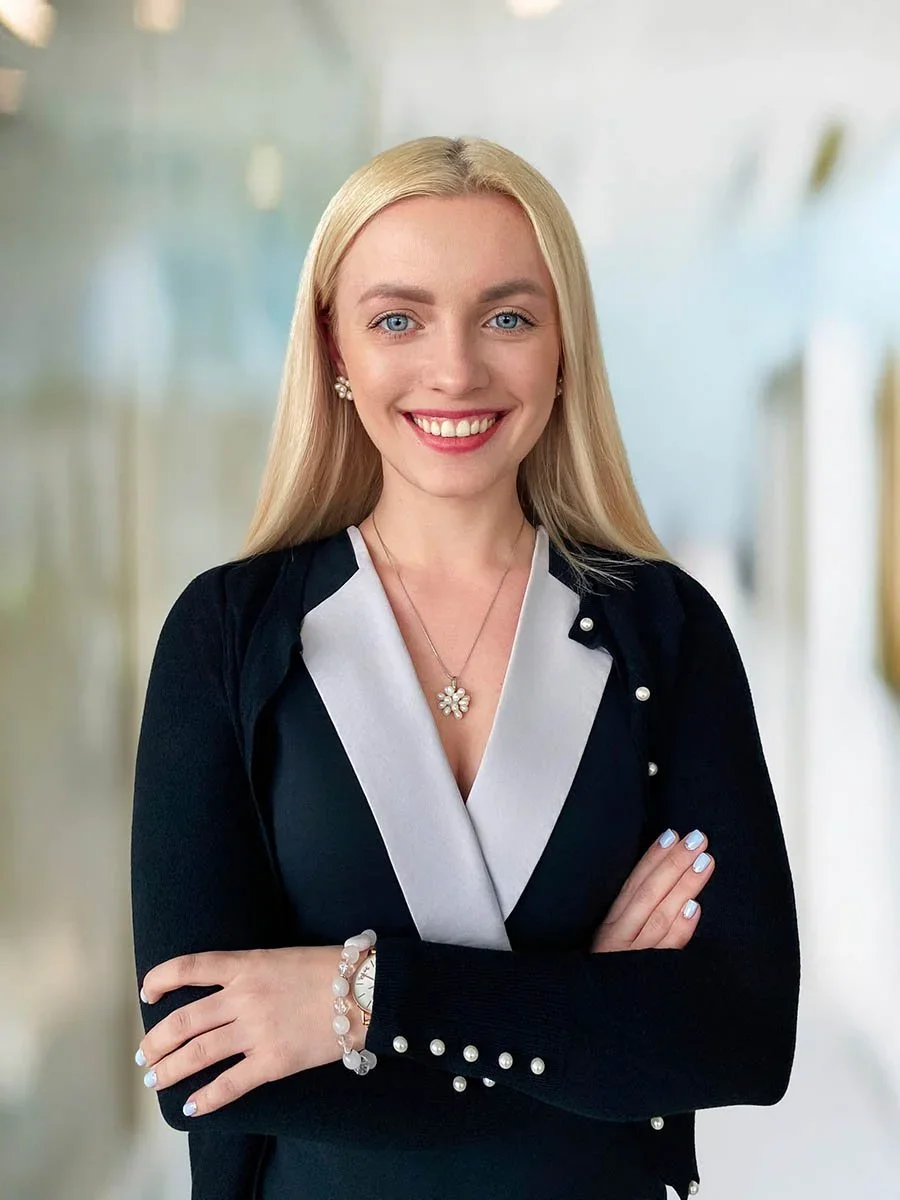
Background comparison, softly detailed: test how it reads at final display size.
Compare portrait approaches
Tight framing and a dark background
A tighter frame keeps attention on the face. Directional light and a dark background create more contrast, so check whether that treatment fits the rest of the team and the page where the image will appear.
Wider framing and color
A standing or seated portrait gives posture, clothing, and hands more space. A colored background can establish a distinct visual direction, while a separate tight crop may still be needed for small profile placements.
Neutral studio portraits
A light neutral background keeps the system simple and can be repeated across a team. Folded arms, open hands, and relaxed shoulders each read differently, so review body language together with expression.
Workplace context
A visible room adds context. Decide which background details, depth, and lighting qualities should remain consistent from one portrait to the next. A paired portrait can support an About page or shared story, but individual headshots are still needed for directories and personal profiles.
Choose a background direction
The gallery includes bright white, light neutral, colored, dark, and softly detailed settings. Compare each choice at the final display size. A subtle office background may work well in a larger leadership layout but become indistinct in a small directory crop.
For a team, write down the approved background reference or color, crop, camera height, lighting direction, expression range, and retouching level. That record matters when a new employee is photographed later.
Four portraits from one team project
These are four selected portraits from a 15-person remote project commissioned by branding agency Anchovies for its client. The end client is not named. The blue-gray backgrounds and coordinated framing give the portraits a shared direction while expressions and body angles vary. The published project story explains the commission and says the employee faces appear with permission.




Choose a background, crop and expression range for your own team, then record those decisions in the blank company visual brief. For a shoot across offices or cities, discuss a company program.
Turn references into a team brief
A useful brief answers these questions:
Where will the photographs appear, and which horizontal, vertical, or square crops are required?
Which background and lighting reference is approved?
Should everyone follow one wardrobe range, or can departments vary within a shared palette?
Who approves selections and retouching?
How will later hires or employees in other locations be added?
The visual standards guide explains how to record those choices. The staff preparation guide helps HR share wardrobe and arrival instructions.
Choose studio, office, or remote photography
Studio
A studio provides a controlled setting for individuals or a team that can travel to one location. Use the approved package to confirm participant limits, session time, selects, and final files.
Office
An office session can reduce participant travel and can use either a controlled backdrop or an environmental setting. Room suitability, building access, schedule, and setup requirements belong in the proposal.
Remote
A distributed team can use live-directed remote headshots. Confirm how closely the remote format should follow the approved studio or office reference and which files the program includes.
Plan the next step
Choose two or three portraits from the gallery, name what you like about each one, and add the team size, locations, intended uses, and timing. Compare Team Headshots for published group packages, Corporate Headshots for a larger managed program, or LinkedIn Headshots for an individual session.