Where to Get a LinkedIn Headshot: Studio vs Virtual vs DIY Options
Introduction to Professional Headshots
Choosing where to get your LinkedIn headshot comes down to three paths: a traditional studio session, a virtual photography appointment, or doing it yourself. High-quality LinkedIn headshots can be obtained by hiring a professional photographer, using AI-driven headshot generators, or taking a DIY photo with modern smartphone cameras. Each approach can produce professional LinkedIn headshots that make a strong first impression and enhance your personal branding. All of these options are capable of delivering high-quality results for your LinkedIn profile.
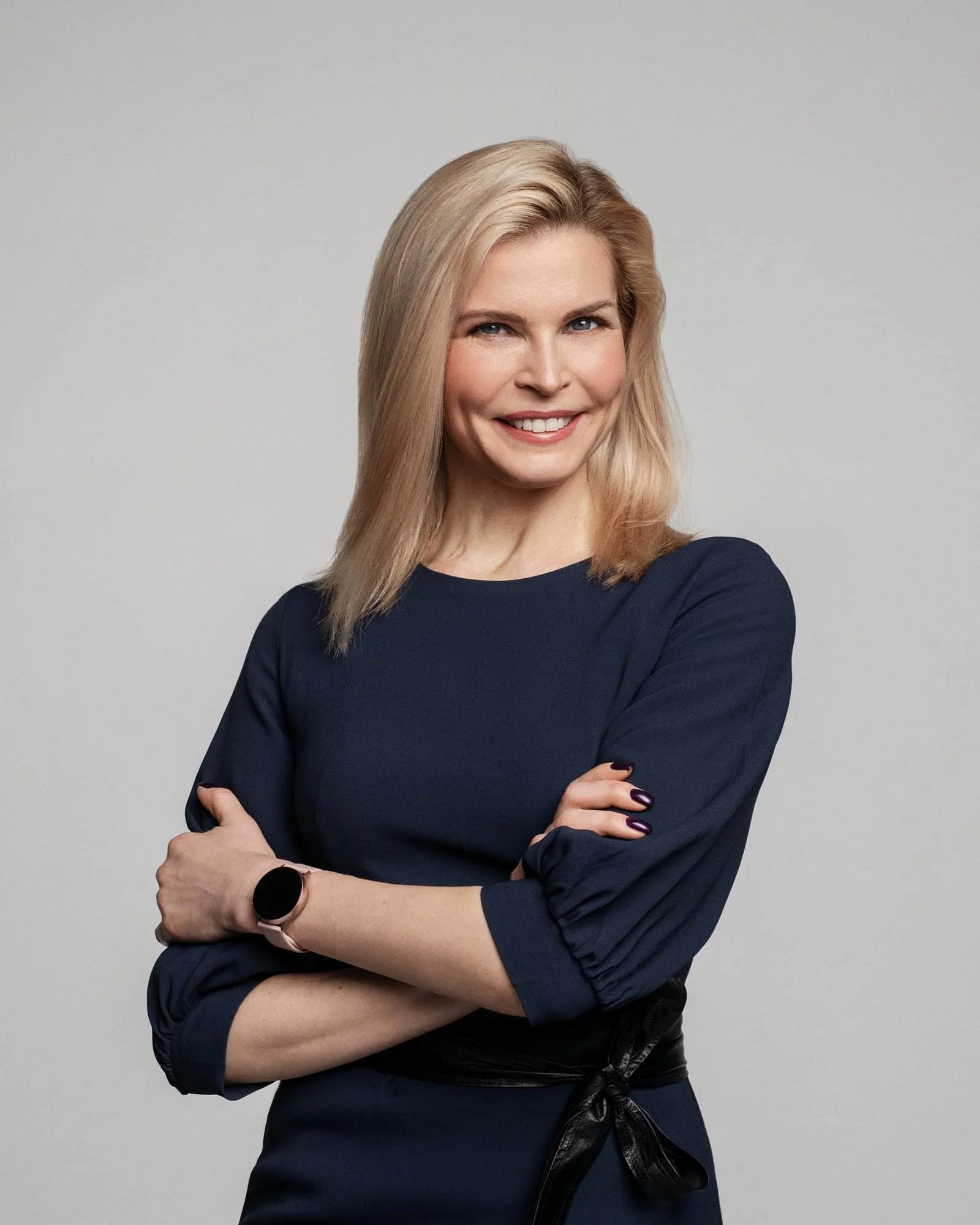
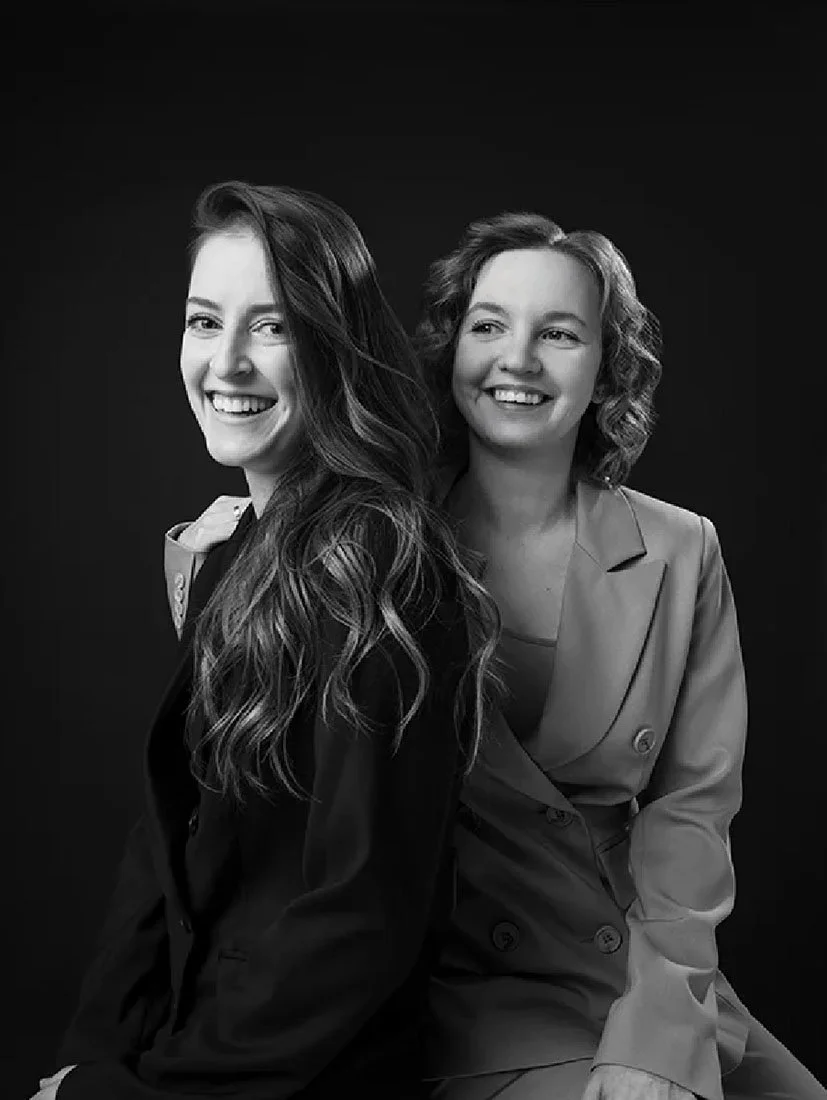
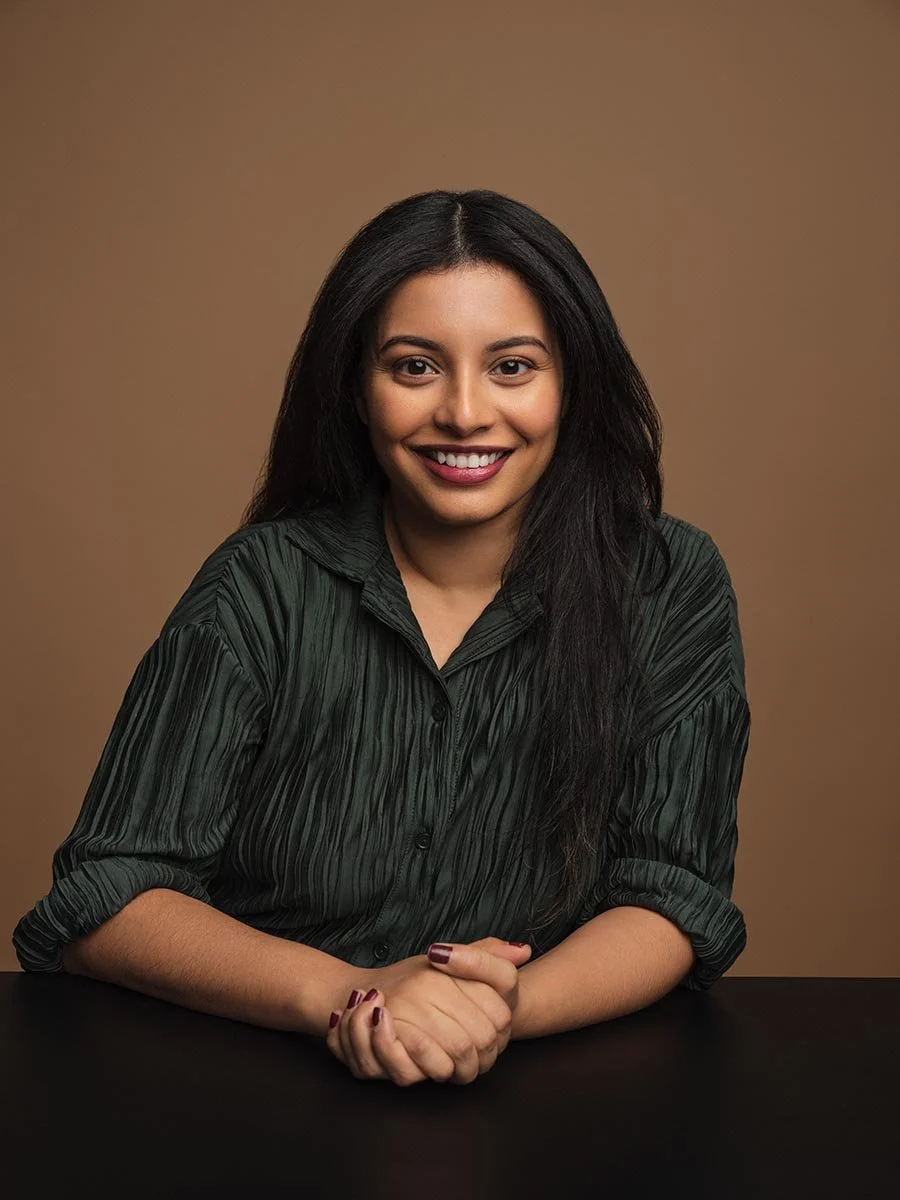
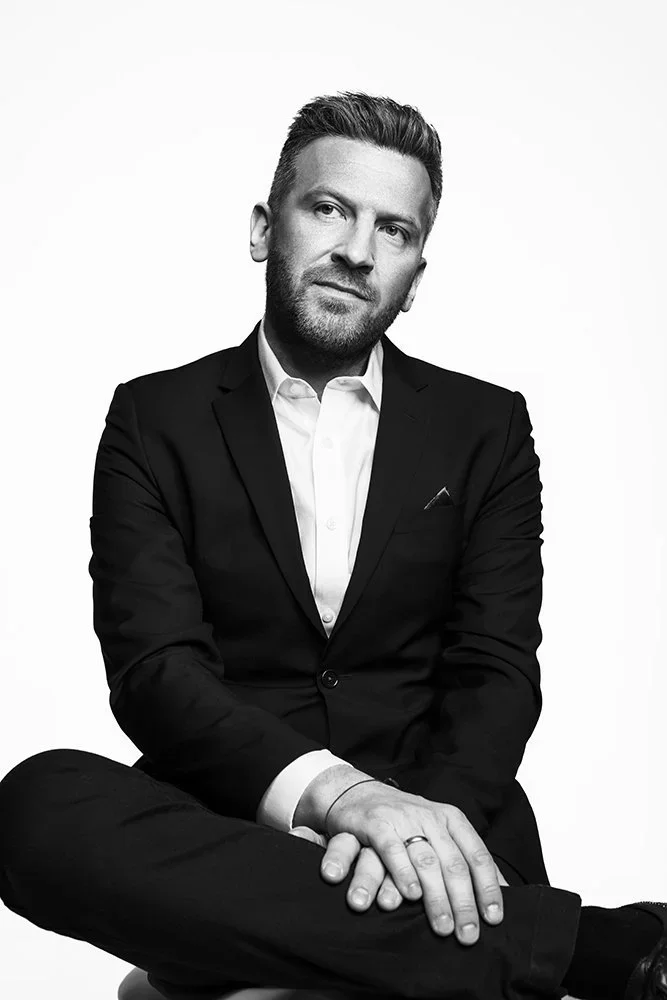
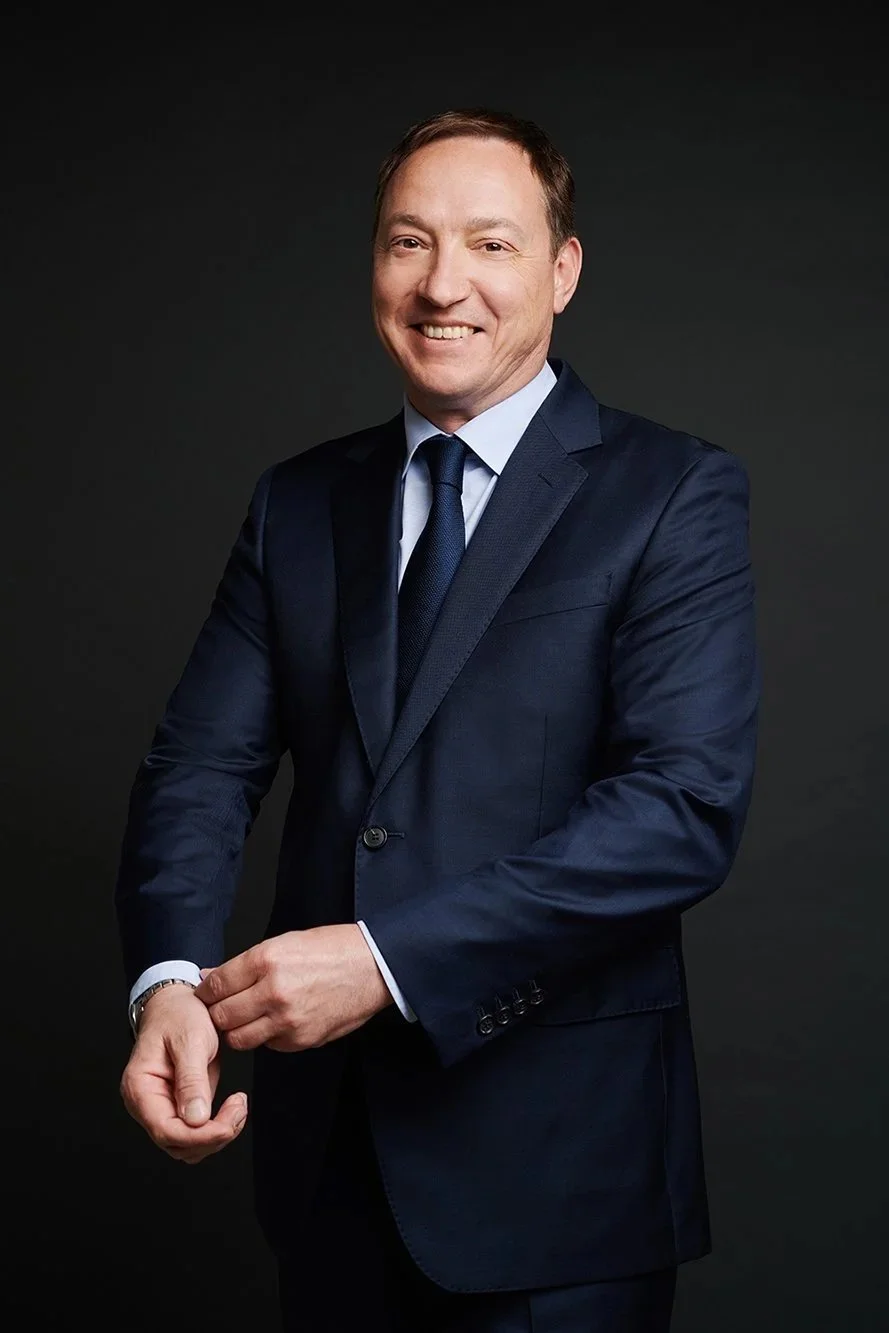
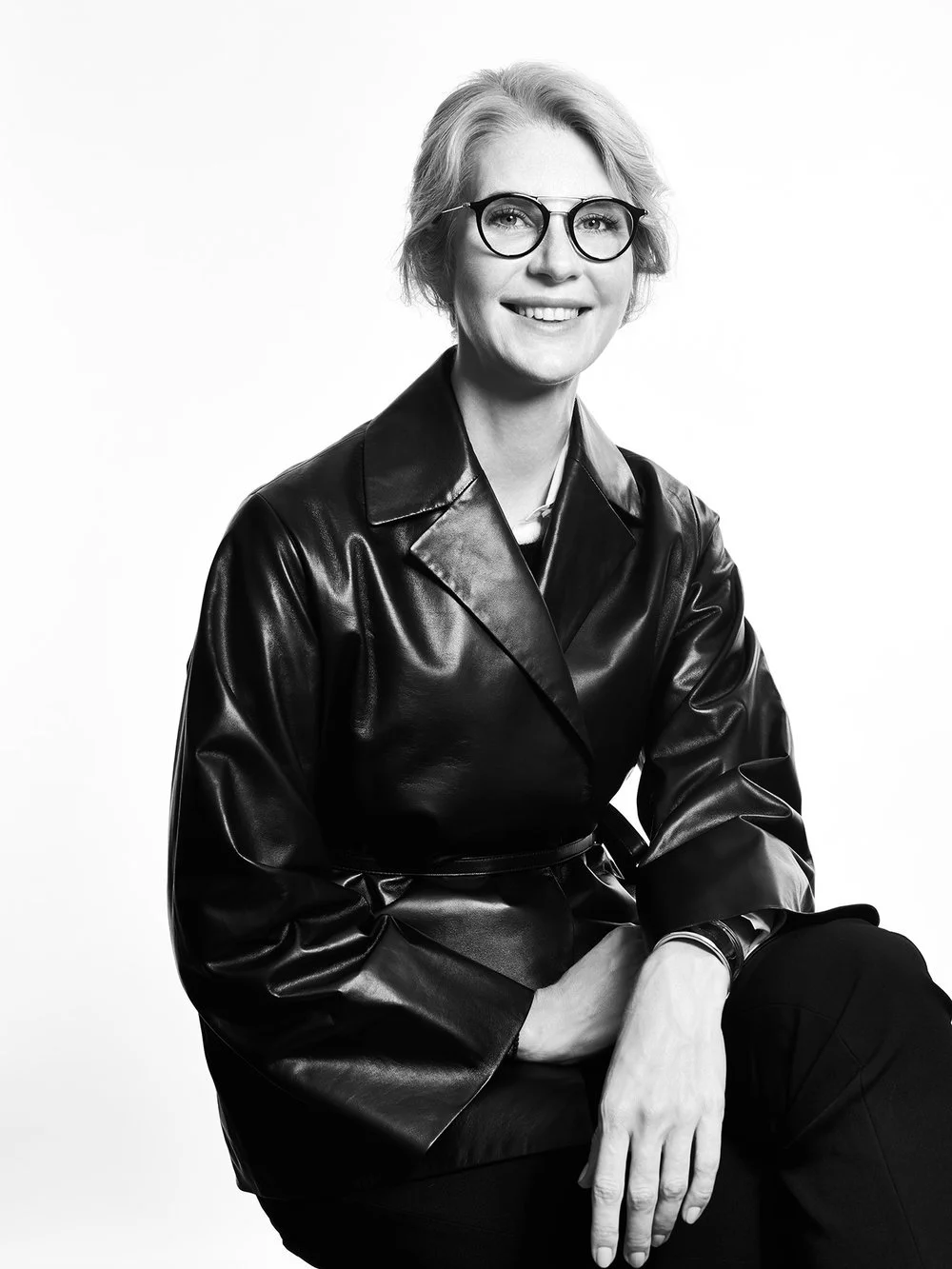
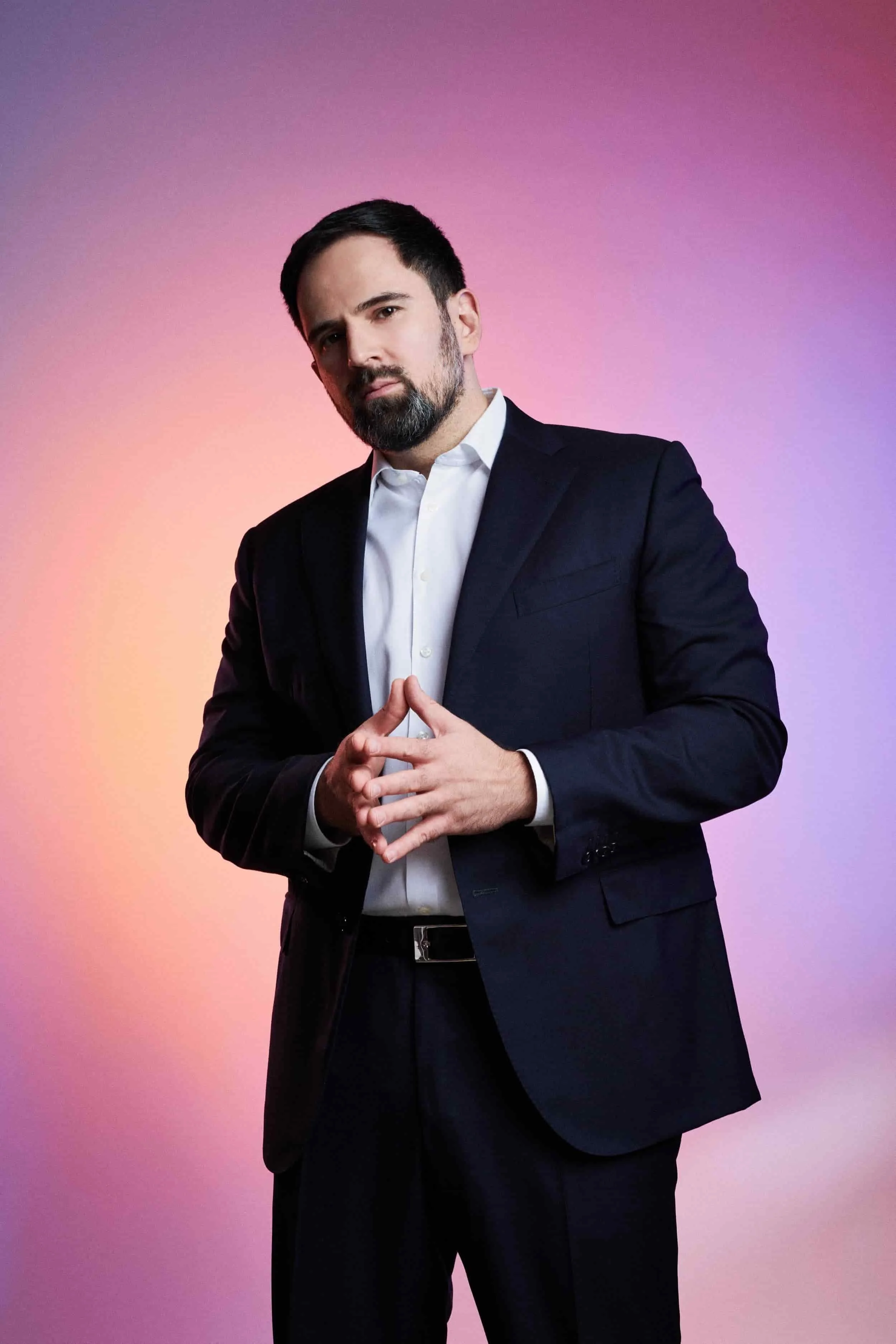
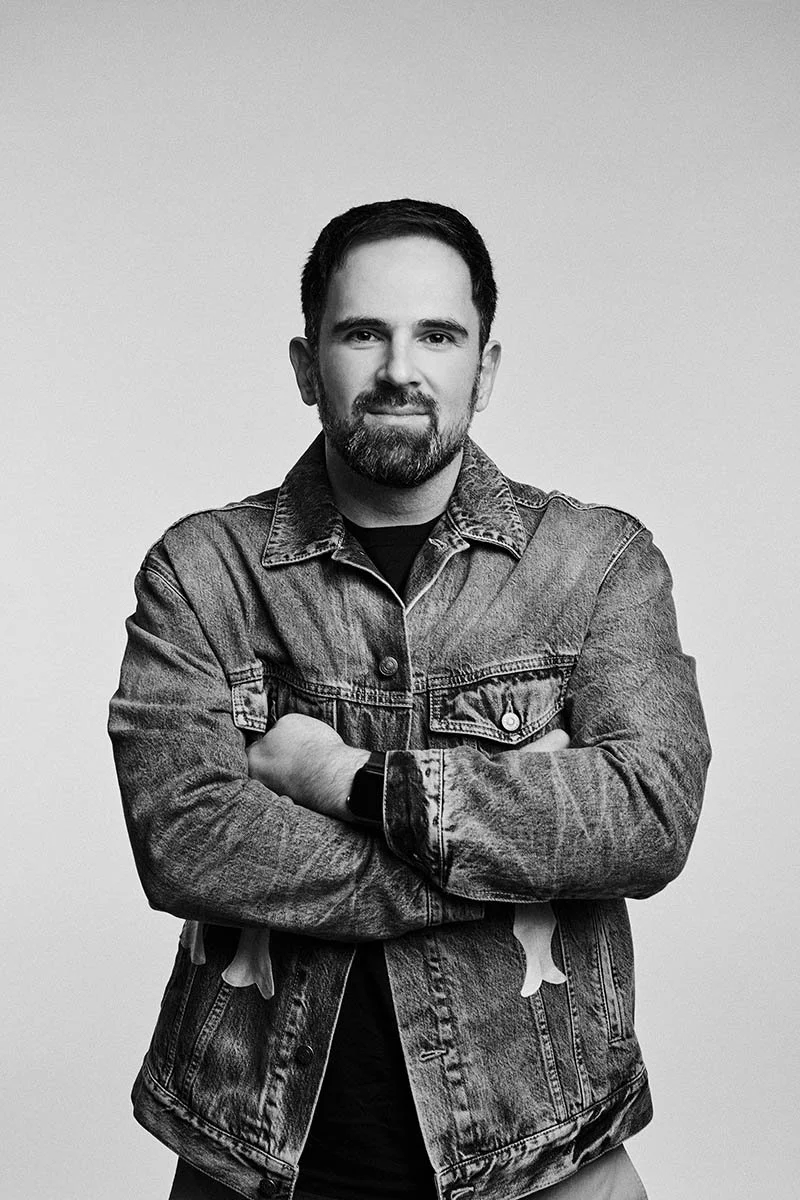
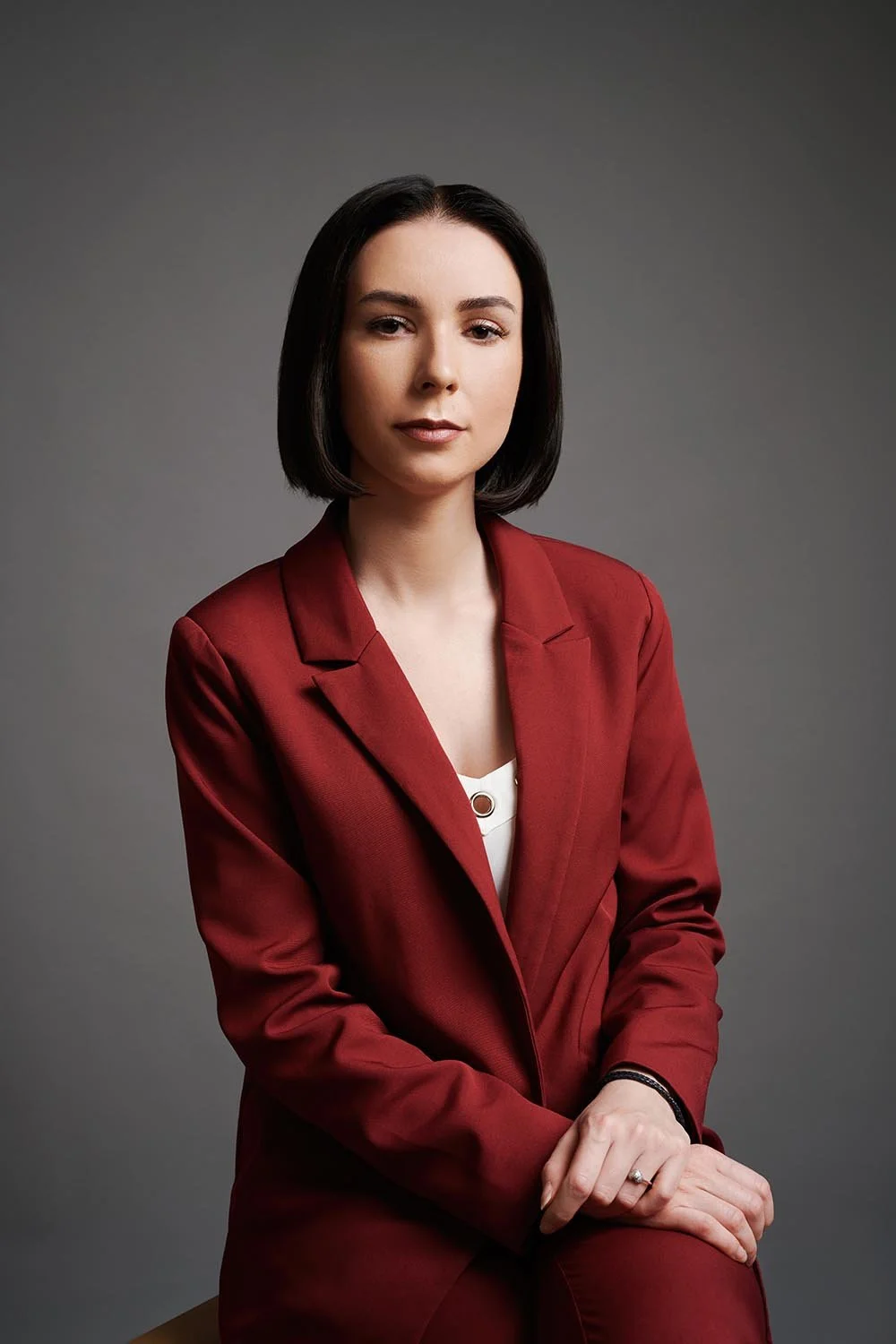
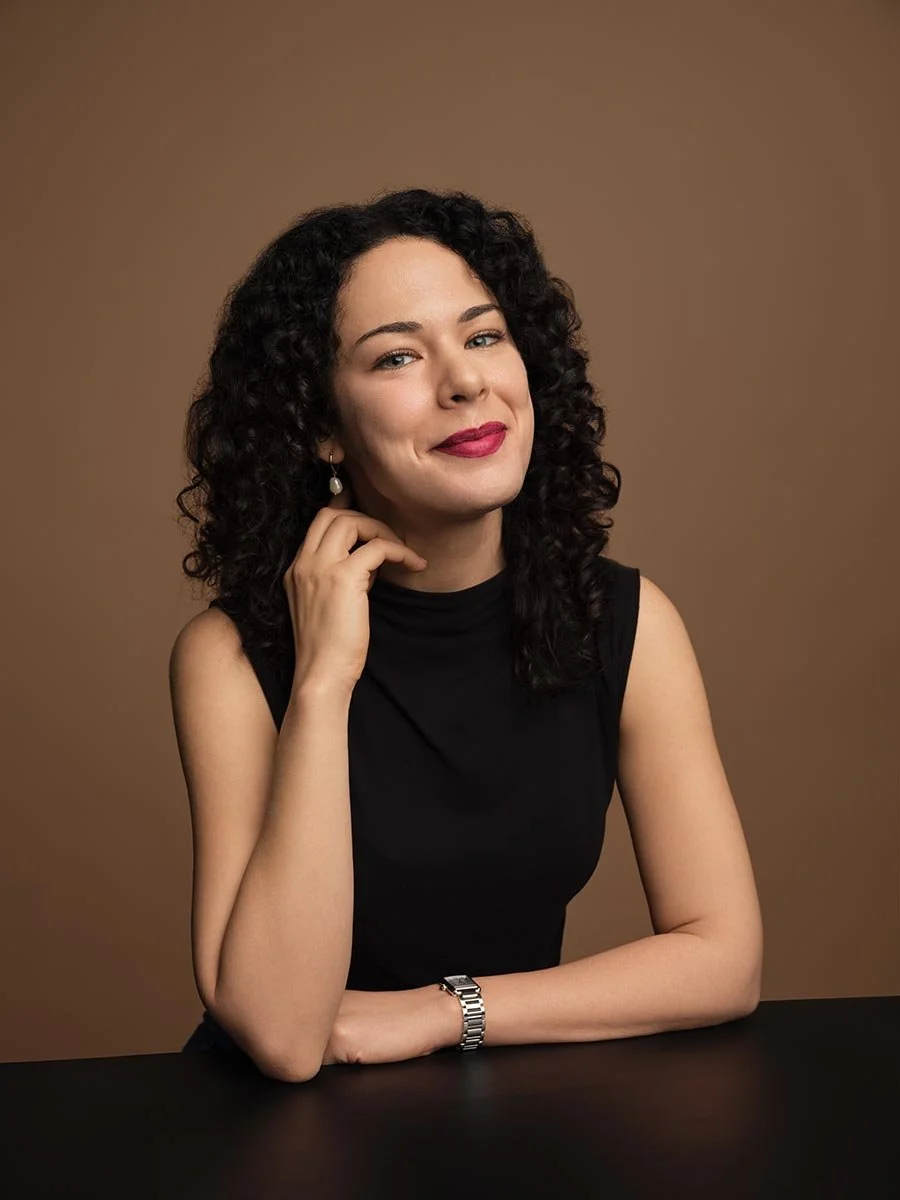
This guide is for professionals, job seekers, and teams looking to improve their LinkedIn presence with a standout headshot. We compare studio, virtual, and DIY options to help you choose the best approach for your needs.
We have spent years coordinating headshot sessions for executives, founders, and corporate teams across NYC. Here is what we have learned about each option and when it makes sense.
Key Factors When Choosing Where to Get Your LinkedIn Headshot
Your LinkedIn profile picture is often the first thing potential clients, recruiters, and connection requests see. An eye tracking study confirms that most people look at your photo before reading anything else. That means your headshot needs to accurately represent you while projecting professionalism. Your LinkedIn photo acts as a digital handshake, building trust and credibility with viewers.
Profiles with a professional headshot receive 21 times more views than those without. You are 36 times more likely to receive a message if your LinkedIn profile includes a headshot.
The decision about where to get new headshots affects more than just the final images. It determines how much the headshots cost, how long the process takes, and how much control you have over lighting, backgrounds, and the overall quality of your professional LinkedIn headshot in NYC.
All three approaches can create a great headshot. The trade-offs involve time, money, and your tolerance for variables.
Studio Photography vs Virtual Sessions vs DIY: Key Differences
Below is a quick comparison of the three main options for getting a LinkedIn headshot:
| Option | Pros | Cons |
|---|---|---|
| Studio Photography |
|
|
| Virtual Sessions |
|
|
| DIY |
|
|
Virtual sessions bring the professional photographer to you through video. A real person guides your poses, expression, and setup while you shoot from home or office. The editing and retouching happen afterward, just like a studio session.
DIY headshots mean you handle everything yourself. That includes finding natural light, setting up a simple background, framing the shot, and editing the photos. Some people use an AI headshot generator to polish uploaded photos or swap out busy backgrounds. AI headshot generators can create professional-looking headshots from uploaded selfies in a matter of minutes. On some platforms, you can use a search bar to quickly find and access specific AI headshot tools or generators. Results vary widely depending on your photography skills and equipment.
Each option serves different needs. Executives and client-facing roles often benefit from studio sessions. Remote teams and busy professionals may prefer virtual. Early-career job hunting on a tight budget might call for DIY.
AI Headshot Technology
AI headshot technology has transformed the way professionals approach their LinkedIn profile pictures. Thanks to advanced AI tools, you can now generate professional headshots quickly and affordably, without the need for an in-person photo shoot. AI headshot generators analyze your uploaded photos and use sophisticated algorithms to create a perfect headshot that matches your desired style and background. This technology is especially valuable for busy professionals and teams who need consistent, high-quality headshots for their LinkedIn profiles or company websites. With AI-generated headshots, you can easily update your professional image, maintain brand consistency across your team, and ensure your profile picture always looks polished and current. The process is fast, efficient, and delivers results that rival traditional photography, making AI headshot technology a smart choice for anyone looking to enhance their online presence.
AI headshot generators are a budget-friendly and fast alternative, with services starting at $29. Virtual sessions with a real photographer can provide professional-quality headshots without the need to visit a studio, typically costing around $79 per session.
Using a Headshot Generator
Getting started with a headshot generator is simple and user-friendly. All you need to do is upload your photos, choose your preferred style, and select from a variety of backgrounds—ranging from classic solid colors to modern office settings. The AI-powered process takes care of the rest, delivering high-quality, professional headshots tailored to your needs. One of the biggest advantages of using a headshot generator is the flexibility it offers: you can create multiple headshots with different backgrounds and styles, allowing you to experiment and find the perfect headshot that best represents your professional image. Many platforms also include editing tools, so you can fine-tune your headshots until they’re just right. Whether you’re updating your LinkedIn profile or refreshing your company’s team page, a headshot generator makes it easy to create professional, polished photos that make a strong impression.
Cost and Budget Considerations
Traditional Photography Studios
A single studio session in NYC typically runs USD 300 to USD 800 for a mid-tier experience. That usually includes multiple looks, professional retouching, and several final images. Premium corporate headshot packages in NYC for executives can push past USD 1,000 when you add hair and makeup, full usage rights, and expedited delivery.
The investment makes sense when your professional image directly affects revenue. If you are a founder pitching investors, a consultant meeting clients, or an executive representing your company at industry events, executive portraits in NYC can ensure your studio headshots pay for themselves.
Virtual Photography Sessions
Virtual sessions sit in the middle ground. A service like ours offers an Individual Standard Session at USD 600, which includes live photographer direction, multiple edited photos, and fast turnaround. You skip travel time and location fees while still getting a professional photo with expert guidance.
For teams spread across different cities, virtual sessions create consistency without the logistics nightmare of coordinating everyone at one studio.
DIY and At-Home Options
DIY costs the least upfront. If you already have a decent phone camera and access to natural light, the only expense might be a simple backdrop or reflector for USD 50 to USD 100.
The hidden cost is time. Getting the lighting right, experimenting with different angles, and trying to capture a genuine smile without a photographer’s direction can take hours. Multiple attempts add up. Some people turn to AI tools or an AI headshot generator to improve their uploaded photos, but AI generated headshots can look artificial if the source images have poor lighting or busy backgrounds.
DIY works best for startups and early-career professionals who need something functional while building toward a professional headshot later.
Quality and Professional Results
Studio Photography Quality
Studios offer maximum control. Professional lighting setups eliminate shadows and create dimension. High-end equipment captures sharp detail. An experienced photographer directs your posture, expression, and eye contact to create a lasting impression.
You can switch between different styles, swap wardrobe pieces, and test various backgrounds in a single session. The final images come with professional retouching and color correction.
Virtual Session Quality
A skilled photographer can direct you effectively through video. They spot when your chin drops, when your shoulders tense, and when the lighting shifts. Live feedback means you can adjust before the shot instead of discovering problems later.
Virtual sessions work because the photographer’s eye matters more than their physical presence. You get real photos with real direction. The quality approaches studio work when your setup has decent natural light and a clean background.
DIY Quality Results
DIY quality depends entirely on you. Without a trained eye, common mistakes slip through: harsh overhead lighting, awkward framing, forced expressions, and cluttered backgrounds.
Some people have a natural sense for photography and can create a strong profile photo at home. Most people struggle. The difference between a perfect headshot and an amateur snapshot often comes down to subtle adjustments that a professional photographer makes instinctively.
Profile Photo Best Practices
To make your LinkedIn headshot stand out, follow a few essential best practices:
Use a simple background—solid colors or neutral tones work best to keep the focus on you and avoid busy backgrounds that can distract from your face.
Aim for a genuine smile and a natural, confident expression to create a lasting impression and convey approachability.
Dress in professional attire that aligns with your industry and personal brand, ensuring your look accurately represents who you are.
Always use a solo shot—group photos can be confusing and dilute your professional image.
Good lighting is crucial; natural light or soft, diffused lighting will help your features stand out and ensure your photo is clear and sharp.
Definitions Box: LinkedIn Headshot Technical Requirements
LinkedIn Headshot Requirements
Aspect Ratio: 1:1 (square)
Face Coverage: 60–70% of the frame
Attire: Professional clothing, solid colors preferred
Lighting: Soft, natural or diffused
Background: Neutral, uncluttered
File Format: JPEG or PNG
Minimum Size: 640 x 640 pixels
Cropping: LinkedIn displays photos in a circle—keep important details centered and away from the edges
Background Selection
Choose a clean, neutral background to keep it professional. Avoid busy backgrounds to maintain focus on your face.
Expression and Pose
Smile naturally, focus on an engaging gaze, and lower your chin for a flattering jawline. Stand straight, angle your body slightly, and relax your shoulders for a confident look.
Attire and Grooming
Dress for your industry in professional, solid-color attire. Avoid patterns or logos, and ensure clean, well-fitted clothes. Minimal accessories and good grooming convey professionalism while reflecting your style.
Lighting Tips
Soft, natural lighting is crucial for a professional-looking headshot, as harsh lighting can create unflattering shadows. Position yourself near a window or use diffused artificial light for best results.
By following these tips, you’ll create a professional LinkedIn headshot that helps you make a strong first impression on potential clients, recruiters, and connections, setting the stage for new opportunities.
Time and Scheduling Convenience
Studio Appointment Scheduling
Popular NYC photographers book out weeks in advance. You need to block time for travel, the session itself, and possibly hair and makeup. A full session with wardrobe changes might take two hours or more.
For executives with packed calendars, finding that window can be the hardest part.
Virtual Session Flexibility
Virtual sessions often allow same-day or next-day booking. No commute. A focused session might take 15 to 45 minutes. You can schedule during a lunch break or between meetings, and same-day headshot services in NYC are ideal when you need a fast turnaround.
For busy professionals who need new headshots quickly, virtual is often the fastest path to professional results.
DIY Timeline Control
DIY offers complete schedule flexibility. You shoot when the light is right and your calendar is clear.
But flexibility cuts both ways. Without a deadline, the project can drag. Self-editing adds hours. Multiple retakes extend the process. What seems quick can become a weeks-long effort.
Team and Corporate Considerations
For small teams in one location, a single studio day can knock out everyone’s headshots efficiently. You get consistent lighting, backgrounds, and style across all images.
Distributed teams present a challenge. Flying everyone to one studio is expensive and disruptive. Virtual sessions let each team member get professional headshots from their own location while maintaining visual consistency through standardized guidelines.
DIY approaches across a team create inconsistent results. Different lighting, backgrounds, and skill levels make your company website or LinkedIn company page look disjointed. Corporate branding usually requires a unified approach.
Budget matters too. When you need 20 or 50 headshots, the per-person cost of studio sessions adds up fast. Virtual platforms designed for corporate headshots often offer group pricing around USD 125 to USD 150 per person, making professional results more accessible at scale.
Where to Get Your LinkedIn Headshot: Making the Right Choice
Choose studio photography if you are a C-level executive, a founder seeking investment, or anyone whose professional image directly drives business. The investment in a premium linkedin headshot pays dividends in credibility and first impressions.
Select virtual sessions if you want quality with convenience. You get professional direction, expert editing, and fast delivery without leaving your office. This works especially well for remote professionals and teams spread across multiple locations.
Consider DIY only if you have strong photography skills, good natural light, and realistic expectations. For early-career professionals on tight budgets, a thoughtful DIY approach beats no headshot at all. Just plan to upgrade when you can.
Factor in your industry standards. Finance, law, and consulting expect polished professional images. Creative industries allow more flexibility. Know what your potential clients and recruiters expect.
Your LinkedIn profile photo creates the first professional impression for most connection requests and search results. That picture represents your personal brand across every interaction on the platform. Invest accordingly. For best results, use a professional headshot that features only you—avoid using a group photo, as it can appear unprofessional and distract from your presence. Aim for a neutral expression for a clean, approachable look, or consider a genuine smile showing teeth, which significantly boosts likability and competence in a LinkedIn headshot.
Ready to discuss your headshot needs and timeline? Reach out to hello@match-production.com or schedule a quick call to explore your options.