
Corporate Headshot Rollout Planning Guide for HR Teams
Start with a rollout brief, not a camera setup. HR or People Ops should confirm the roster, employee locations, visual reference, schedule owner, selection process, file requirements, and deadline before requesting a proposal. Those inputs determine whether the project uses the studio, an office setup, remote sessions, or a planned mix.
This guide covers the decisions that belong in that brief. Current packages and booking terms remain on the Corporate Headshots service page and in your approved proposal.
Define the rollout before choosing a format
A corporate headshot rollout is a coordinated project for current employees, leadership, or new hires who need one approved portrait standard. The brief should identify who is included, where each person works, how the images will be used, and who makes final decisions.
Record these inputs in one working document:
Employee roster, departments, office locations, remote participants, and planned new hires.
Preferred date window, internal deadline, executive constraints, and office access hours.
Approved examples for background, lighting, crop, expression, and retouching.
Selection owner, file naming, crops, formats, folder structure, and delivery contact.
Procurement requirements, building paperwork, group photographs, or leadership variations that need separate scope.
A complete brief lets vendors compare the same job. It also prevents assumptions about staffing, travel, timing, or deliverables from becoming part of the plan without approval.










Choose session formats from the roster
Employee location and schedule should drive the format. A centralized group may use the Midtown studio or a setup at the office. Distributed employees may need a remote company workflow. A mixed rollout can combine formats when the proposal identifies which people use each one and how the visual direction will carry across sessions.
Studio sessions
The studio keeps the lighting, background, and camera position in one controlled room. It can fit leadership, individuals, or teams that can travel to Midtown. Confirm attendee arrival windows, wardrobe or background changes, accessibility needs, and whether the selected package covers the full roster.
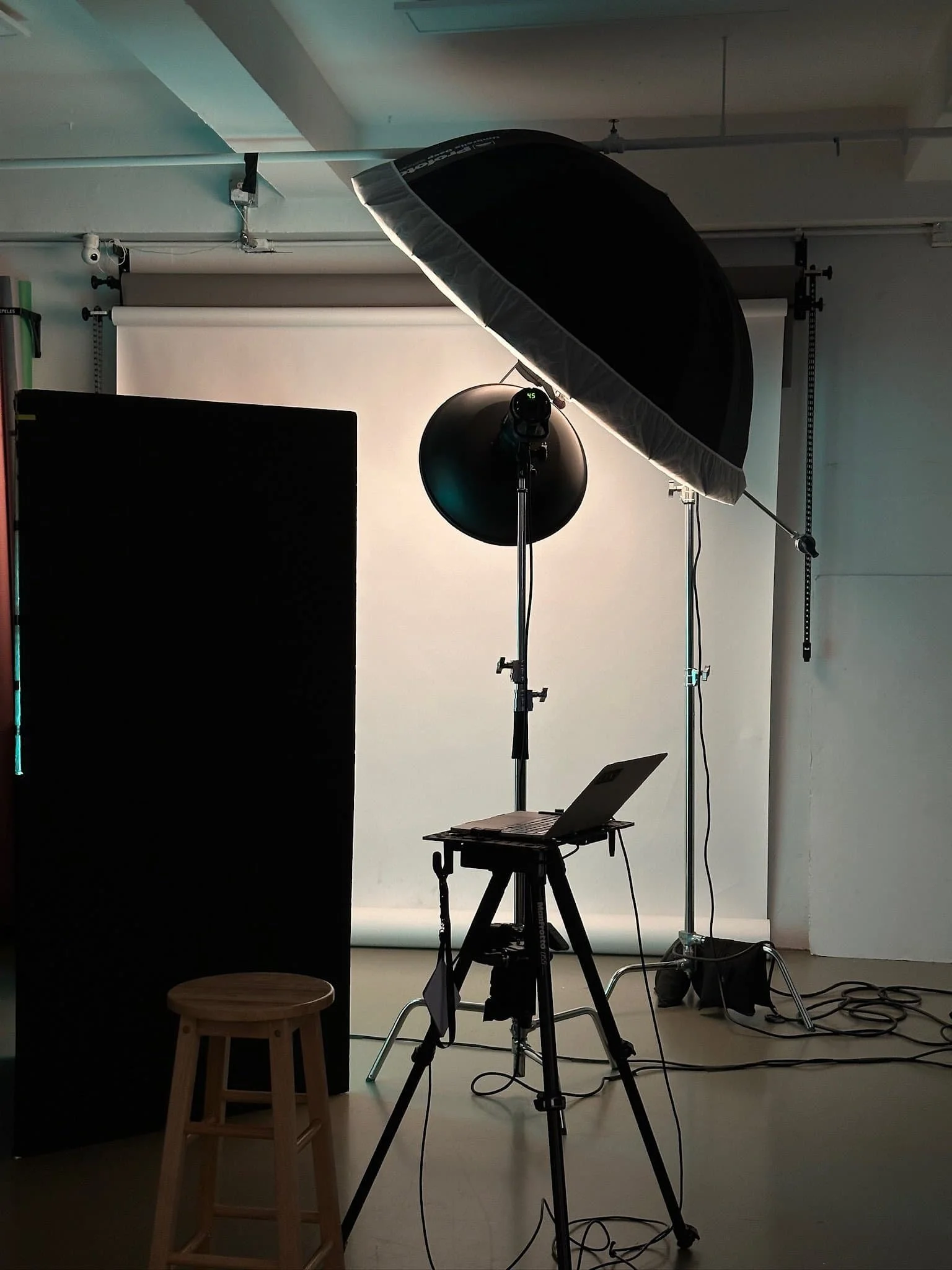
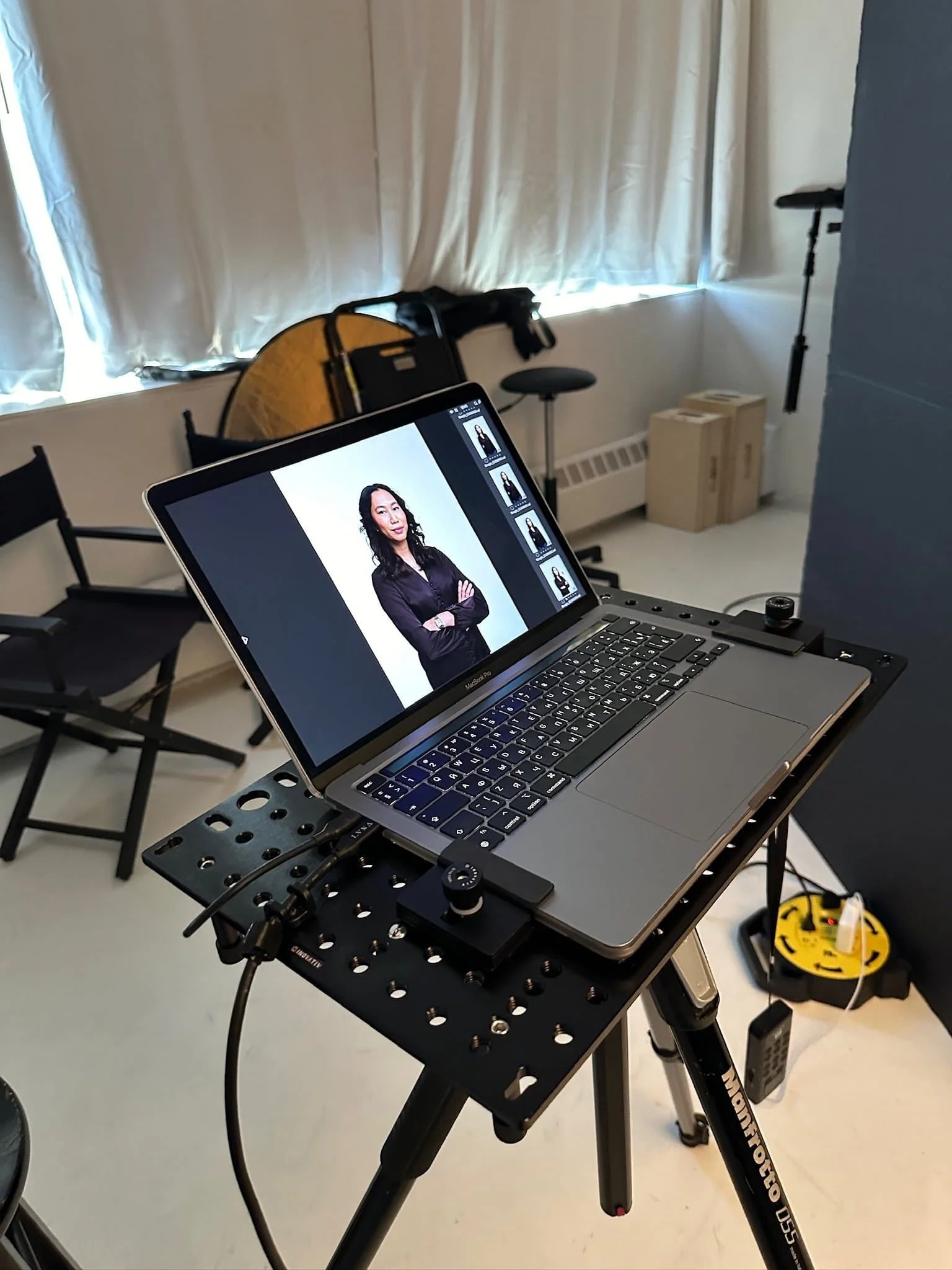
For a bounded department or company photo day, compare the current Team Headshots packages. Standard Team packages start at $1,449 for up to five people, with options for up to 50 people. Use the package limits and session scope rather than an assumed per-person market average.
Office sessions
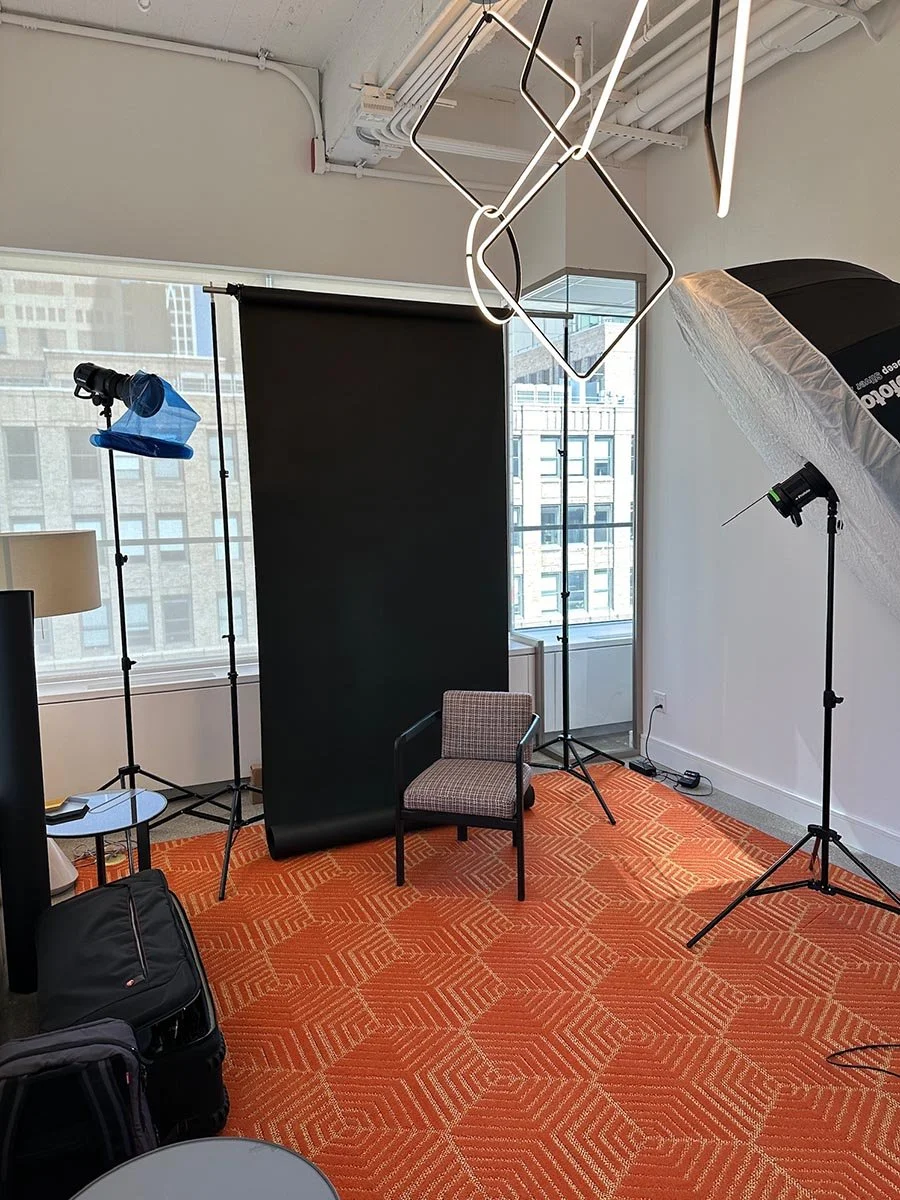
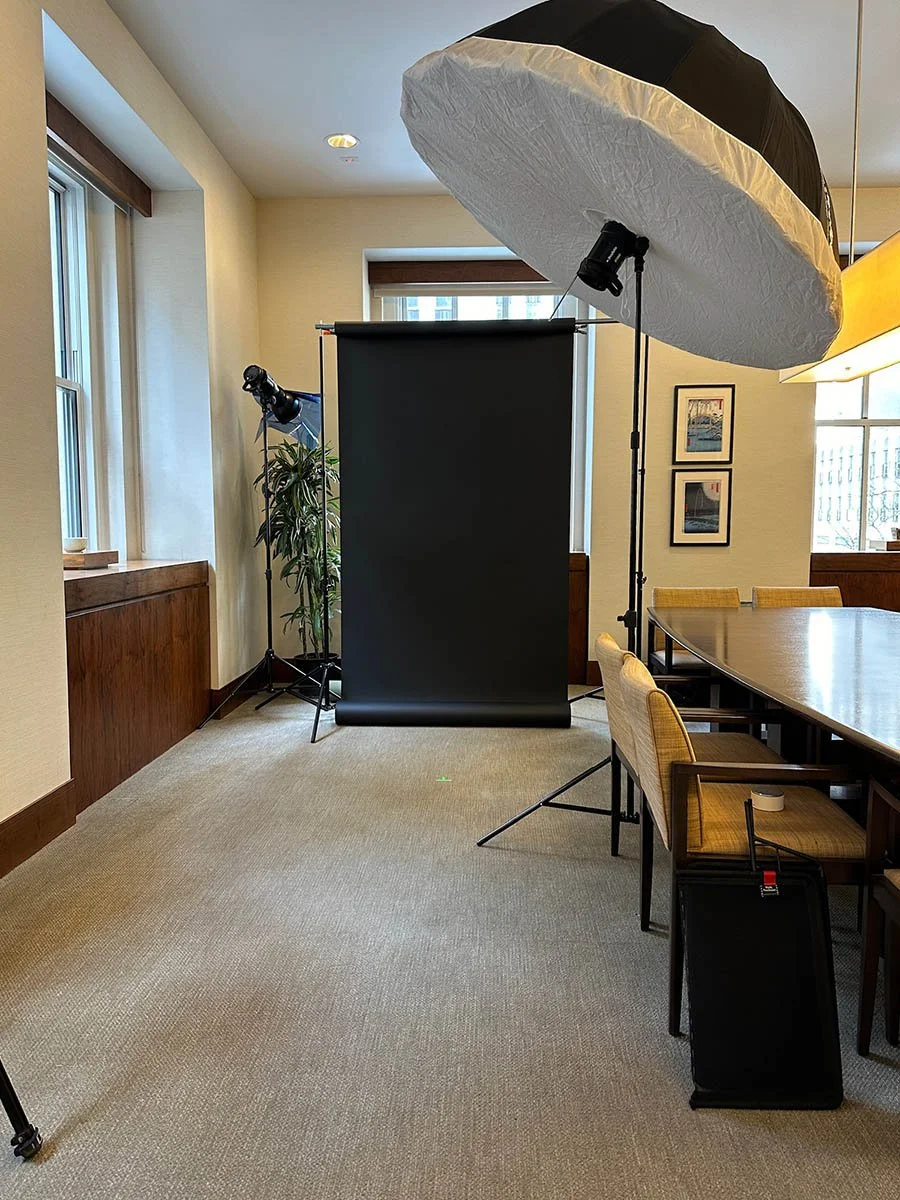
An office session brings the agreed lighting, background, and camera setup to the workplace. Send room photos or a layout, available hours, and reception, elevator, loading, or building-paperwork requirements before the setup is confirmed. The current On-Location Headshots page explains the office planning inputs and published team limits.
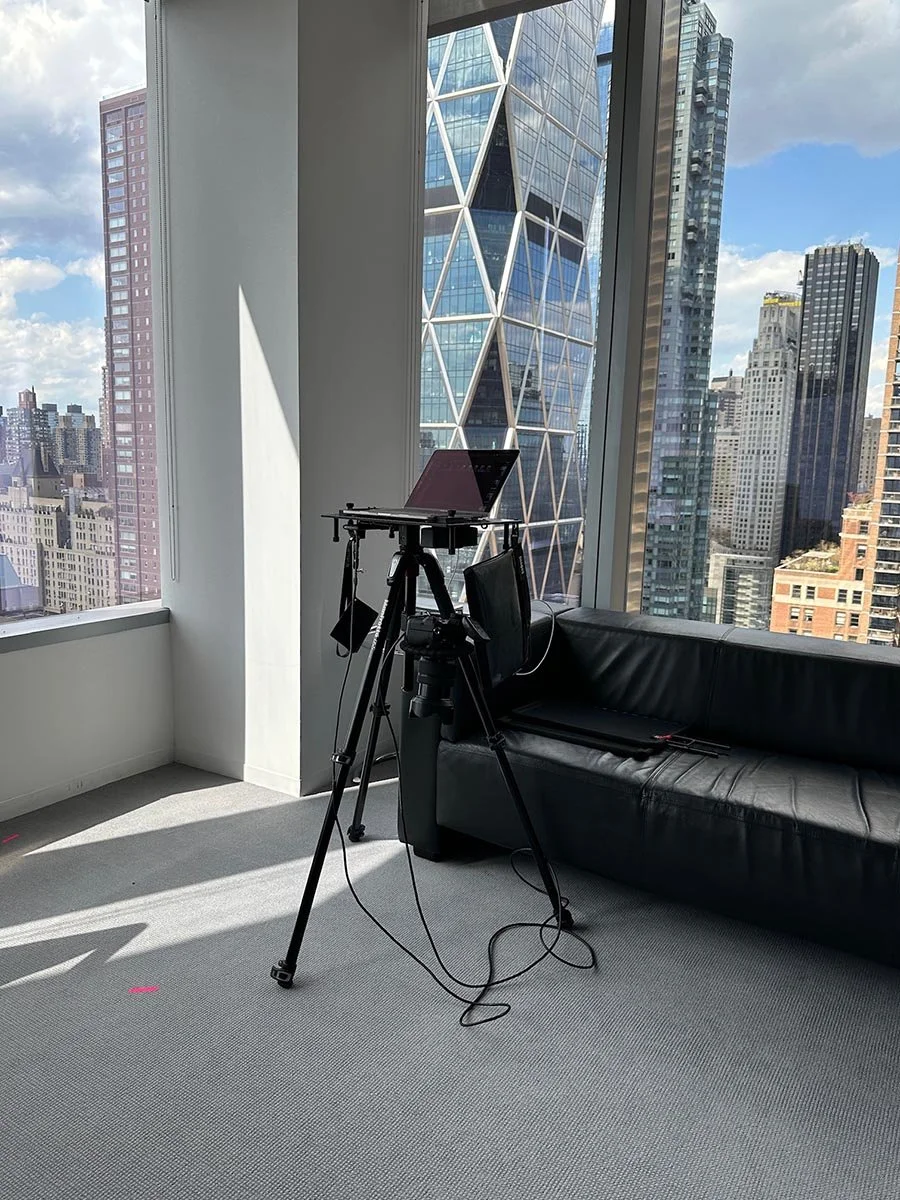
Remote and mixed-location sessions
A distributed roster may use the current Remote Headshots company workflow. If the rollout combines office, studio, and remote sessions, agree on the visual reference, selection responsibility, and finish before invitations are sent. The proposal should state the workflow and deliverables for each group.
Build the schedule around confirmed constraints
Start with employee availability, room access, the approved session scope, and the date the organization needs finished files. Do not calculate the schedule from a generic people-per-hour rule. Background changes, executive variations, group photographs, building access, and participant readiness can change the run of show.
Name one internal coordinator. That person maintains the roster, confirms participant instructions, handles day-of arrivals, and escalates changes. Reserve known executive windows and document how no-shows or later hires will be handled in the approved scope. Use the staff preparation guide for the employee-facing brief rather than repeating wardrobe and arrival guidance here.
Approve one visual and file standard
Choose a small set of approved references before the rollout. Record the background, lighting direction, crop, framing, expression range, and retouching approach. The standard should be specific enough for review while leaving room for clear photographer direction with each participant.
Define the file workflow at the same time:
Who selects each portrait: the employee, HR, marketing, or another approver.
How many selected images and retouched finals the approved package includes.
Required aspect ratios, crops, file formats, naming convention, folders, and delivery contact.
Where the organization will use the files and which usage rights the proposal confirms.
For sessions across dates or new-hire cycles, save the approved references and file rules with the project record. The guide to consistent corporate headshots covers how to maintain that standard without turning every employee into the same pose.
Separate package facts from quote inputs
Published Team packages start at $1,449 for up to five people. Managed corporate programs start at $6,900 for up to 50 people and include project-management support. These are current Match Production starting points, not national benchmarks or estimates for every rollout.
The quote should identify participant count, locations, dates, staffing, session format, deliverables, selection workflow, additional crops, group photographs, leadership variations, travel, and any rush request. Use the corporate headshot pricing guide to compare those inputs. The proposal remains the source for the final project total and schedule.
Assign an owner to each approval
HR or People Ops: roster, employee communication, scheduling owner, new-hire plan, and internal deadline.
Brand or marketing: visual reference, crop, image uses, review criteria, and final file requirements.
Facilities or office operations: room access, reception, elevators, loading, available hours, and building paperwork.
Procurement: vendor onboarding, purchase-order process, payment terms, and required documents.
Vendor project lead: confirmed scope, production plan, photographer and support roles, selection workflow, and delivery record.
Put the decision owner beside each item. A deadline without an approver, or a visual standard without a named reviewer, leaves the rollout open to conflicting feedback.
Compare proposals against the same brief
A useful proposal should answer the operational questions in the brief. Confirm which locations and dates it covers, the participant limit, the production roles, what each person receives, who selects images, how files are organized, and which additions require separate approval.
Ask the vendor to identify assumptions. A quoted office setup should reflect the room information you supplied. A remote workflow should state how employees book and join. A multi-date program should state how later sessions follow the approved reference. If procurement needs a COI, W-9, purchase order, or other onboarding document, raise it before the date is reserved so support can be confirmed.
Review relevant work as evidence of visual fit, not as a promised business result. The company headshot examples page can help stakeholders discuss background, framing, and finish before they approve a direction.




HR rollout checklist
Confirm the roster, office locations, remote participants, and expected later hires.
Approve the visual reference and the file requirements.
Choose the session format for each employee group.
Name the internal coordinator and every approval owner.
Share room, access, procurement, scheduling, and delivery constraints.
Compare proposals against the same inputs and record any approved additions.
When those items are ready, request a corporate headshot program proposal. The final agreement should state the package or managed scope, schedule, selection process, deliverables, and delivery requirements for the rollout.