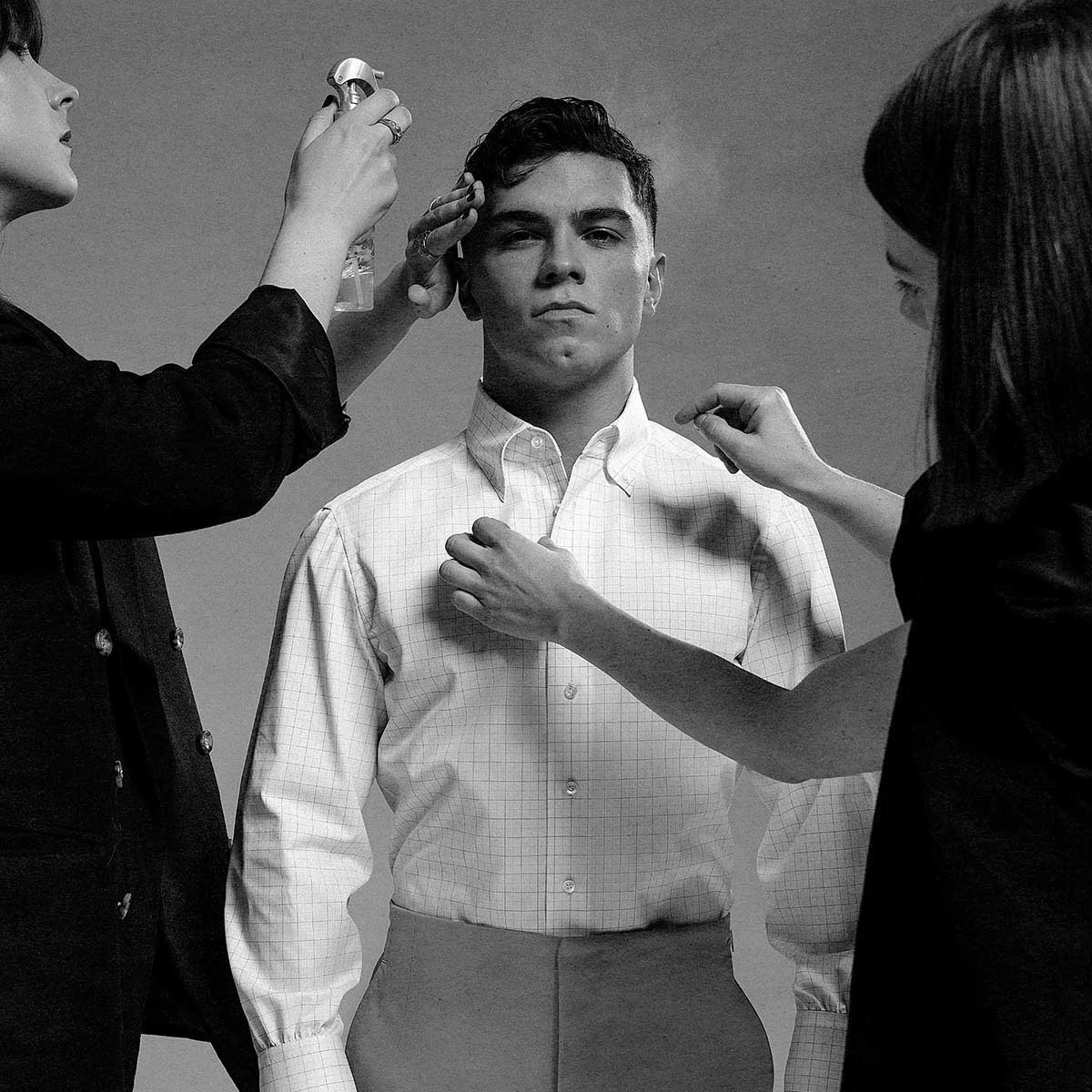
Tips for Staff Headshots: How to Prepare Your Team and Get Consistent Results
Most staff headshot projects go sideways not because the photographer missed focus, but because nobody told the team what to wear, the schedule fell apart by 11 a.m., and retouching requests trickled in for weeks. This blog post is built around the operational side of taking headshots for your staff: how to brief employees, what wardrobe choices actually matter, how to structure the photo session, and how to work with a professional headshot photographer to get corporate headshots that hold together across your entire team.
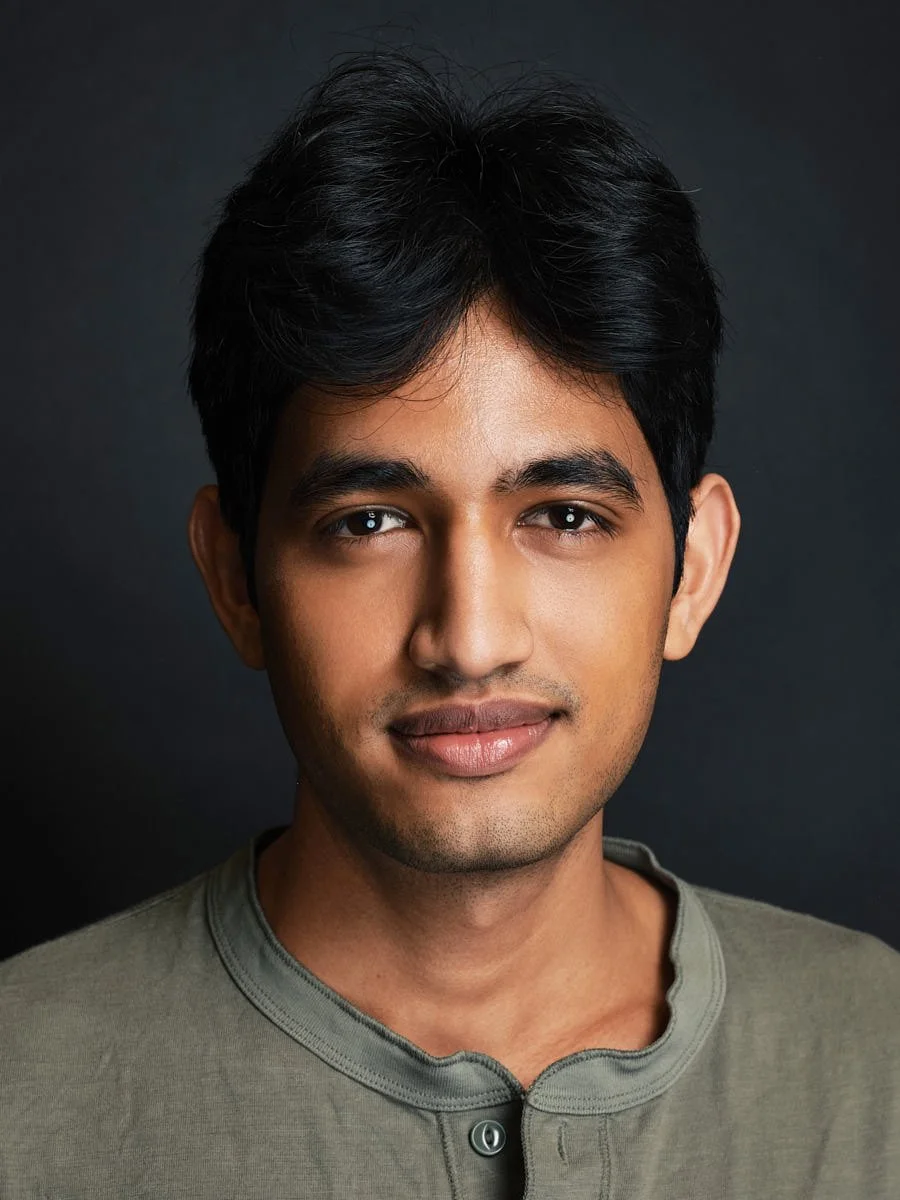
These headshot tips are based on Match Production's experience photographing 8,000+ professionals through studio, on-location, and live-directed remote headshot sessions for companies across New York City and beyond.
Key Takeaways
Good staff headshots depend more on preparation and workflow - scheduling, wardrobe guidance, setup, and proofing - than on having the most expensive camera lens or studio lighting rig.
A few tips go a long way: send a prep email 7–10 days early, give clear wardrobe direction (solid colors, good fit, similar formality), and build buffer time into the schedule so nobody feels rushed in front of the camera.
Consistency across your team comes from holding the same background, lighting direction, crop, and retouching standard for every person - whether they shoot in the office, in a studio, or via a remote session.
Plan for what happens after the shoot: decide who selects images, set a proofing deadline, and use natural retouching so finished images look polished but still look like real life.
Executives and public-facing leaders usually need a different treatment (more time, more poses, more applications) than standard staff directory headshots - plan for both on the same day when possible.
Why Staff Headshots Work Best With a Plan
Picture this: a 60-person team in NYC is redoing its company website ahead of Q4 2026. They need consistent staff photos for the new site, plus updated head shots for LinkedIn, internal directories, and press materials. Some employees are in the office three days a week, a few are fully remote, and four new hires start next month.
Without a plan, this project ends up as a folder of mismatched crops, different poses, uneven lighting, and backgrounds that range from conference-room beige to someone's living-room bookshelf. It weakens the professional image the company is trying to build.
Staff headshots appear on your company website, your team's LinkedIn profile picture pages, internal onboarding portals, investor decks, and press releases. That means they need to hold together not just on shoot day, but across offices and over years. A recent survey of 120 organizations found the average refresh interval is 2.4 years - and that more than half of corporate headshot projects involve multiple office locations.
At Match Production, corporate headshot photography is treated as a workflow project first: one background direction, one lighting system, one retouching standard, and a schedule that keeps people moving without rushing them. When these elements are defined early, the photography part runs itself.
This is the approach that team headshot packages are built around - whether you're photographing 10 people or 100.
Prepping Your Staff Before Headshot Day
The biggest variable on a headshot day is not the camera - it's whether your staff showed up knowing what to expect. Here's what to communicate before the shoot.
Send a preparation email 7–10 days out. Include:
The exact date, location (conference room name or studio address), and each person's time slot.
A short explanation of why the company is investing in professional headshots now (new website launch, refreshed LinkedIn profiles, updated internal directory). People engage more when they understand the purpose.
A clear wardrobe direction (covered in the next section) and 2–3 sample reference images so staff can see the expected tone.
Personal prep checklist to include in the email:
Get a good night's sleep and stay hydrated.
Advise staff to maintain their usual hairstyle and grooming habits before the shoot - avoid last-minute haircuts or drastic changes within 3–4 days of the photo session.
Light makeup should look like an elevated version of everyday style, not a transformation. Use light, translucent powder makeup to reduce shine under studio lights.
Choose outfits that complement your skin tone and hair colour.
Encourage staff to check their appearance in a mirror before the photo.
Practicing genuine smiles before the photo can help avoid a stiff look. Try it in front of a mirror - it feels silly, but it makes all the difference on camera.
Bring a comb, brush, or small touch-up kit.
Set the right mindset. Encourage staff to think through how they actually meet clients or colleagues - in-office, in court, on Zoom - and to dress for that context, not a dramatically different persona.
Minimizing decision-making on shoot day reduces stress. Plan your wardrobe ahead to minimize decisions on shoot day. At Match Production, teams receive a simple staff prep guide that HR can forward directly.
What Staff Should Wear for Corporate Headshots
Wardrobe has more impact on a good headshot than most technical camera settings. Simple, well-fitted clothes always beat trendy or busy options, and this is the area where a few tips from HR can make a big difference in the final product across your team.
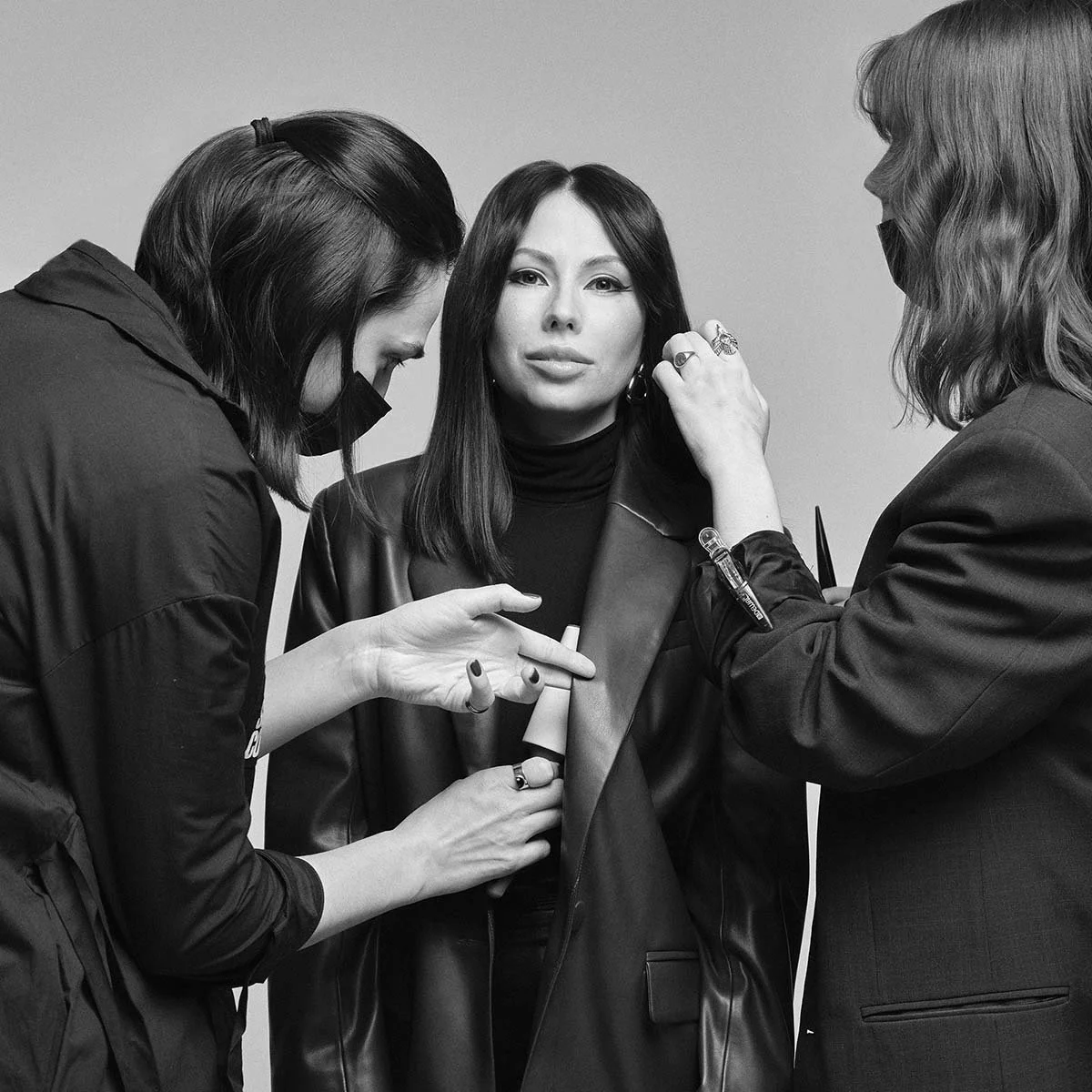
Dress for Your Industry
Advise staff to dress as they would for an important client meeting in their specific industry:
Law firm, finance, consulting: Suits, structured blazers, dress shirts.
Tech, media, startups: Smart business-casual - a clean button-down, a fitted sweater, or a polished blouse.
Ensure all team members have similar levels of formality in attire. If half the team shows up in t shirt and jeans while the other half wears suits, the photos will never feel cohesive.
Colour and Pattern Guidance
Solid colors are preferred for headshot clothing choices. Solid, jewel-toned colors look great on camera while busy patterns are distracting. Think navy, charcoal, forest green, burgundy, and deep teal.
A light blue shirt is a reliable, approachable option that works well on almost everyone.
Neutral tones are safe for corporate headshots. Dark colors convey formality and authority in headshots, while light colors appear friendly and approachable in photos.
Use complementary colors to maintain team consistency - coordinate team wardrobes for cohesive headshot results without forcing everyone into the same outfit.
Avoid bold patterns and logos in your outfit. Tight stripes, houndstooth, and high-contrast prints can create moiré effects or simply pull attention away from the subject's face.
Fit, Neckline, and Accessories
Wear tailored clothing for a polished appearance in headshots. Clothes should define shape but not be so tight that sitting or turning becomes uncomfortable. Wearing comfortable clothing helps subjects look natural in photos.
Manage neckline to flatter most faces by avoiding overly low-cut tops. A crew neck, modest V-neck, or collared shirt tends to frame the face well.
Accessories should not distract from the face to keep focus. Simple jewelry, classic watches, minimal tech. Consider removing smartwatches if the brand wants a more timeless business headshot.
If you wear glasses, bring a backup pair or ask the photographer about adjusting lighting to reduce glare.
Team Coordination Without Uniformity
Plan outfits in advance to reduce decision fatigue on shoot day. HR can include 2–3 example outfit images in the prep email.
Avoid extreme uniformity in team headshots for individuality - staff should still express personality within the framework.
Wear solid colors for a professional look, but let each person pick the specific shade that works with their skin tone and hair colour.
Select a plain, neutral backdrop to keep focus on the subject, and pair it with these wardrobe standards for a cohesive set of professional headshots across the team.
Setting Up a Smooth Headshot Session for Staff
This section is for whoever owns logistics - HR, People Ops, an EA, or an office manager planning one or more headshot sessions in a single day.
Timing Per Person
A quick staff headshot on a team day: 5–10 minutes per person.
Leadership or executive portraits: 20–30 minutes per person.
For a team of 50, plan roughly 5–6 hours including breaks and buffer.
Scheduling
Use a shared sign-up sheet or scheduling link with 5–10 minute slots, staggered by department so the waiting area doesn't get crowded.
Build in small buffer windows every 60–90 minutes for delays - client calls, court runs, or emergencies are inevitable.
A simple check-in system helps: a front-desk sign-in sheet, a Slack reminder, or an EA walking people over, especially when photographing 50+ employees.
On-Location Setup
If you're doing an on-location headshot session at your office:
Reserve a quiet conference room or corner with at least 10–15 feet of depth to create separation from the background.
Ensure enough power outlets for lights and a tethered laptop.
Maintain the same distance from the background for cohesive final photos across every person.
Keep the space clear of clutter and foot traffic.
At Match Production, team packages - Starter, Standard, Half Day, and Company Day - are designed around this kind of production rhythm. Each is built to keep a schedule moving without sacrificing consistency.
Posing and Expression Tips for Staff
Most staff are not models. What separates a great headshot from an awkward one is guided posing and expression direction from the photographer, not the person's comfort level in front of the camera.
The Base Pose
A simple starting position that works for almost everyone:
Turn the body slightly - about 30–45 degrees from the camera - and bring the face back toward the lens.
Ensure backs are kept straight and shoulders are relaxed.
Encourage staff to roll shoulders back and down to look relaxed and avoid that hunched, tense look.
Gently extend the chin forward and slightly down to define the jawline.
Place the camera at eye level for a flattering perspective of the face.
Expressions
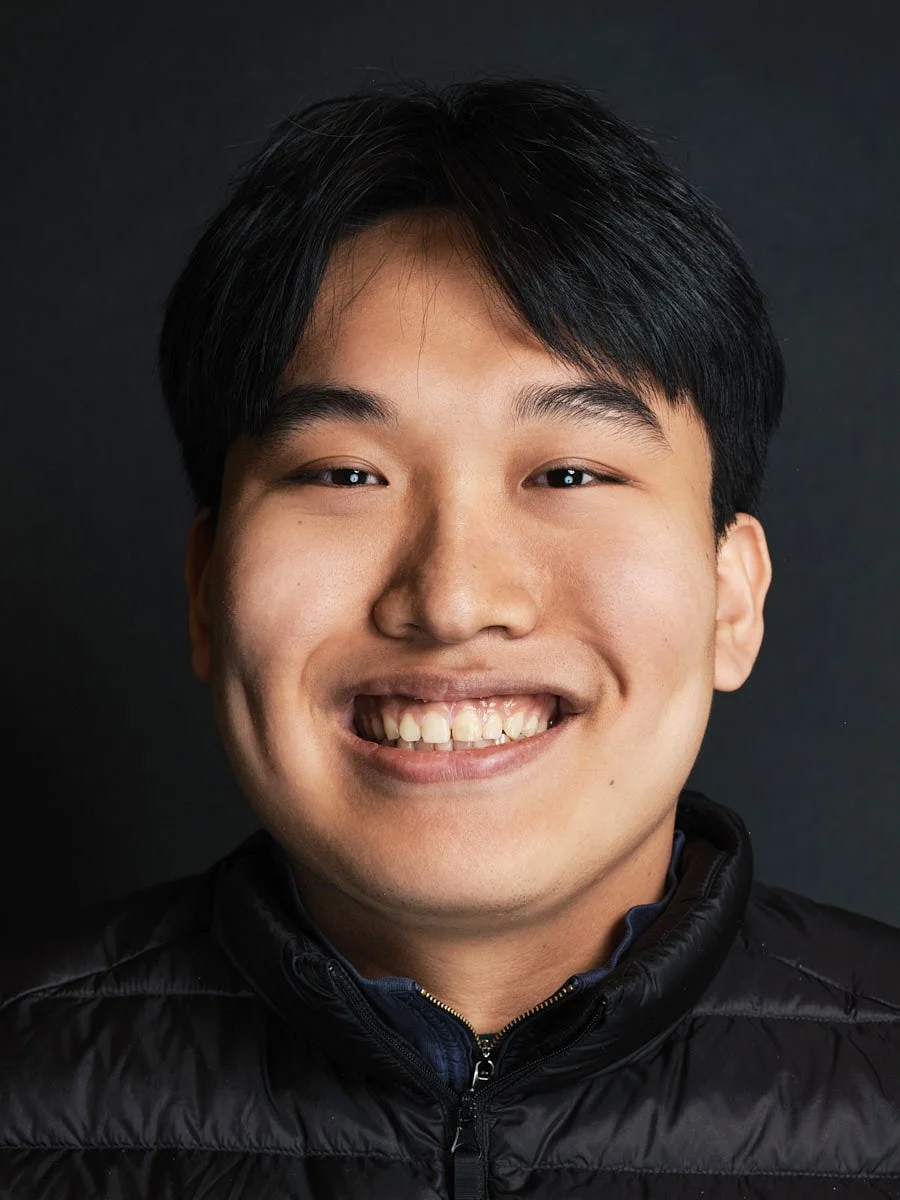
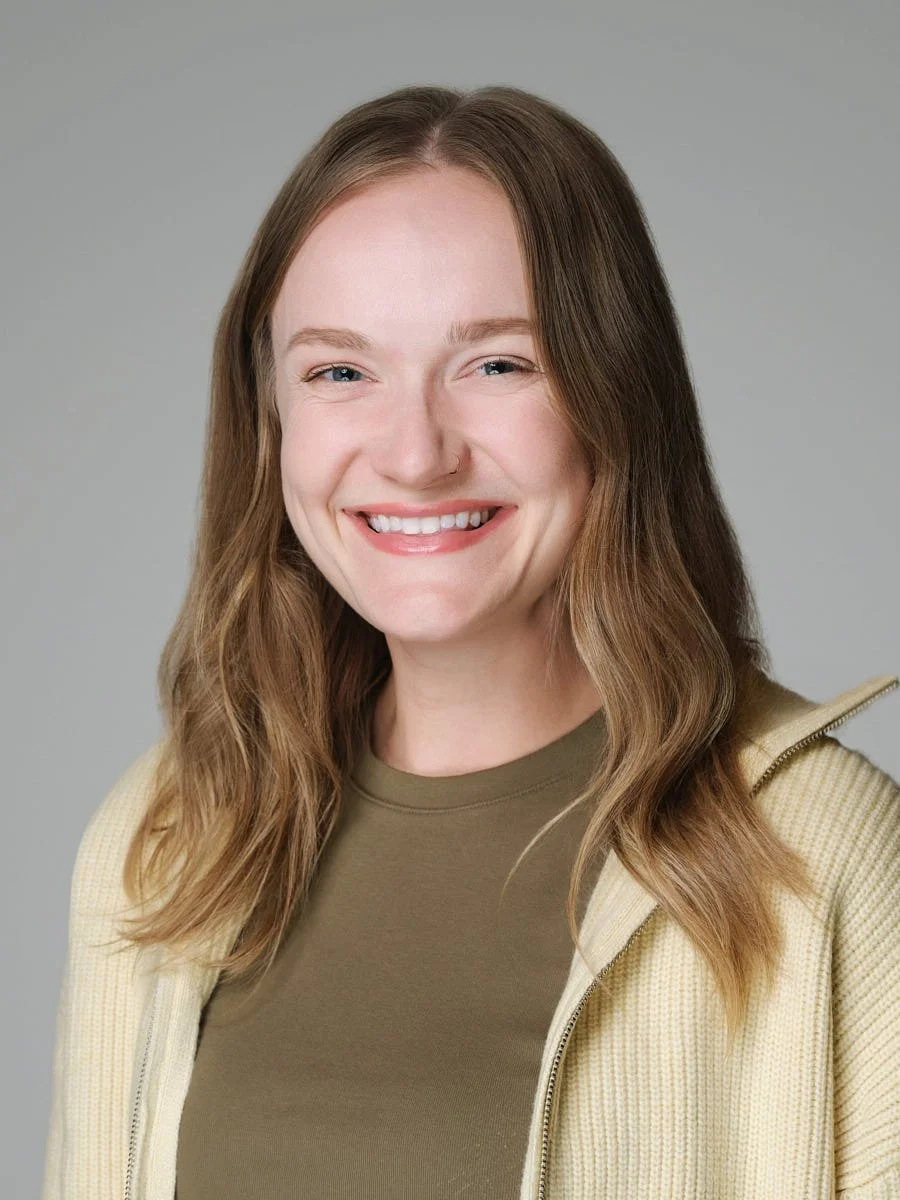
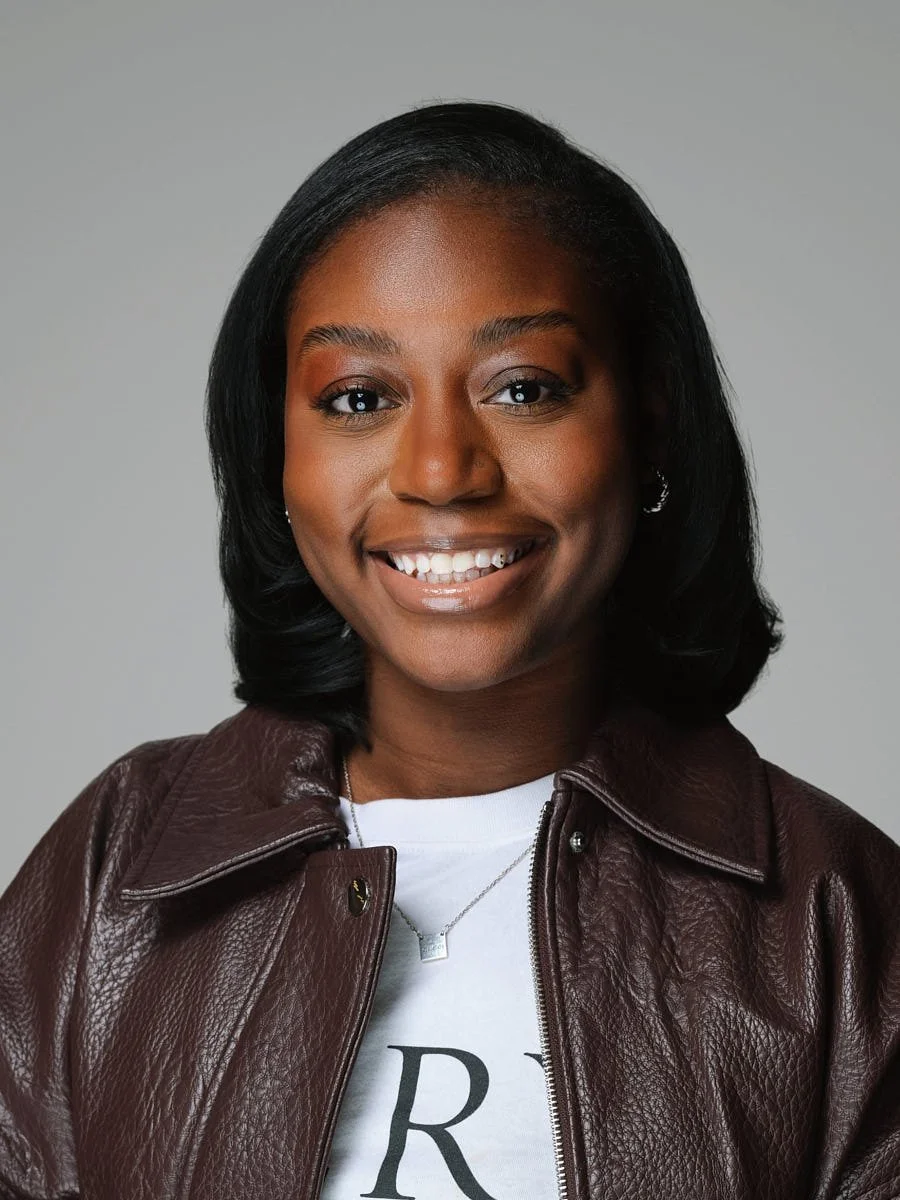
A genuine smile with teeth reads as warm and approachable.
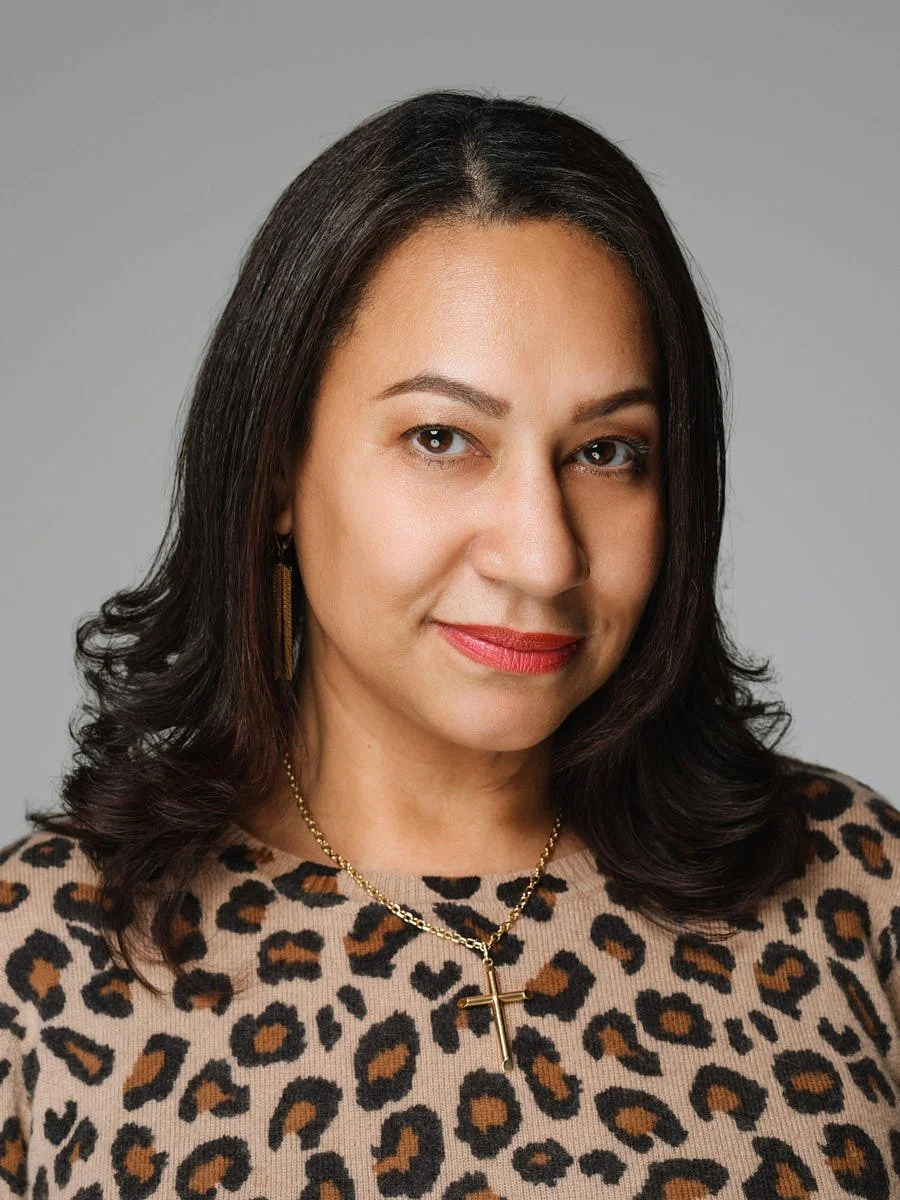
A half smile or small closed-mouth smile works for a more formal corporate portrait.
A neutral but engaged expression suits leadership roles where authority matters.
Different poses - arms gently crossed, hands in pockets, seated - can work for executives or about-page images, but most staff directory photos stay at a classic shoulders-up framing. Sitting down can make subjects feel more comfortable during shoots, especially people who are nervous.
How the Photographer Helps
The headshot photographer should talk throughout the session, making small adjustments - "chin down a touch," "tilt toward the light source," "soft smile" - rather than vague instructions like "just relax."
Building rapport with the photographer helps subjects relax. Encourage staff to relax to build trust with the photographer for better expressions. Build trust and keep the photo atmosphere relaxed to improve shot quality.
Subjects should see their photos during the shoot for comfort. Let staff glance at the tethered screen so they can see their own expression and request adjustments. This simple step turns anxiety into confidence.
The eyes should be the sharpest point of the photo - a professional photographer will make sure focus locks on the eyes every time, which is what gives a headshot its direct eye contact and presence.
Technical Choices That Affect Consistency (Without Overdoing Jargon)
This guide is not a camera manual. But a few consistent technical aspects make staff headshots look cohesive across offices and over time, and it helps to know what to ask for when vetting a professional headshot photographer.
Camera and Lens
Use a DSLR or mirrorless camera for headshots. Phone cameras and portrait mode can work in a pinch, but they won't match the control of dedicated headshot photography gear.
A 50mm or 85mm lens is ideal for headshots; a medium telephoto focal length (around 80–135mm on full frame) avoids the kind of facial distortion wider camera lens choices produce.
A tripod helps maintain consistent framing during shoots, especially when photographing 30+ people back-to-back.
Shoot in RAW format for better post-processing flexibility.
Camera Settings at a High Level
Use a moderately wide aperture - around f/4 - to blur backgrounds while keeping both eyes sharp.
A shutter speed fast enough to freeze any small movement (typically 1/160s or faster).
Use the same camera settings, background, and lighting for consistency in headshots across your entire team.
Lighting
A key light highlights the subject's good side and defines the face. Lighting should be positioned above the subject's face for even illumination.
Reflectors can fill in unwanted shadows on the subject's face, keeping harsh shadows off one side.
Off-camera flashes allow for better control of lighting than overhead fluorescents or window light alone. Off-camera flashes provide better lighting control and are the standard in professional headshot photography.
If you're working with natural light, it should be diffused to avoid harsh shadows. Avoid placing staff in direct sunlight - it creates unwanted shadows and squinting. A large window with sheer curtains can act as a beautiful, soft light source.
Consistent white balance settings keep skin tone even across different people and sessions.
What to Ask a Headshot Photographer Before Booking
What background options do they recommend for your company?
How will they keep studio lighting consistent across 50+ staff?
Do they shoot tethered for live review?
Can they provide sample setups from similar corporate settings?
At Match Production, staff headshot sessions are usually shot tethered to a laptop with pre-tested lighting and background standards so sessions across different angles - studio, office, remote - can match the same look and create separation between subject and background consistently.
After the Shoot: Proof Galleries, Selection, and Retouching
Once the photo session wraps, the project moves into sorting, proofing, approvals, and retouching. This is where many staff headshot projects stall if there isn't a clear system - and where the final image quality is either protected or lost.
Who Chooses the Image?
Decide in advance:
Option A: Individual employees shortlist a few favourites, then marketing or HR makes the final pick for the company website and press use.
Option B: HR/marketing selects directly.
Most teams do a hybrid: employees narrow down, leadership approves.
Proofing
Private, online proof galleries with simple favouriting and side-by-side comparison tools work best, especially when some employees are in NYC, some are hybrid, and some are fully remote.
Colour-corrected proofs let everyone see the intended look before final retouching begins.
Set an internal deadline - for example, 5 working days after galleries go live - so marketing can keep the website or intranet project on schedule.
Retouching Standards
A basic retouching standard for corporate headshots: natural retouching that cleans up temporary blemishes, flyaway hairs, minor lint, and skin shine but does not reshape faces or erase permanent features. The goal is professional photos that still look like the person, not other portraits of someone unrecognizable.
Over-retouching is a common pitfall - heavy filtering makes the final product feel inauthentic and can undermine trust.
File Delivery
Export finished images in both high-resolution and web-ready sizes so the same profile photo can be used on LinkedIn, the company site, and internal tools without constant resizing requests.
Use consistent file labelling (e.g., lastname-firstname-office-year.jpg) for easy tracking.
Match Production typically delivers colour-corrected proofs within 24–72 hours, then final, naturally retouched great images within a few business days once selections are confirmed - with unlimited business usage rights on most team packages.
Coordinating Staff Headshots Across Locations and Time
Many companies in 2026 have hybrid or distributed teams, so staff headshots often need to be produced across multiple offices and time zones over several months. More than half of recent corporate headshot engagements involve multiple locations.
Build a Visual Standard Document
Create a 1–2 page guide showing:
The chosen background tone and colour
Crop style (bust-up, mid-torso)
Rough camera height
Sample poses and expressions
Retouching approach
This document becomes the reference for every future headshot session, ensuring a professional portrait photographer at any location can match the original look.
File Management
Use consistent naming conventions and store images in a DAM or HRIS system so you can track office, date, and version - and spot visual drift before it gets out of hand.
Remote Staff
Live-directed remote headshot sessions can fill gaps for employees who work from home or in secondary offices. When the lighting direction, framing, and background tone are specified, remote individual headshots can match what was done on-location.
Match Production can photograph staff in their Midtown Manhattan studio, at client offices, and via live-directed remote sessions - all tied into one consistent headshot system for teams scaling from tens to hundreds of people.
Plan for the Long Term
Schedule re-shoots each time there is a rebrand, major leadership change, or office expansion. Without a cadence, staff photography drifts into a mix of old and new styles that undermines your professional image in the digital age.
When to Use Executive Portraits vs Standard Staff Headshots
Not everyone in the company needs the same type of image. Executives, partners, and public spokespeople often need more than a basic staff headshot - and planning for both on the same day saves time and money.
Standard Staff Headshot
Bust-up framing, neutral or slightly smiling expression, neutral backdrop.
Quick sessions (5–10 minutes) designed for directories, email signatures, internal tools, and your LinkedIn profile picture.
One main retouched photo taken per person, plus colour-corrected alternates.
Executive Portrait or CEO Headshot
More time per person (20–30 minutes), a mix of different poses and crops (waist-up, environmental shots in the office).
Expression variations tuned for press, investor decks, conference bios, and personal branding.
Great for professional individuals who represent the company publicly - a perfect headshot for a job interview bio or keynote speaker listing.
How to Schedule Both
Advise HR and EAs to identify which people need upgraded executive portraits ahead of the team shoot, then schedule those for longer sessions either on the same day or as separate bookings.
At Match Production, executive portrait sessions are often scheduled alongside or just before broader staff headshot days, using related lighting and background so leadership and staff still feel like part of the same visual system. This means the corporate client gets a cohesive set without running two entirely separate productions.
FAQs
How far in advance should we book staff headshot sessions for a team of 50–100 people?
For 50–100 employees in one NYC office, aim to reserve dates 4–8 weeks in advance - especially if you need specific days of the week or must coordinate around quarterly meetings. Additional lead time is helpful if multiple locations are involved, or if leadership portraits need to be added. Match Production can accommodate urgent timelines, but more lead time means better scheduling, smoother internal communication, and a less stressful same day experience. Check pricing and packages for specifics on team sizes.
What if staff can't all make it on the same day?
This is common. Solutions include a second in-office half day for absentees, a block of studio appointments over a few weeks, or remote, live-directed headshot sessions for people working from home or in different cities. HR should keep a simple list of "missed session" employees and schedule periodic catch-up slots - once per quarter works well - so the staff headshot library stays current. Match Production often builds mixed plans (on-location, studio, and remote) so late hires and remote staff still match the main team look.
How many final images should each staff member get from their headshot session?
For most staff roles, one main retouched corporate headshot plus a handful of colour-corrected alternates is enough for the company website, LinkedIn, and internal tools. Executives, partners, and public-facing leaders usually benefit from 2–4 fully retouched images in different poses or orientations for press, conferences, and investor materials. Match Production's team packages include one premium retouched image per person, plus multiple colour-corrected proofs in a private gallery - an excellent post-shoot resource for coordinators managing selections across departments.
Can we use staff headshots freely on LinkedIn, in press, and in pitch decks?
Usage rights vary by provider, so always confirm terms before booking any corporate headshot photographer - especially for large teams and long-term campaigns. Most Match Production core business and team packages include broad, unlimited business usage rights covering LinkedIn, websites, press releases, speaker bios, and pitch decks without extra licensing fees. If your company also needs images for contractors, affiliates, or partner organizations, ask about those scenarios specifically.
How often should we update our staff headshots and leadership portraits?
Standard staff headshots should be refreshed approximately every 3–5 years, or sooner if someone has a major appearance change - distinctive haircut, long hair cut short, new glasses, significant facial hair - that makes older images feel out of date. For executives, founders, and spokespeople, plan updates every 1–3 years, or whenever there's a rebrand, major product launch, or shift in their public role. Some Match Production clients schedule an annual or biannual headshot day to capture new hires and keep everyone's great tips and images aligned with current brand visuals. It's a huge difference for companies that care about looking current.