One Agency, 15 Screens: How We Shot a Client Team We Never Met in Person
Updated
The short version: Anchovies, a branding agency, hired us to photograph 15 people for a client of theirs, a team scattered across different cities and countries. No studio, no travel, no generated faces. Every session was shot by one photographer, Elina, live: the person joins a video call for the direction, but the capture itself ran through the remote-capture software used for that project, which saved RAW files directly from the phone's camera. She set up each camera with the person, directed them the way she would in a studio, and shot remotely. Our retouch team then finished every file mostly by hand. The result went onto a client-facing website an agency had put its own name behind, and that is the highest quality bar we know.
Here is the part that surprises people about my job on a project like this: it was over in the first week. I set the project up, and then Elina ran it. On an office shoot I stand in the room all day with a call sheet. Here, once the spec was agreed and the booking links went out, the machine did not need me, and it did not need the client either.
Key takeaways
- A remote headshot here is a photograph, not a generation. Every delivered pixel started as a RAW frame captured live from the person's own phone, directed by a real photographer.
- Direction happened over video; capture used the project's remote-capture software. It saved RAW files from the phone's camera, not compressed video frames.
- For this project, sessions took about ten minutes per person. Participants used a phone, a window and the remote-capture software used for this project.
- AI is pointed at the camera, never at the person. Perspective, lens distortion, light and color are corrected algorithmically; everything that touches a face is done by hand.
- Fifteen rooms, one photographer, one standard. The same photographer shot every session, to one spec, through one retouch pipeline. That is why the set looks like it was shot in one place.
- The work was divided clearly. Anchovies supplied the roster and visual direction; Match prepared the booking links and Elina ran the sessions.
In this guide
- The project at a glance
- Why did a branding agency hire us for someone else's team?
- Can a phone camera really produce a professional headshot?
- How did the sessions actually run?
- What does "retouched by hand" actually mean?
- How do fifteen photos from fifteen rooms end up matching?
- Why not just use an AI generator?
- What did the agency actually have to do?
- When is remote not the right tool?
- How today's company headshot program works
- Frequently asked questions
- The bottom line
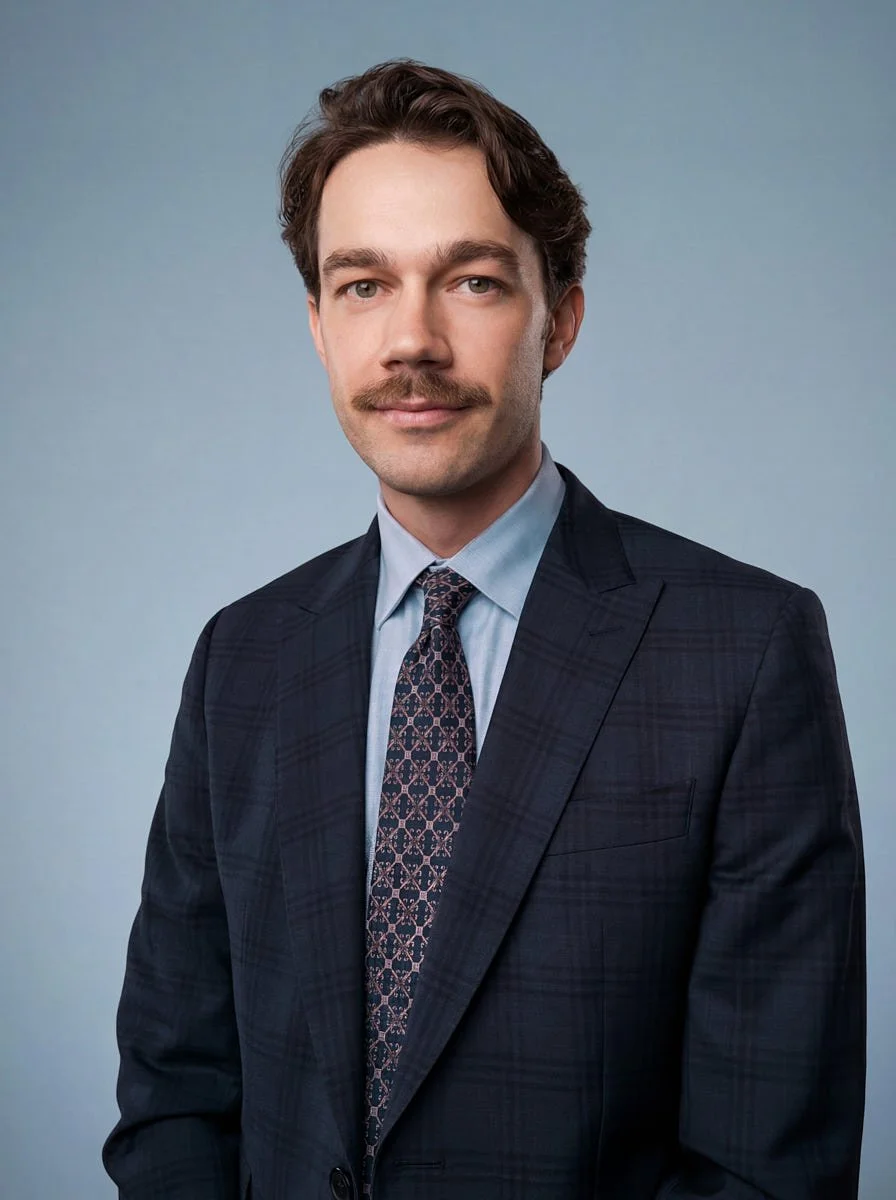
The project at a glance
15 people photographed, each in their own city, several time zones between them
One photographer for the whole set: Elina, our remote photographer, shot every session herself
Ordered by an agency for their client: Anchovies ran the brand, we ran the photography
About 10 minutes per session, directed live over video
Captured in RAW with the project's remote-capture software on each person's phone, with the light the room already had
Retouched mostly by hand, with AI correction used only to undo what the phone and the room got wrong
Nothing generated. No pixel in the delivery was synthesized, and no face was altered
Match managed booking and session coordination after Anchovies supplied the roster and visual direction
The figures on this page come from our production records for this project. The end client is not named at their agency's request. Employee faces appear with permission.
Why did a branding agency hire us for someone else's team?
Because their name was on the deliverable.
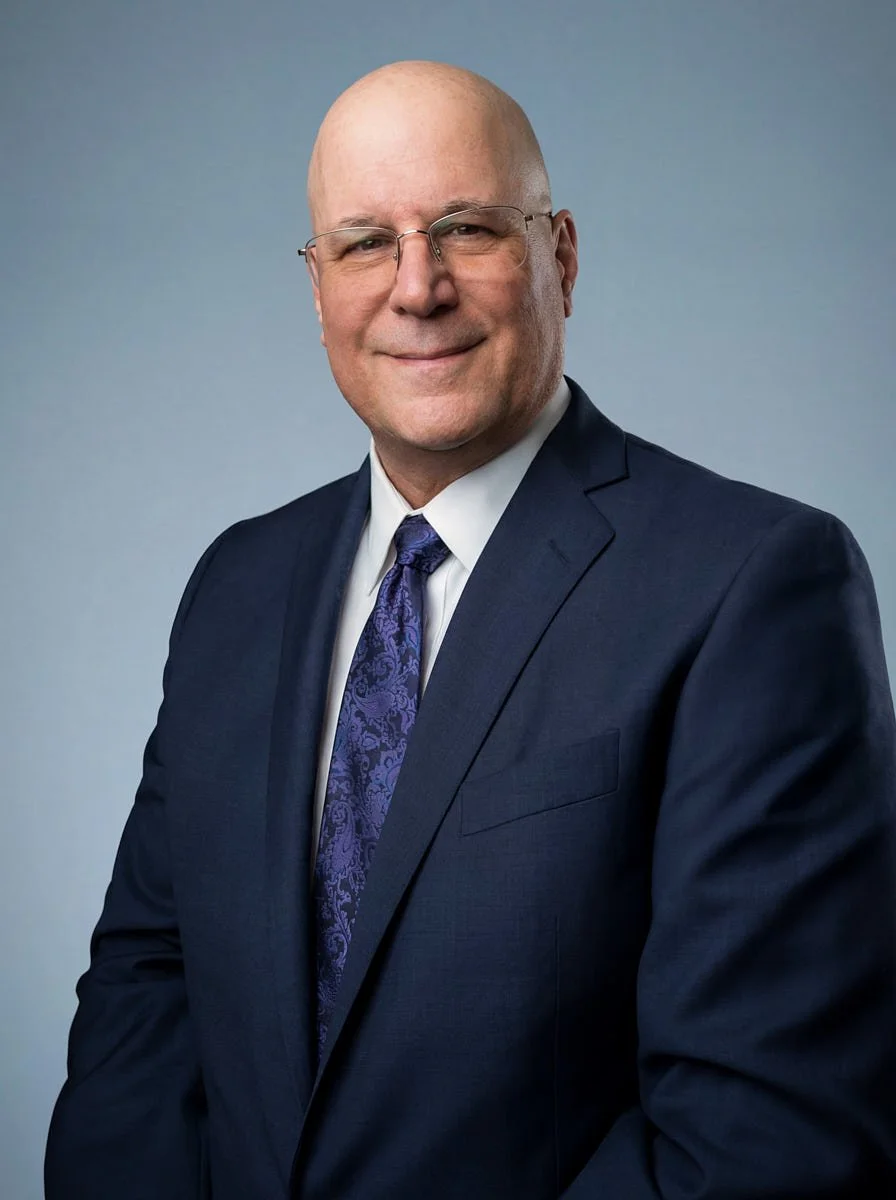
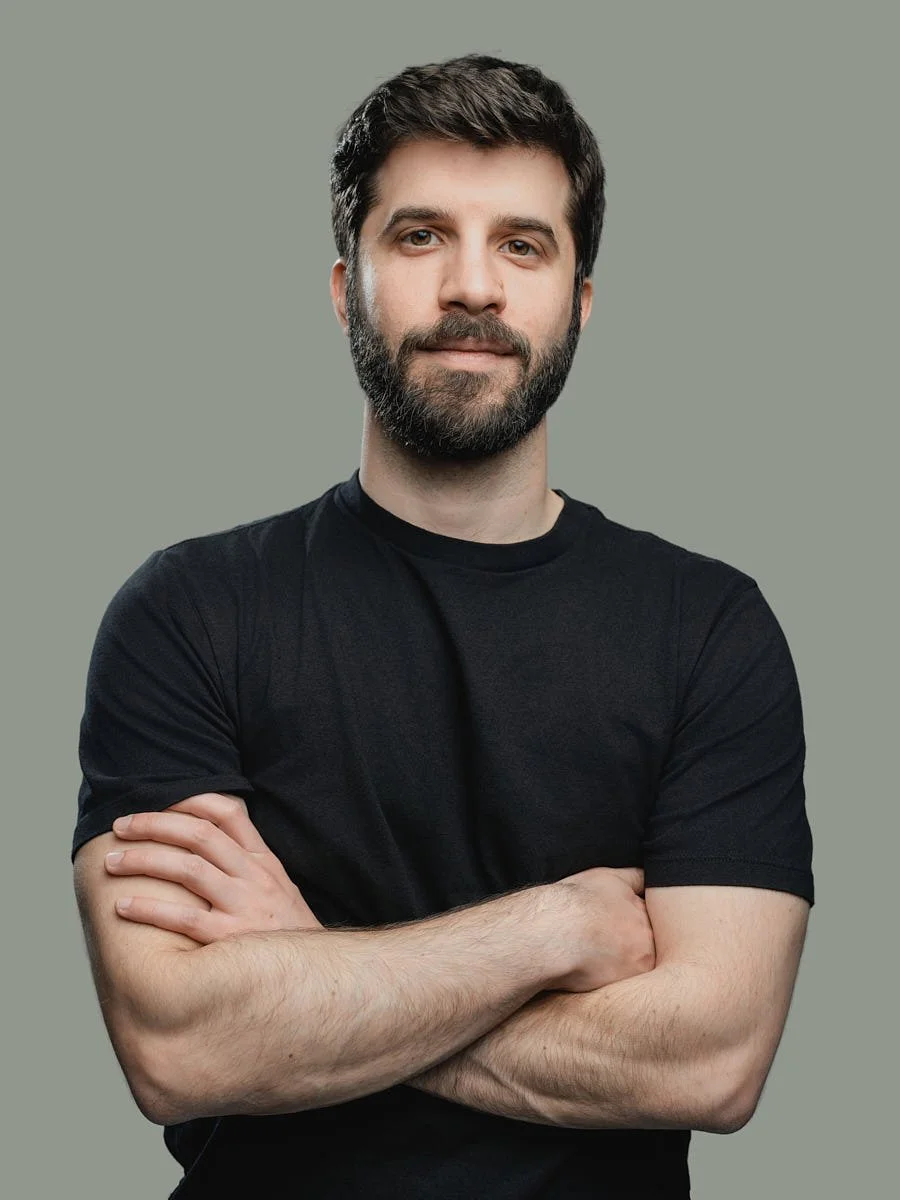
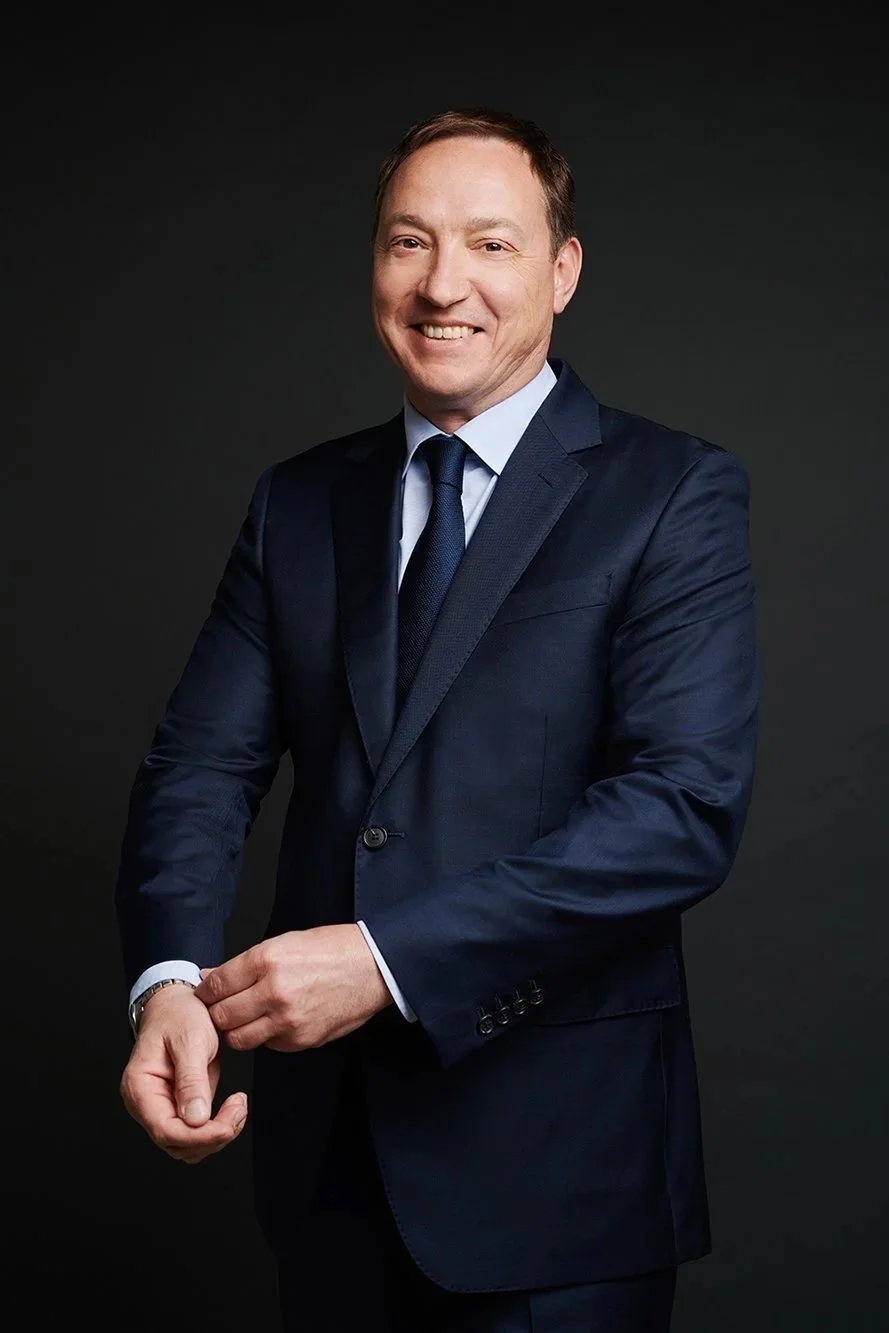
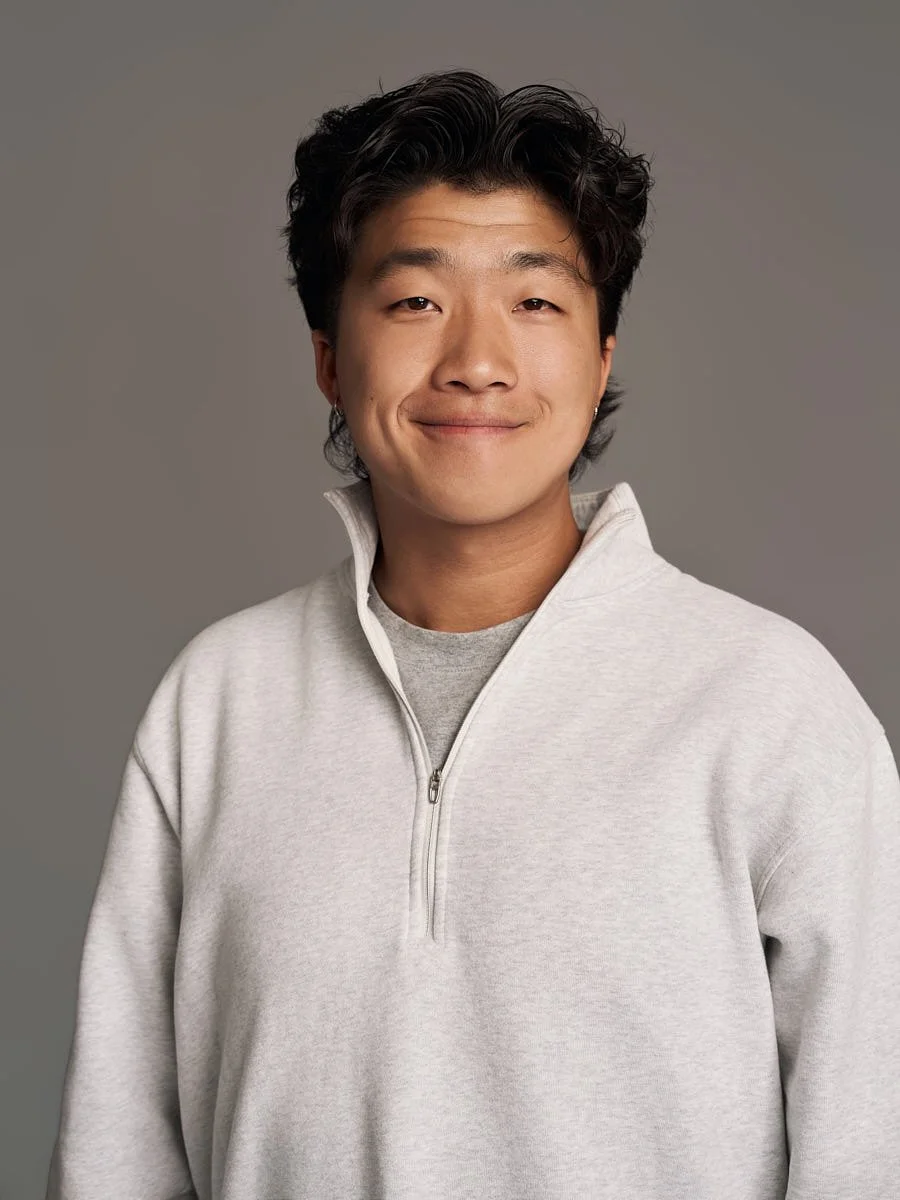
Anchovies was building their client's brand and website. The team page needed fifteen faces that followed one visual direction, and the fifteen people making that company sat in different cities. For this client project, the agency chose real, directed photographs rather than generated portraits and asked us to produce the set remotely.
The photography had to work inside the brand and website Anchovies was delivering. Consistent framing, light, expression and finishing were part of this project brief.
So the brief to us was simple and strict: fifteen matching, client-facing headshots, no travel budget, no studio visits, and quality that would sit comfortably in a brand book. That is our remote headshots service, and this is what it delivered.
Can a phone camera really produce a professional headshot?
Yes, and the phone was never the hard part.
DXOMARK compared a full-frame Panasonic with flagship phones using its camera test methodology. The results were mixed: the phones were competitive in several measures, while the larger camera retained advantages in detail and zoom. For this project, the phone camera supplied the RAW original; camera position, available light, expression, frame selection and finishing still shaped the delivered portrait.
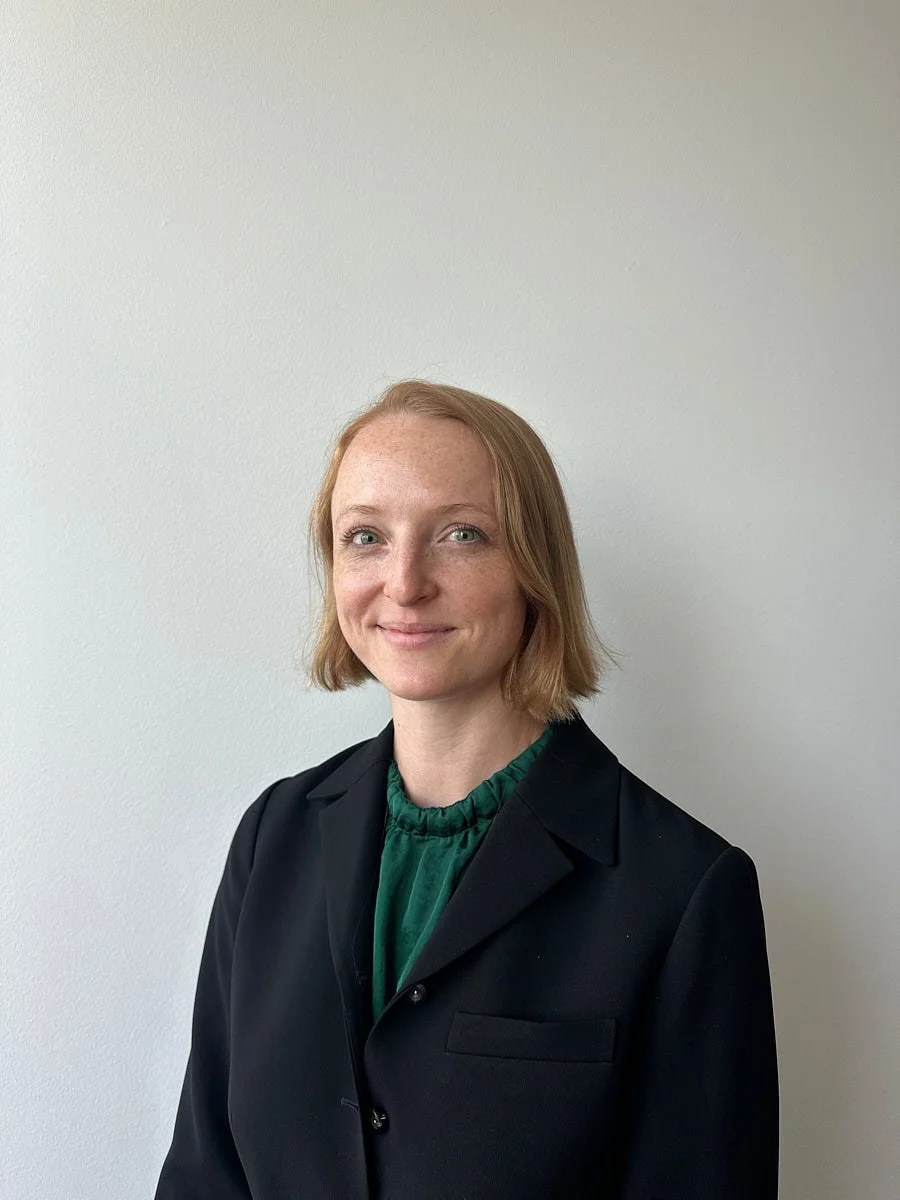
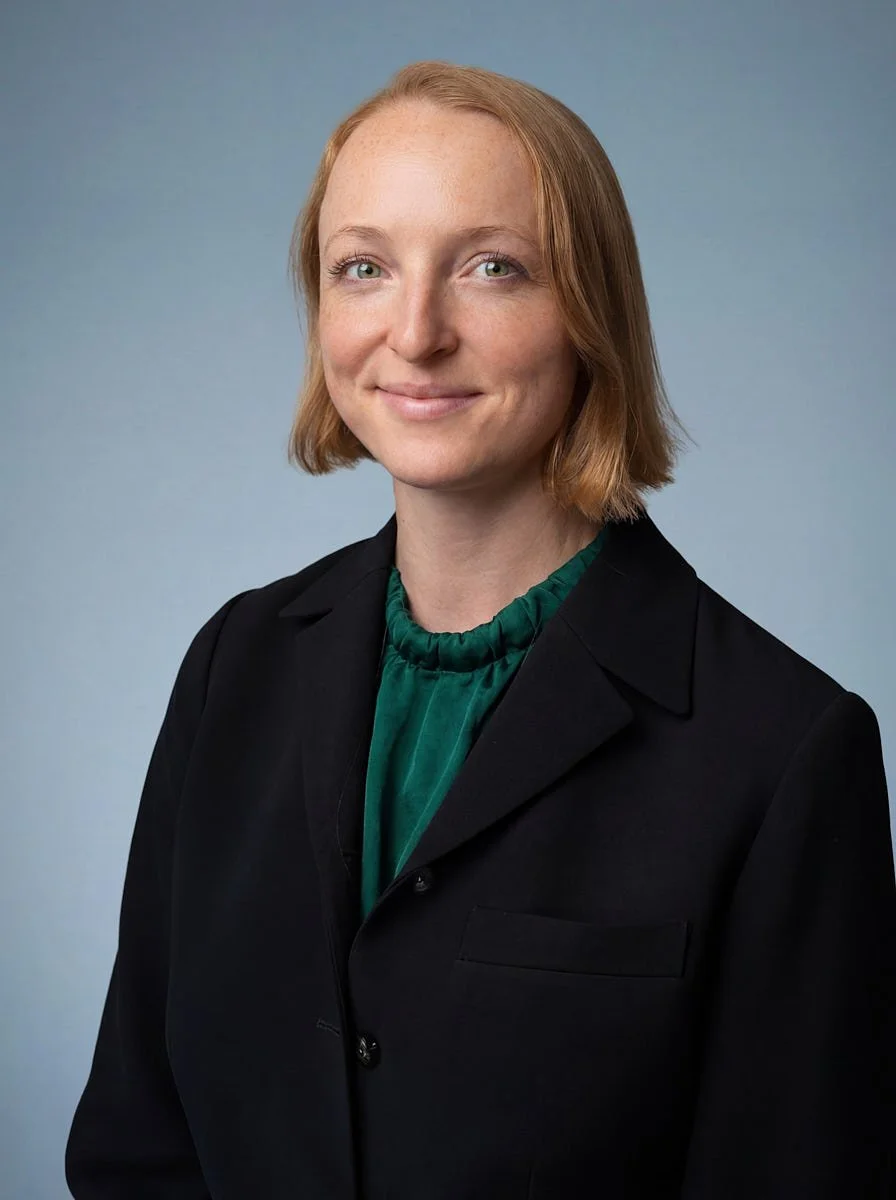
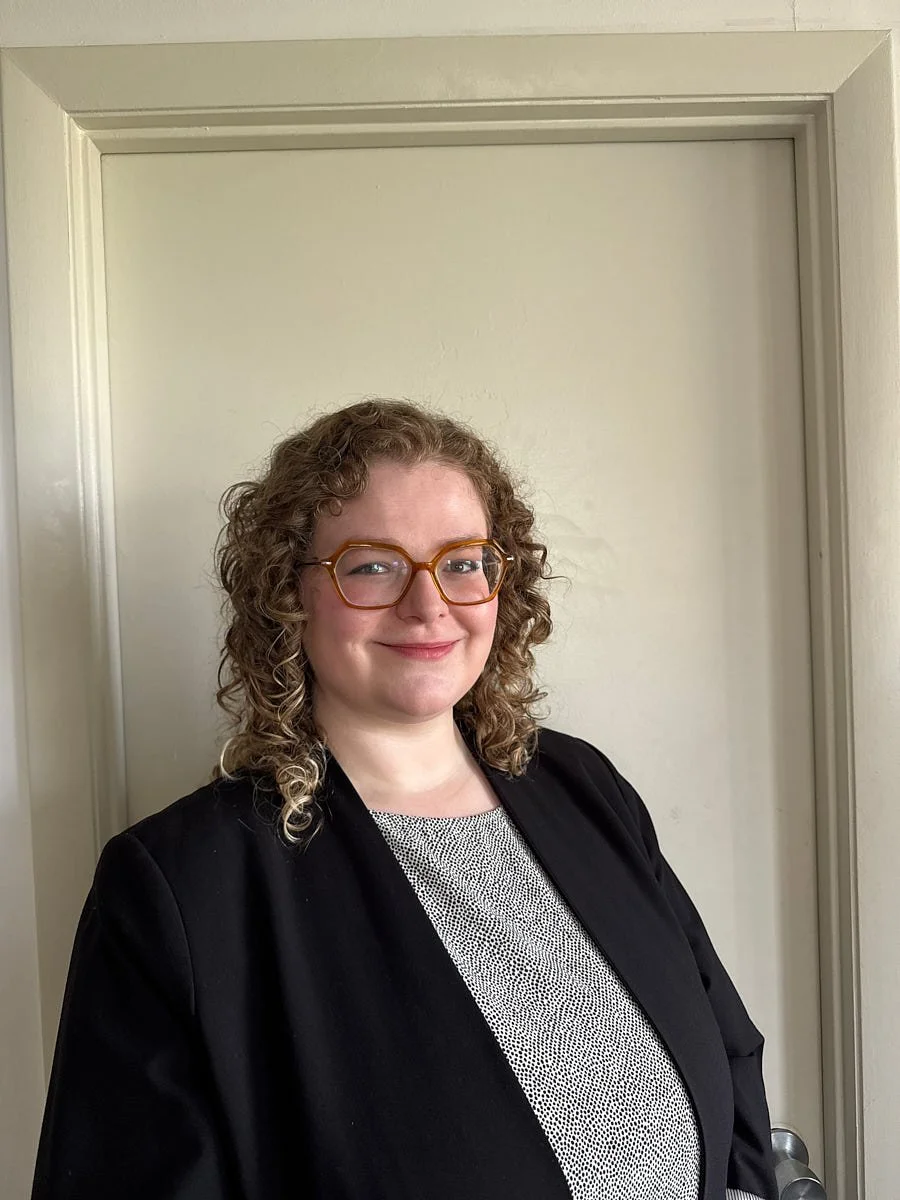
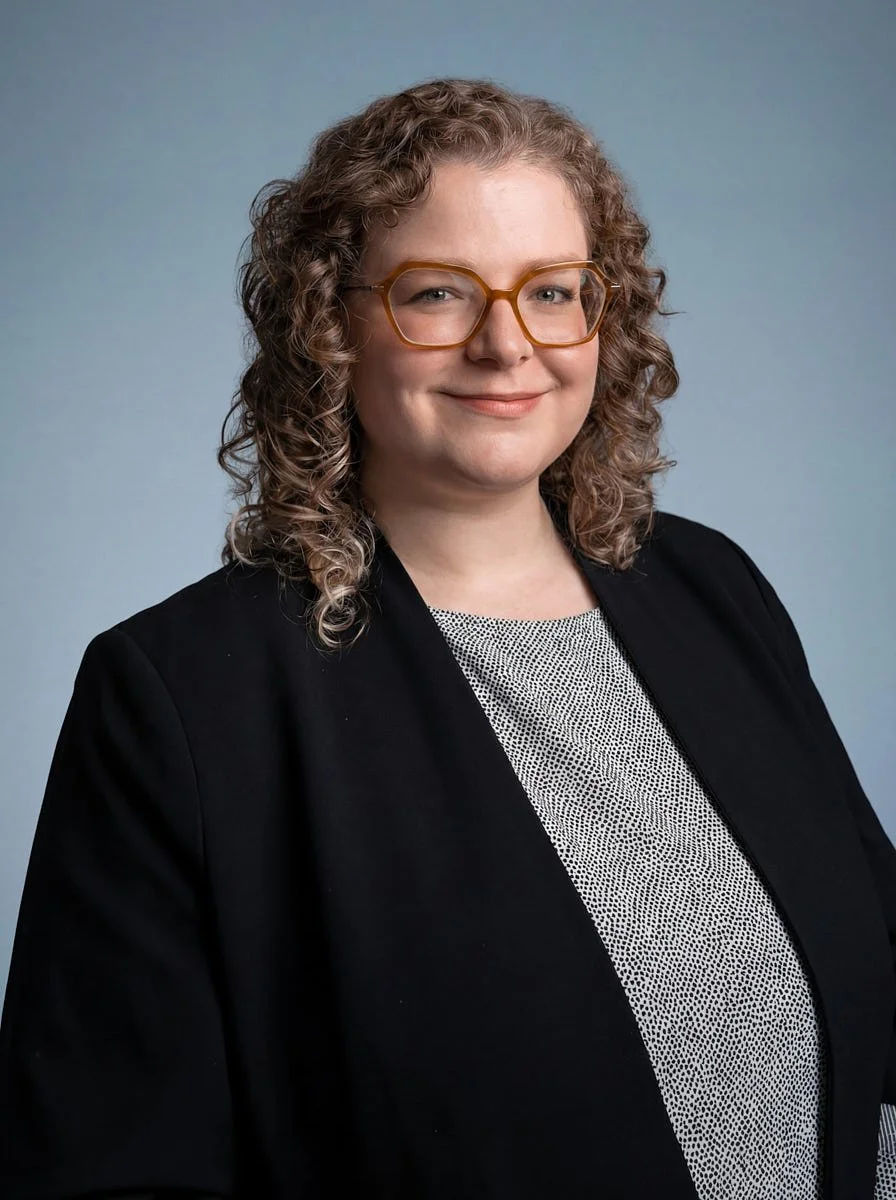
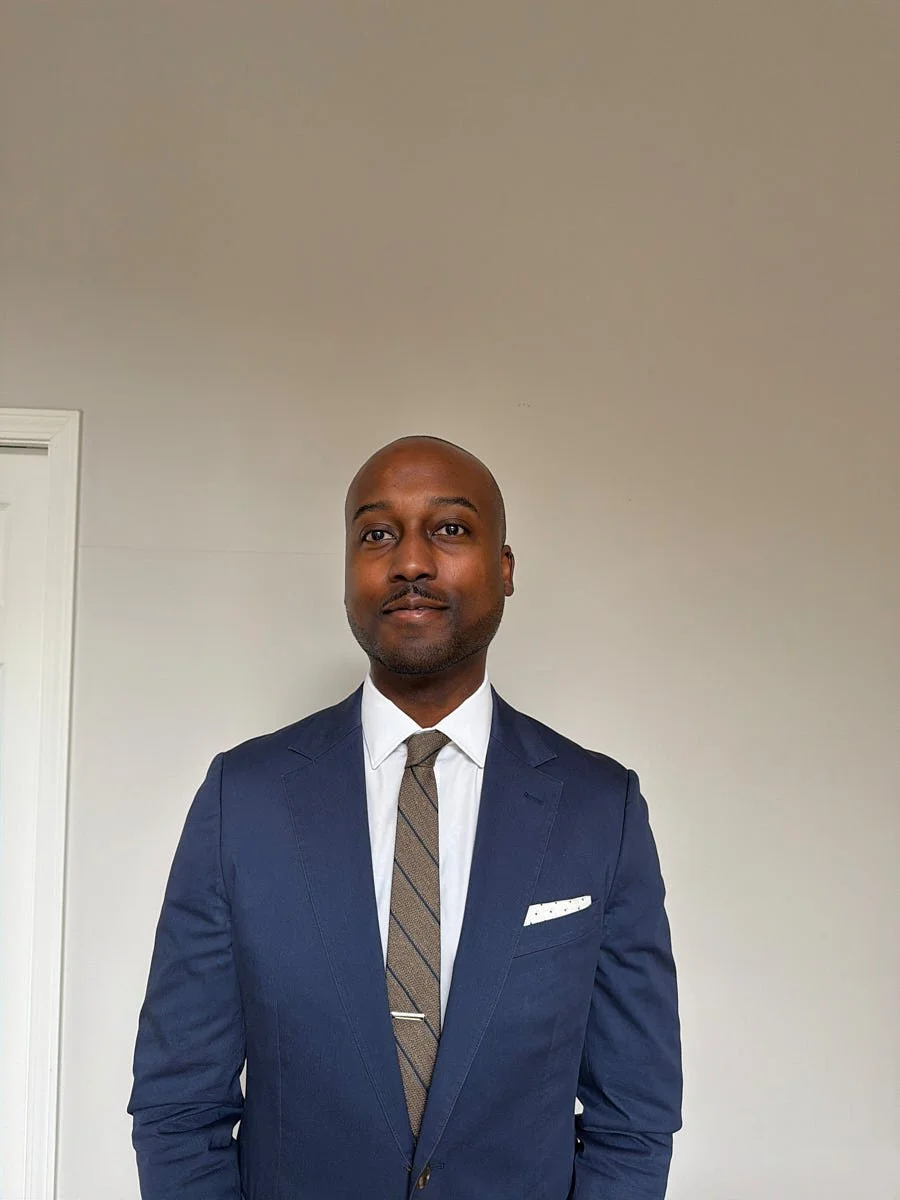
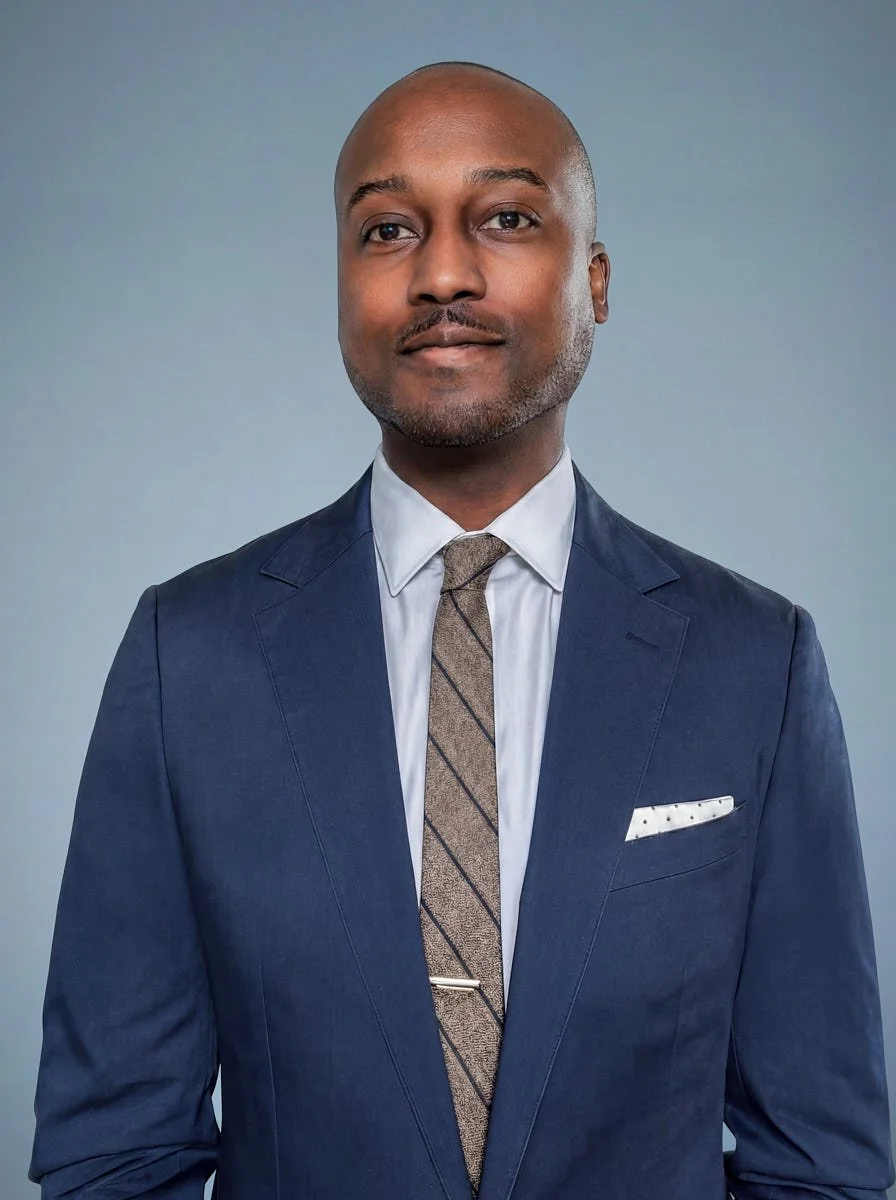
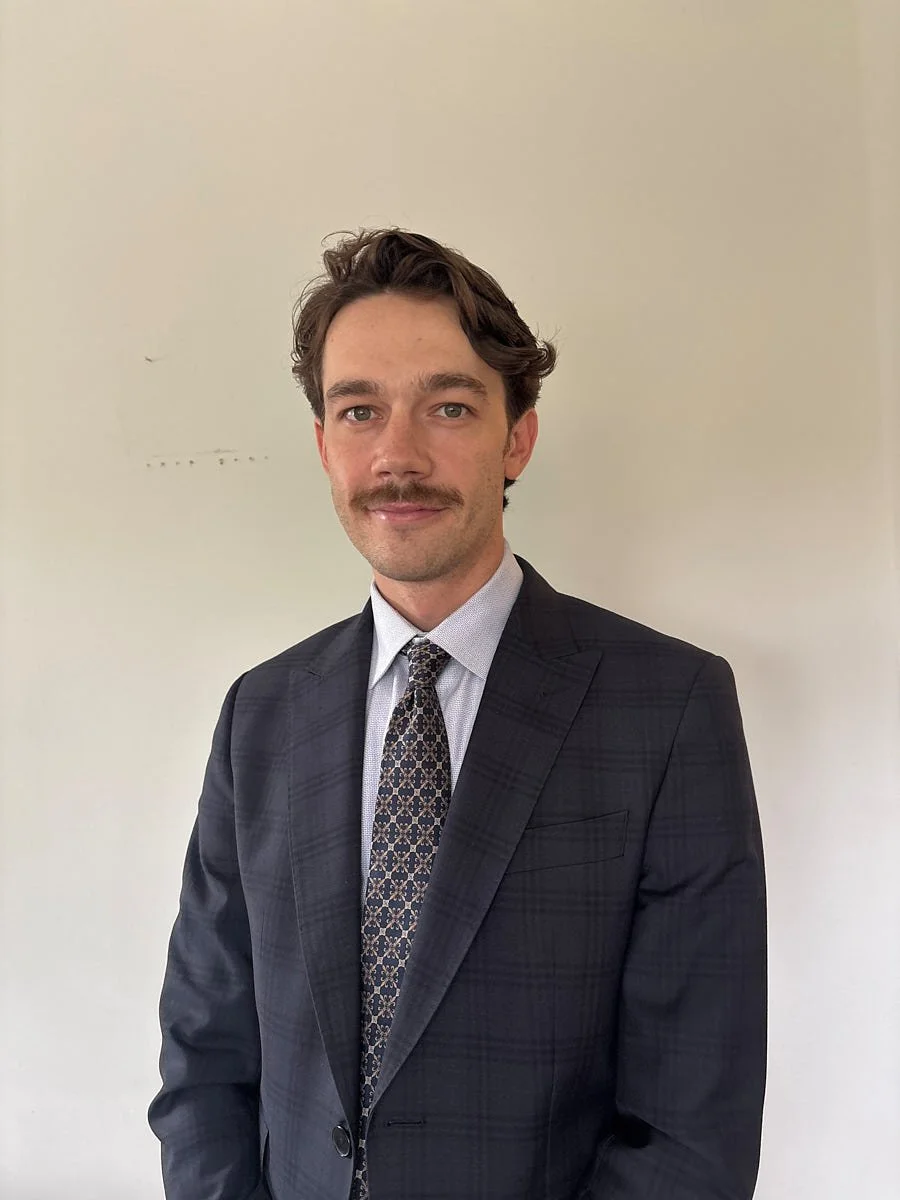
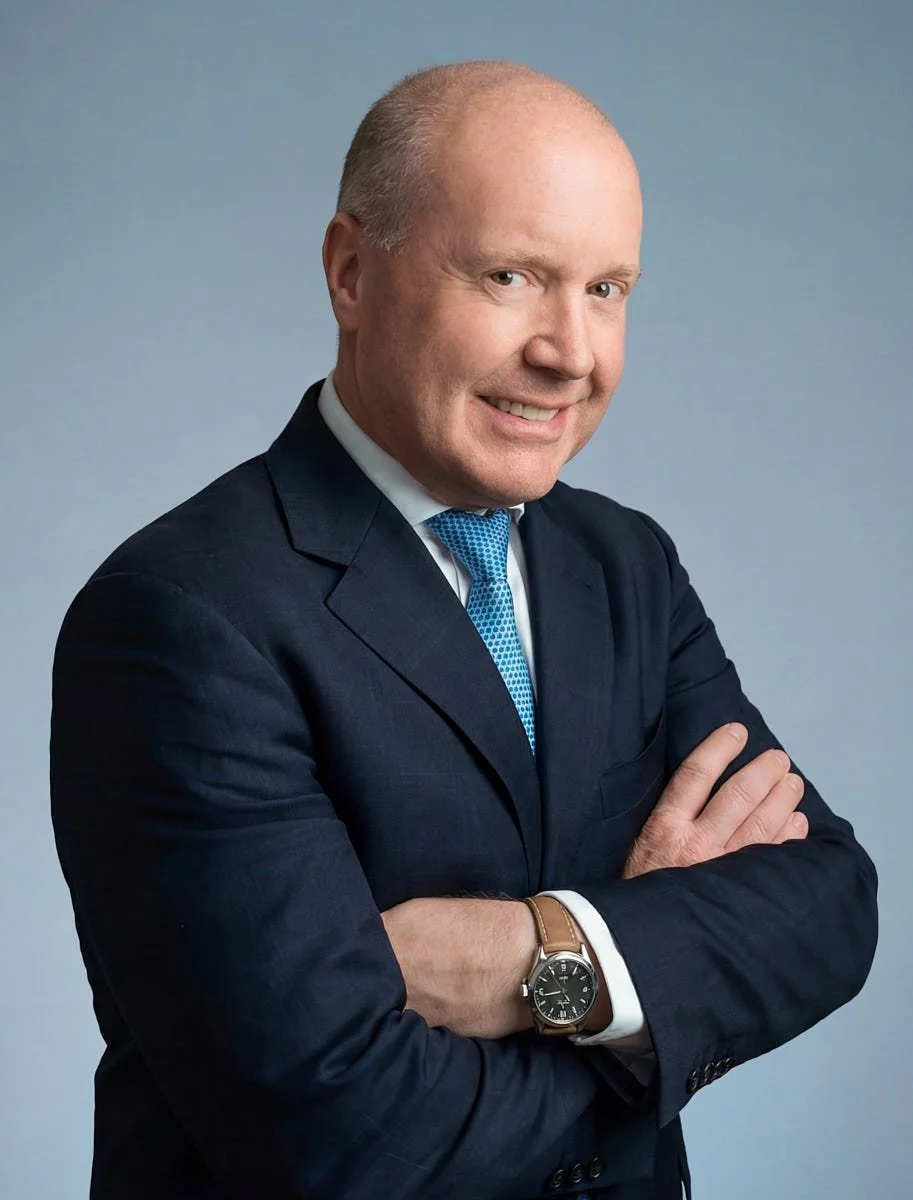
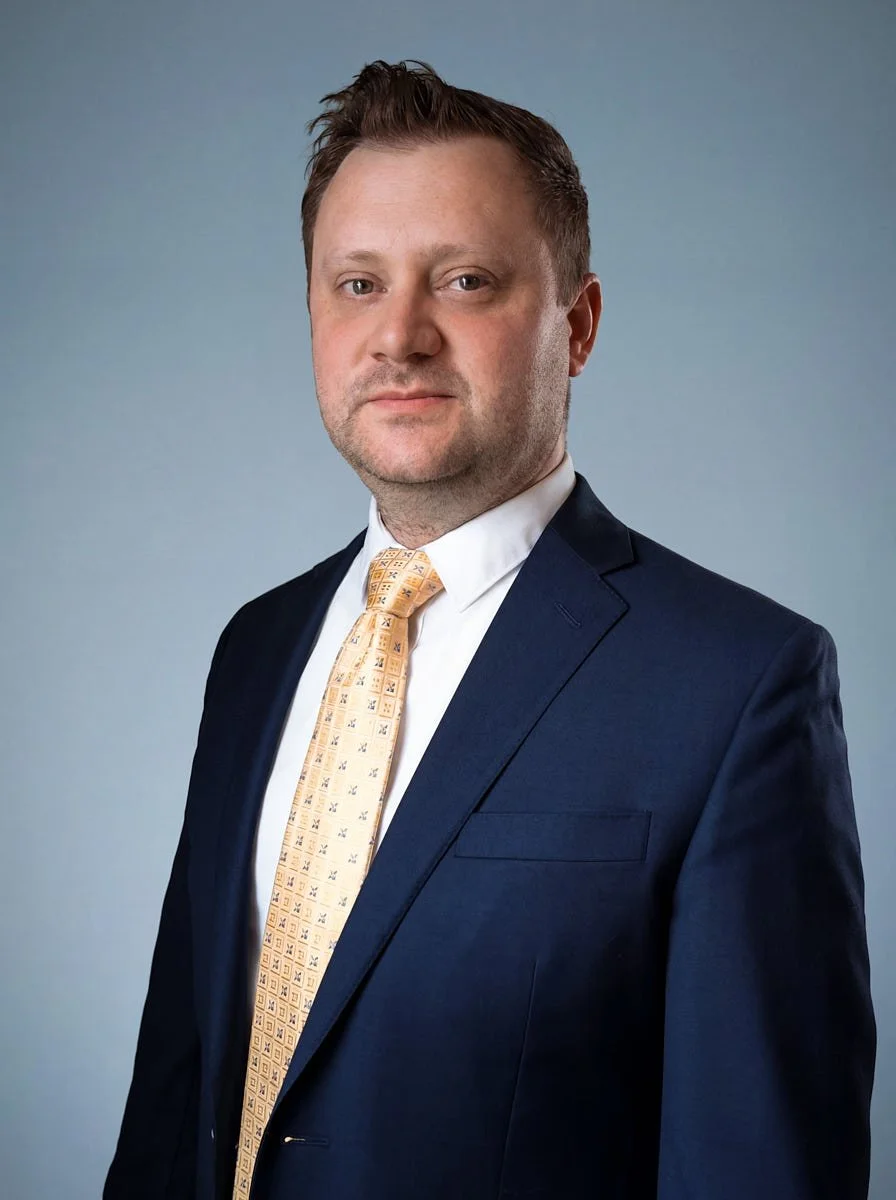
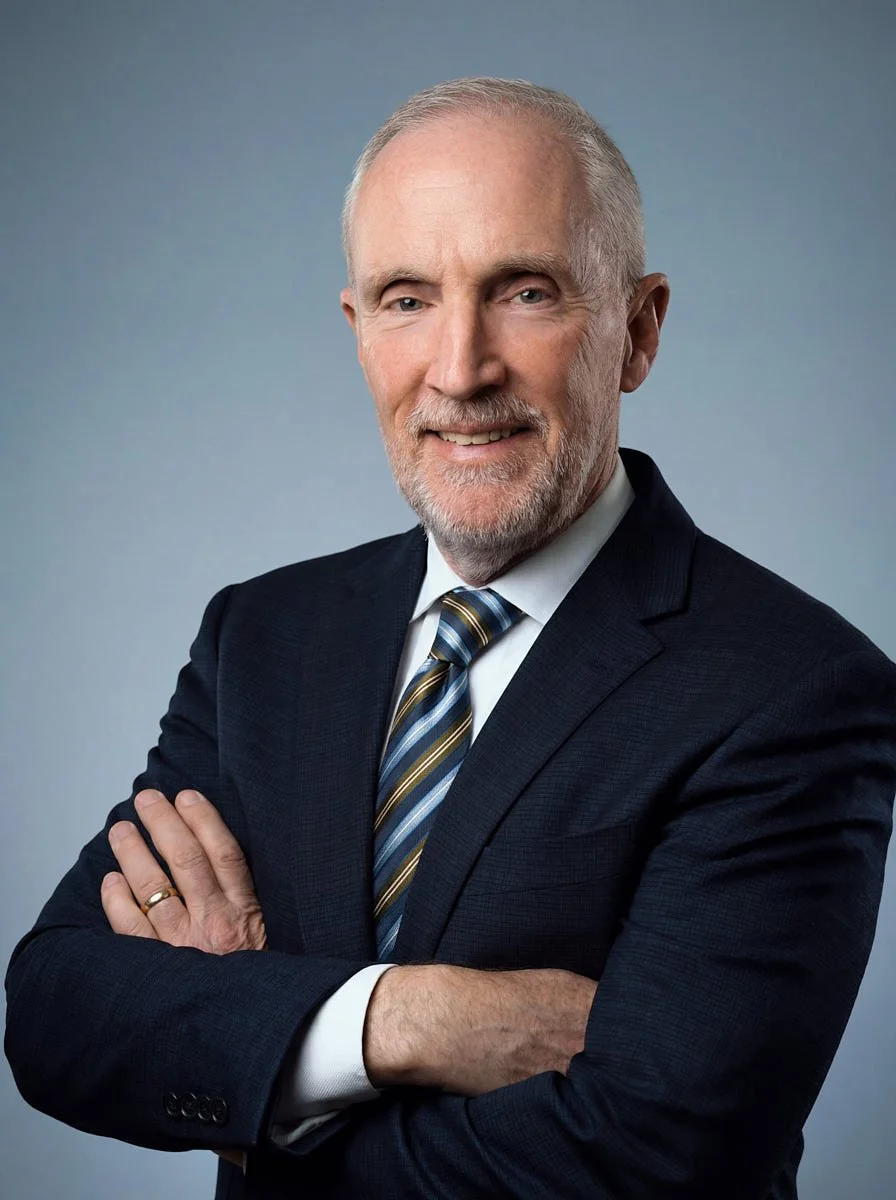
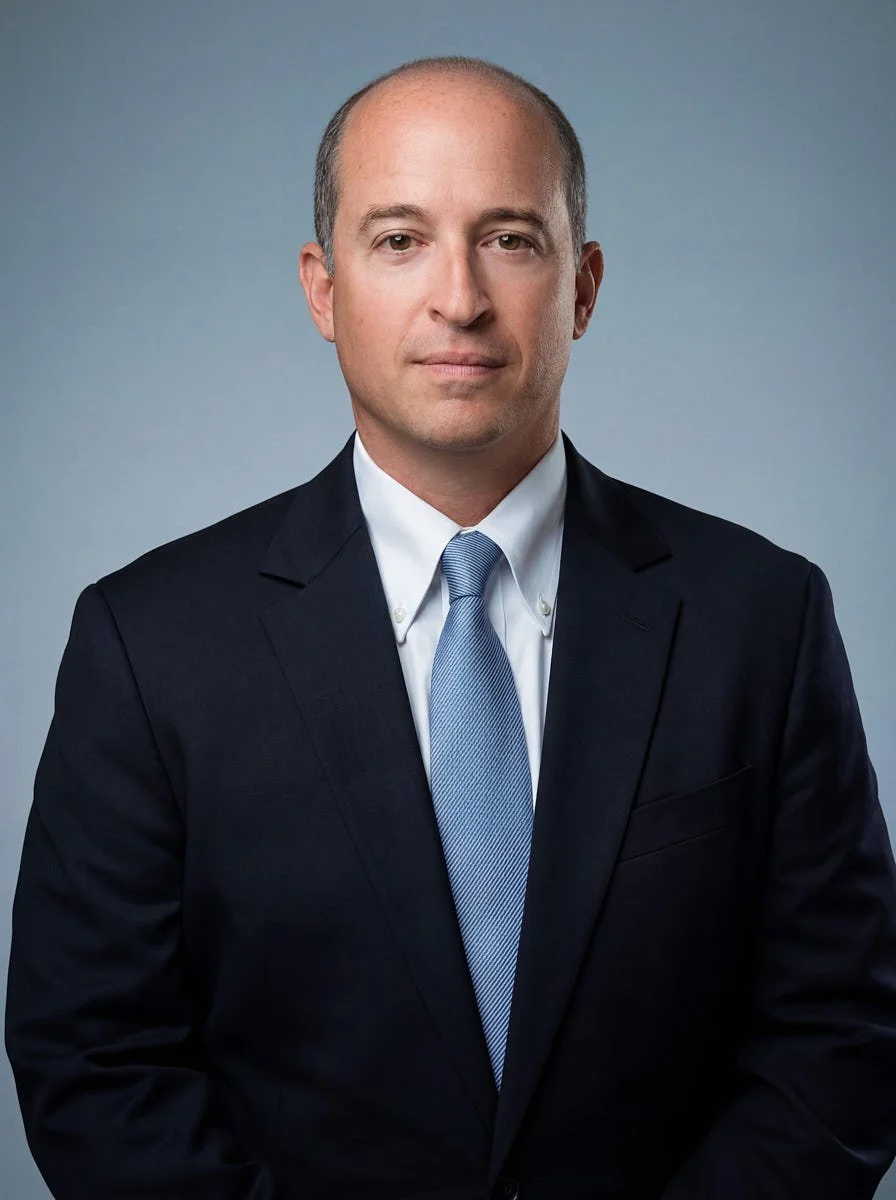
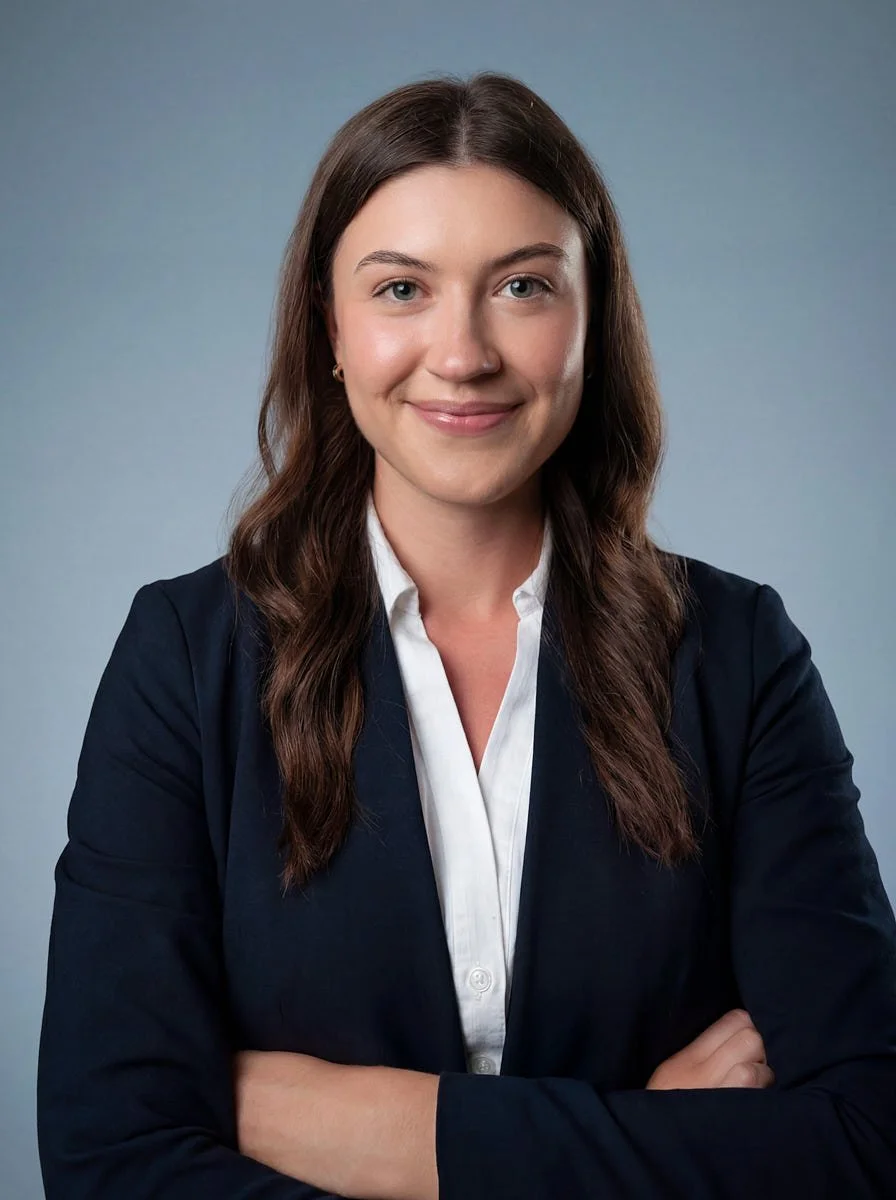
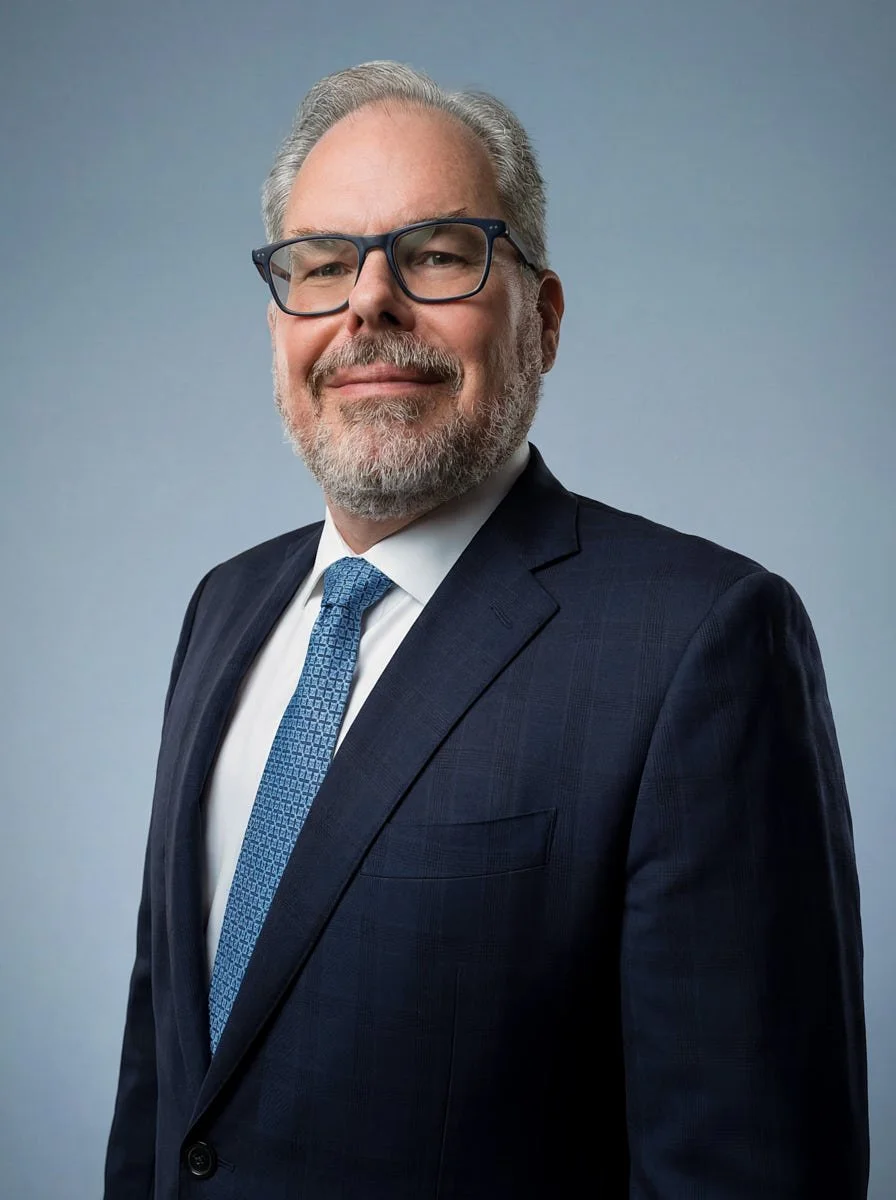
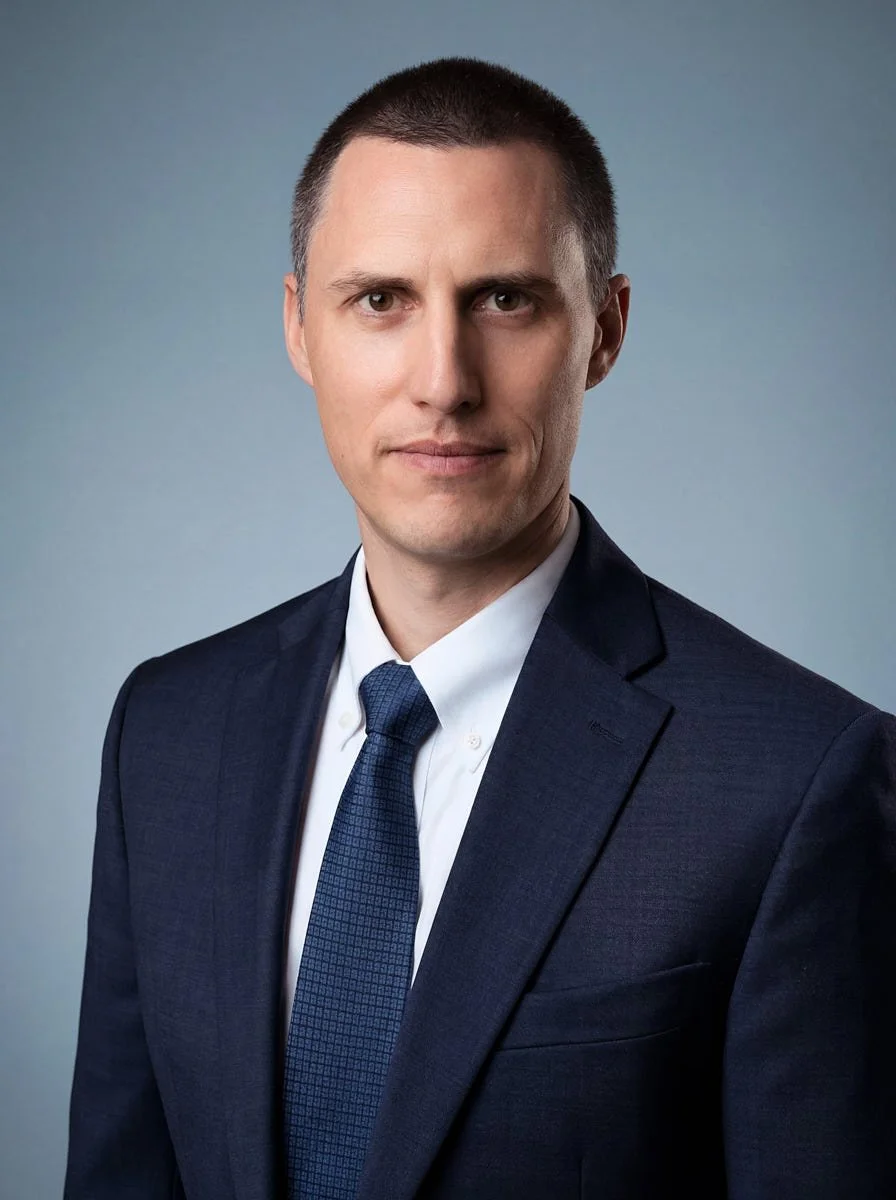
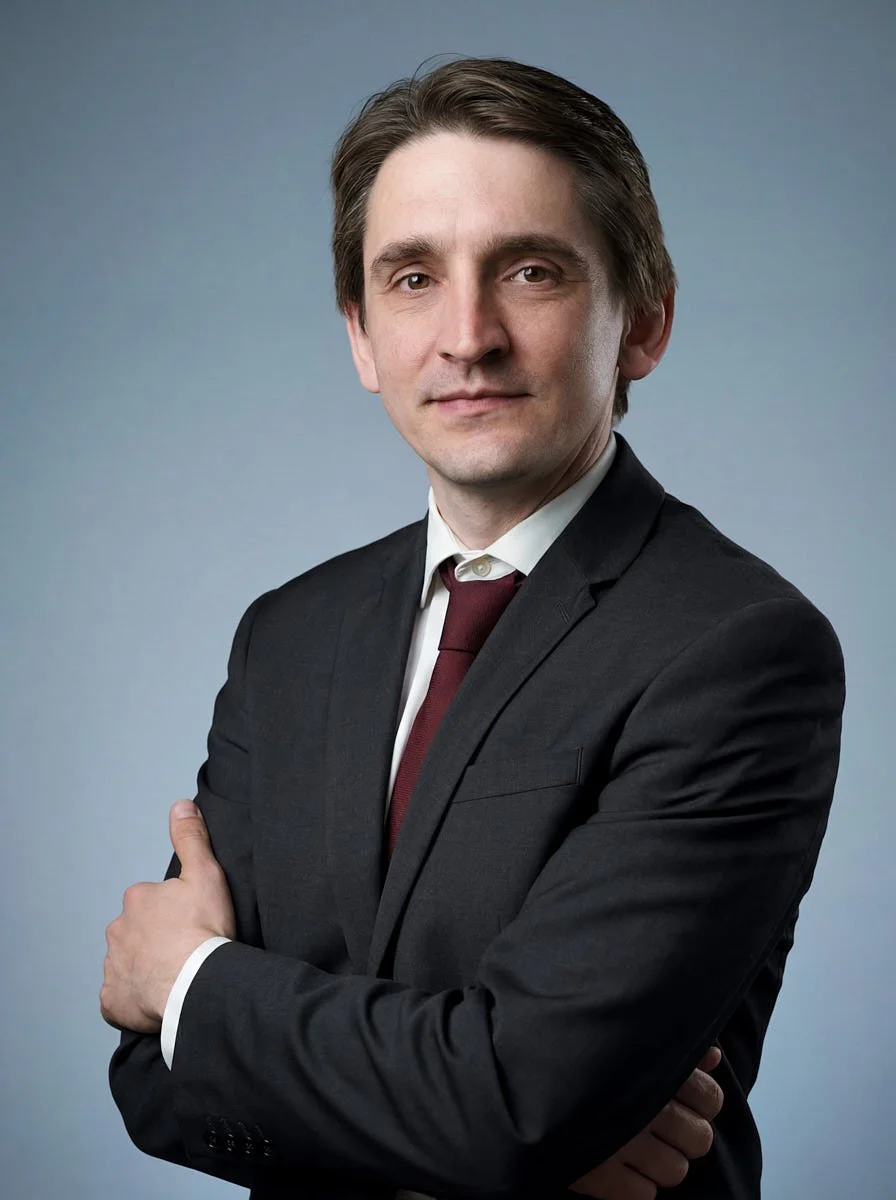
In these sessions, Elina used live direction to adjust camera height, window light, posture and expression before selecting frames. The before-and-after pairs on this page show the captured originals and finished portraits from this project.
How did the sessions actually run?
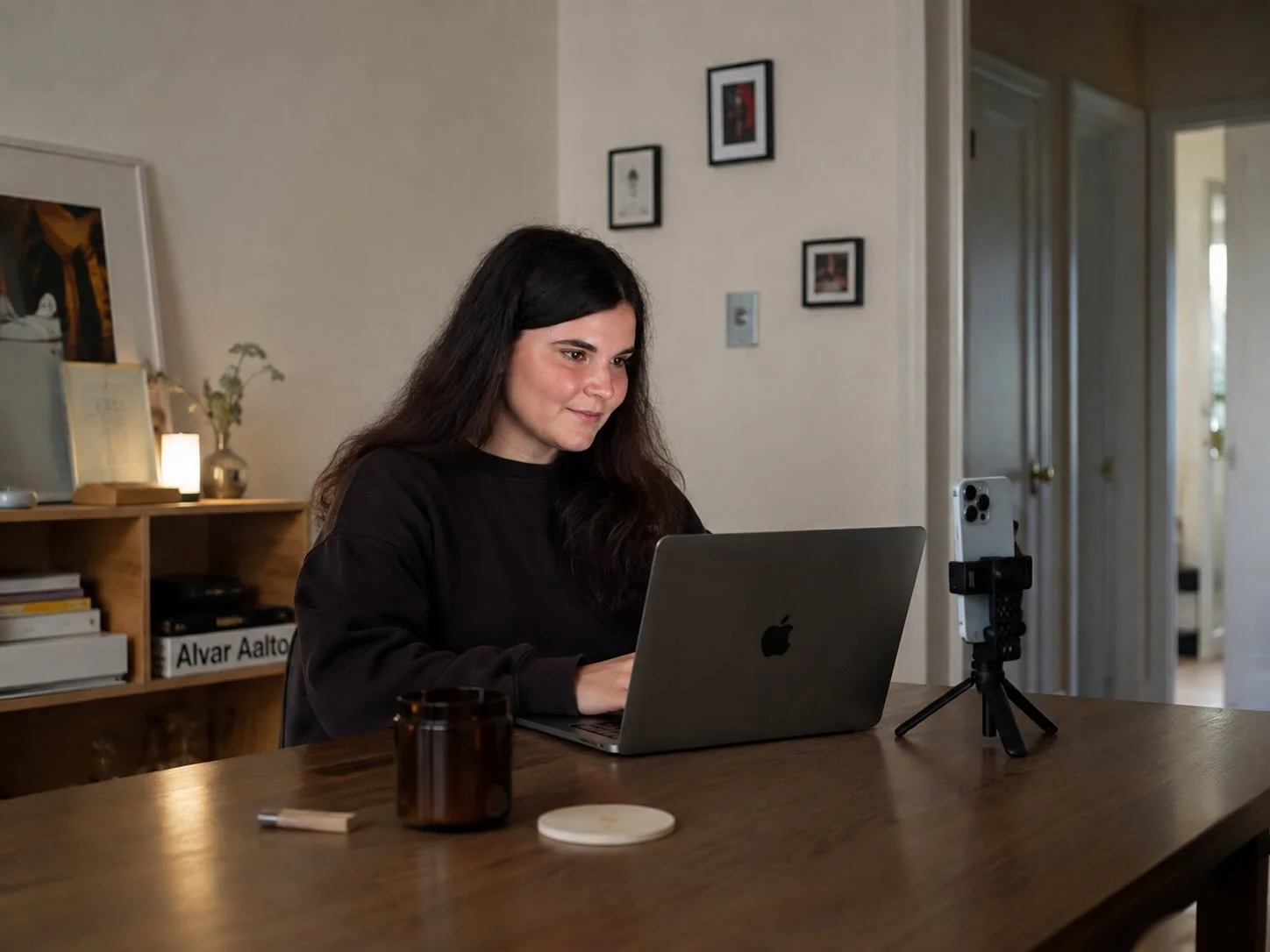
Each person got a calendar slot, opened the remote-capture software used for this project on their phone, and joined a video call for the talking part. From there it worked like a studio session that happens to be very small and very far away:
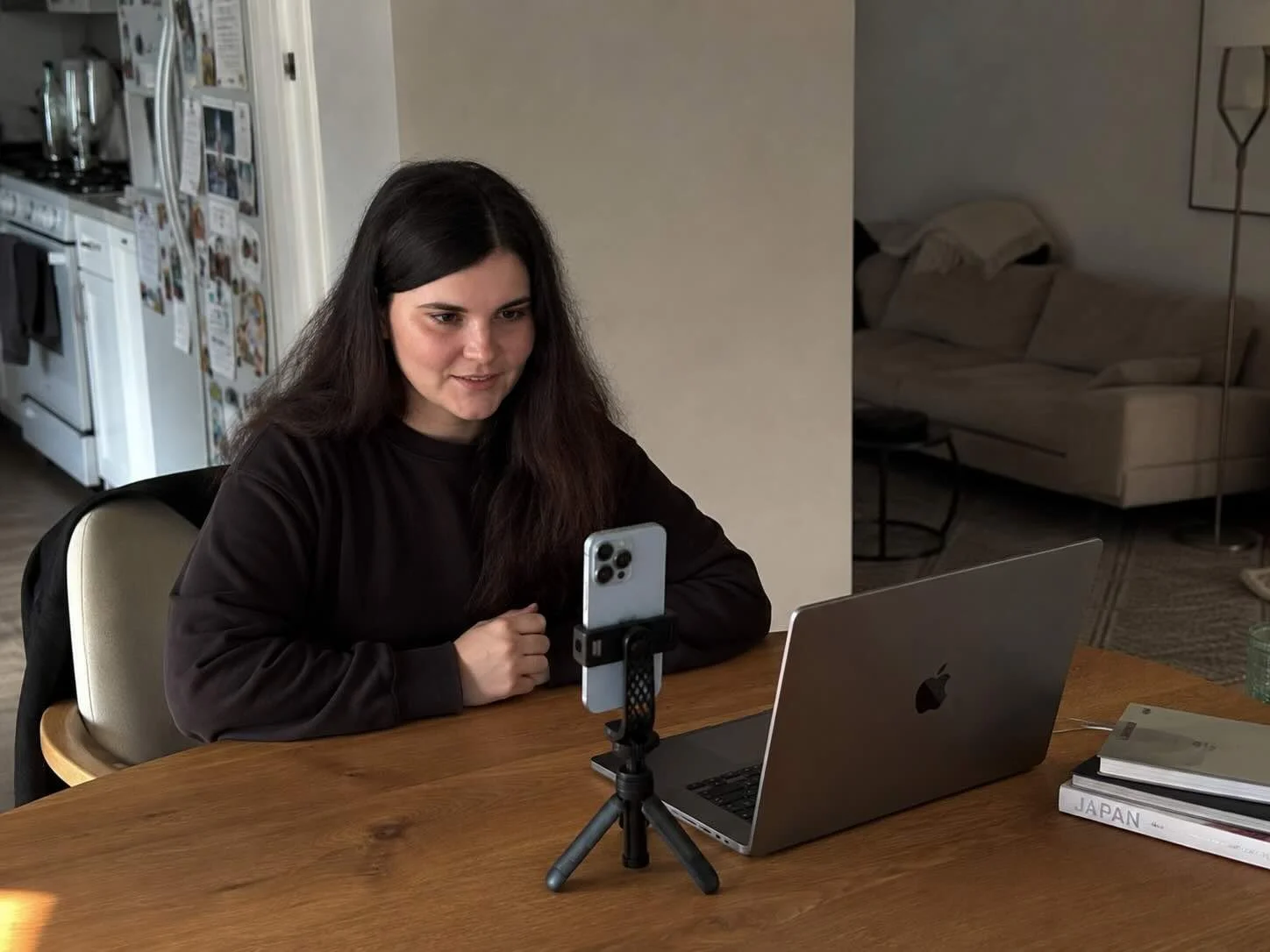
Minutes one to three, the setup. Elina looks at the room through the camera and picks the spot, almost always a window. The phone gets propped, leaned or held by a books-and-tape rig she talks the person through. Angle and height are set to the frame our spec calls for.
Minutes three to eight, the shoot. She directs exactly as she would in the studio: posture, shoulders, chin, where the eyes go, when to breathe out. The project's remote-capture software saved RAW files from the phone's camera while the conversation continued over video.
Minutes eight to ten, the check. She reviews frames on the spot, reshoots what needs reshooting, and confirms the session is done before the person leaves the call.
For this project, remote-capture software recorded RAW originals directly from each phone camera, independently of the video call. Elina used the call for direction; the photographs were camera files rather than frames taken from the video stream. Those originals gave our editors the detail needed for the final portraits.
For this project, participants used a phone, available window light and the remote-capture software then in use. They were not asked to buy a ring light or tripod, and each appointment was planned for about ten minutes.
This case describes the workflow used for that project. Match’s current virtual headshot session is a separate individual offer at $200 for one person.
And here is the division of labor recorded for this project. I produced the front of the job: the roster from the agency, the visual specification and the booking links. Elina then directed the sessions and handled session-level reschedules and retakes across the participant list. For the step-by-step version of the process itself, we wrote up how a live-directed session works.
What does "retouched by hand" actually mean?
For this Anchovies project, the processing split was optical correction first, then manual retouching of the portrait. This section describes that earlier production workflow.
Let me be precise about the files in this case. A phone can exaggerate perspective close to the lens, and the room affects light and color. For this project, we used our correction pipeline on the RAW camera files to address perspective, lens distortion, light and color before manual retouching. We kept the photographed person’s own features instead of generating a replacement face.
After that came a person with a tablet and a deadline. Skin was retouched as we retouch studio files: temporary blemishes out, texture kept. Stray hairs, shine, a collar that sat wrong. The aim was a finished portrait of the person who attended the session, with their own features intact.
Those production notes belong to this set of photographs. They should not be read as a promise that every step of this older pipeline is part of Match’s current individual virtual package. Review that package for its included finish.
How do fifteen photos from fifteen rooms end up matching?
This was the agency's real fear, and it is the right fear. Fifteen decent headshots that do not match are useless to a brand book; buyers describe this exact failure as photos that look fine individually and wrong side by side.
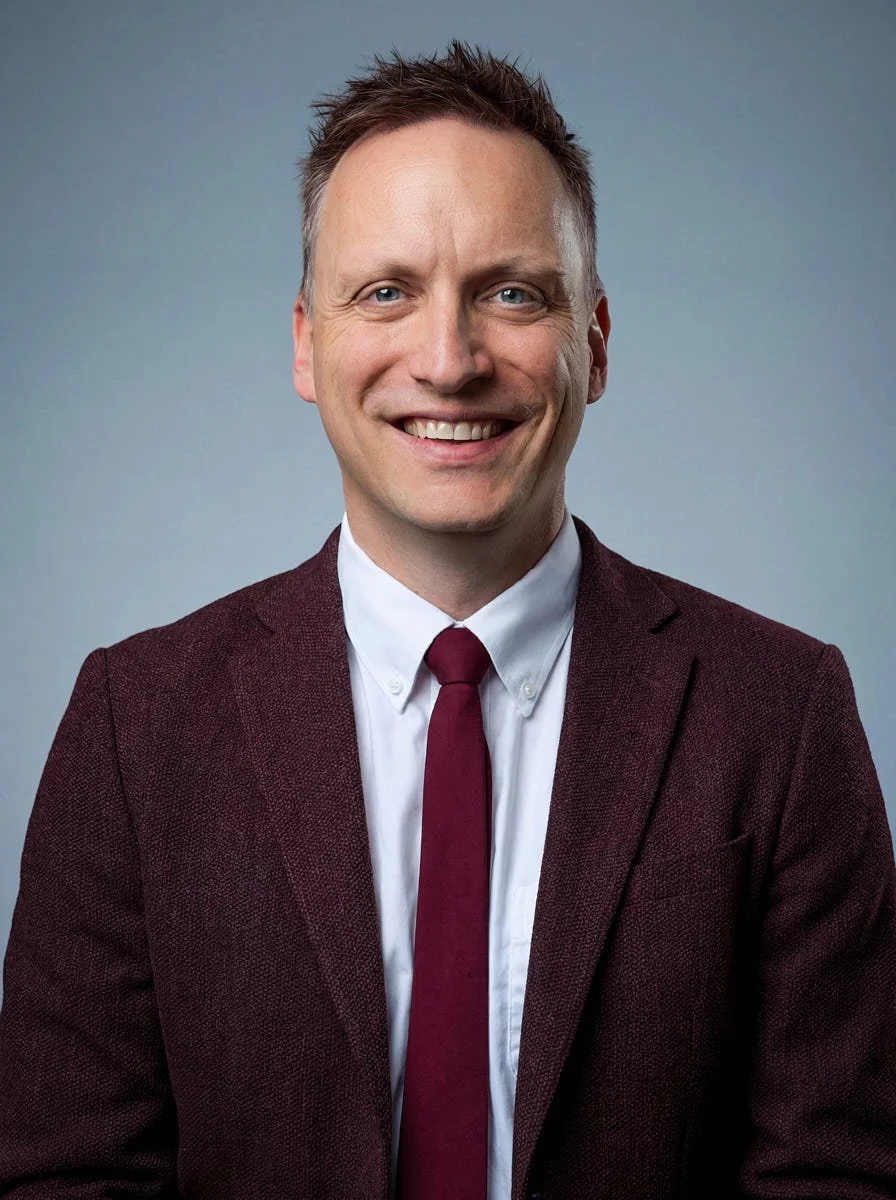
The answer is boring and structural, which is why it works. One photographer: Elina shot all fifteen sessions herself, so the eye behind every frame was the same eye. One spec, written before the first session: framing, crop, the direction light should come from, the expression register. One art director, Alex Karnyukhin, who owns our lighting and retouching standard and reviewed this set the same way he reviews studio output. One retouch pipeline, so every file passed through the same hands and the same color decisions. The person shot on a Tuesday in one country matches the person shot on a Friday in another, because nothing about the standard was left to the room they happened to sit in.
Compare that with the obvious alternative, a local photographer in each city: fifteen rooms and five photographers is five different opinions about light. Fifteen rooms and one Elina is one opinion, fifteen times.
We keep that visual specification on file afterward. Using the same brief can help later hires fit the existing grid, while the actual setup, finish, timing and delivery are confirmed for the program in use. The same documented brief supports consistency across a set over time.
Why not just use an AI generator?
Honest answer: for some people, that is a fine choice, and the tools are getting better. Anchovies ruled it out for a different reason than quality, and it is worth understanding.
A PNAS perception study found that participants were often unable to distinguish the study's synthetic faces from matched real faces; it did not study hiring. A company-published Ringover survey of recruiters reported different reactions when generated headshots were disclosed, but it does not predict a hiring outcome. For this client's public team page, Anchovies chose photographs of the real participants.
The agency's choice still required careful photography and finishing. A real photograph can be inconsistent or poorly directed, which is why this project put one photographer on every call and used one visual specification. Our longer comparison lives in AI headshots vs real photography.
What did the agency actually have to do?
Anchovies sent the list of fifteen names and email addresses and supplied the brand's visual direction. Match used that information to prepare the booking links and session plan.
We turned the list into booking links, Elina coordinated and directed the sessions, and the completed sessions moved into a proofing gallery. The agency's designer received files prepared to the site's specifications.
The saved visual specification can guide later sessions. Timing and delivery are confirmed for the program in use.
When is remote not the right tool?
Credibility requires saying this part out loud.
If your whole team sits in one building, an on-site day may fit better, especially when the brief includes several setups or group photographs. If you need a controlled executive portrait for an annual report, a studio session allows lighting and setup choices that this phone-and-window workflow does not. Some teams also prefer the shared experience of a studio or office day.
Remote sessions are useful when the team cannot be in one room: distributed companies, international hires, or an agency's client across several time zones. That was the situation in this project.
Individual Virtual Sessions Today
The 15-person case above records an earlier project and its remote-capture software. Match’s current virtual headshot session is for one person, with live photographer direction and one retouched final for $200.
Before photography, the employee completes a release and camera check; the photographer then directs the live session. Afterward, the photographer shortlists frames. The company chooses whether the employee, HR or photographer selects the image for retouching. HR can review roster status and remind employees who have not booked.
Review individual virtual headshot sessions for the current package and request process. Company-wide remote programmes are available through Remote Headshots.
Frequently asked questions
Is this good enough for a client-facing website?
That was the acceptance test of this exact project: an agency put the output on a site carrying its own reputation. The before/after pairs above are the evidence. Zoom in; the texture is the tell that it is a photograph.
What did each person need for this project?
A recent phone, a window, the project's remote-capture software and about ten minutes. Participants did not need ring lights or tripods for this earlier workflow.
Why did this project use remote-capture software?
It saved RAW files from the phone camera while direction happened over video, so the retouch team worked from camera originals.
What happened when a room had difficult light?
Elina reviewed the available light at the start of each appointment and adjusted the participant and phone position. She completed all fifteen sessions in this project.
Can later headshots follow this set?
The saved visual specification records the framing, crop, light direction and finishing choices. It can guide later sessions, with the result depending on the participant's setup and the agreed production scope.
Who actually holds the camera?
Nobody, usually. The phone is propped or leaned at the angle the photographer sets, because a held phone moves. A colleague or partner can hold it if the room demands it, but the photographer is watching the frame live either way.
How is this different from AI headshot tools?
For this project, we worked from RAW photographs captured during live sessions, followed by the correction and retouching process described above. We did not generate replacement faces.
The bottom line
For this project, Anchovies supplied the roster and visual direction while we managed the booking links, sessions, proofing and finishing. The result was fifteen photographed portraits across several locations, about ten minutes per session, one photographer and one visual specification.
For studio or office company photography, talk to us. For company-wide remote programmes, explore Remote Headshots. For your own portrait, review Match’s individual virtual headshot session.
"We sold our client a brand, and the team page had to live up to it. Match ran the whole thing off one email from us, and the set came back looking like it was shot in one studio on one afternoon. Nobody believes it was fifteen phones." Anchovies
About Match Production
Match Production is a New York City studio specializing in corporate, team and executive headshots, shot in our Midtown studio or on location at your office, with virtual headshot sessions available for individuals. Elina, our remote photographer for Europe and the US, shot the set described above; Irina Chistikina, our Lead Producer, set the project up. Published with permission from Anchovies.