How to Prepare for a Live-Directed Remote Headshot
This guide preserves instructions for existing company-client bookings. Follow your own invitation for the applicable workflow. Match’s current new virtual headshot offer is $200 for one person, including one retouched final.
Updated
Your remote headshot starts with a simple setup
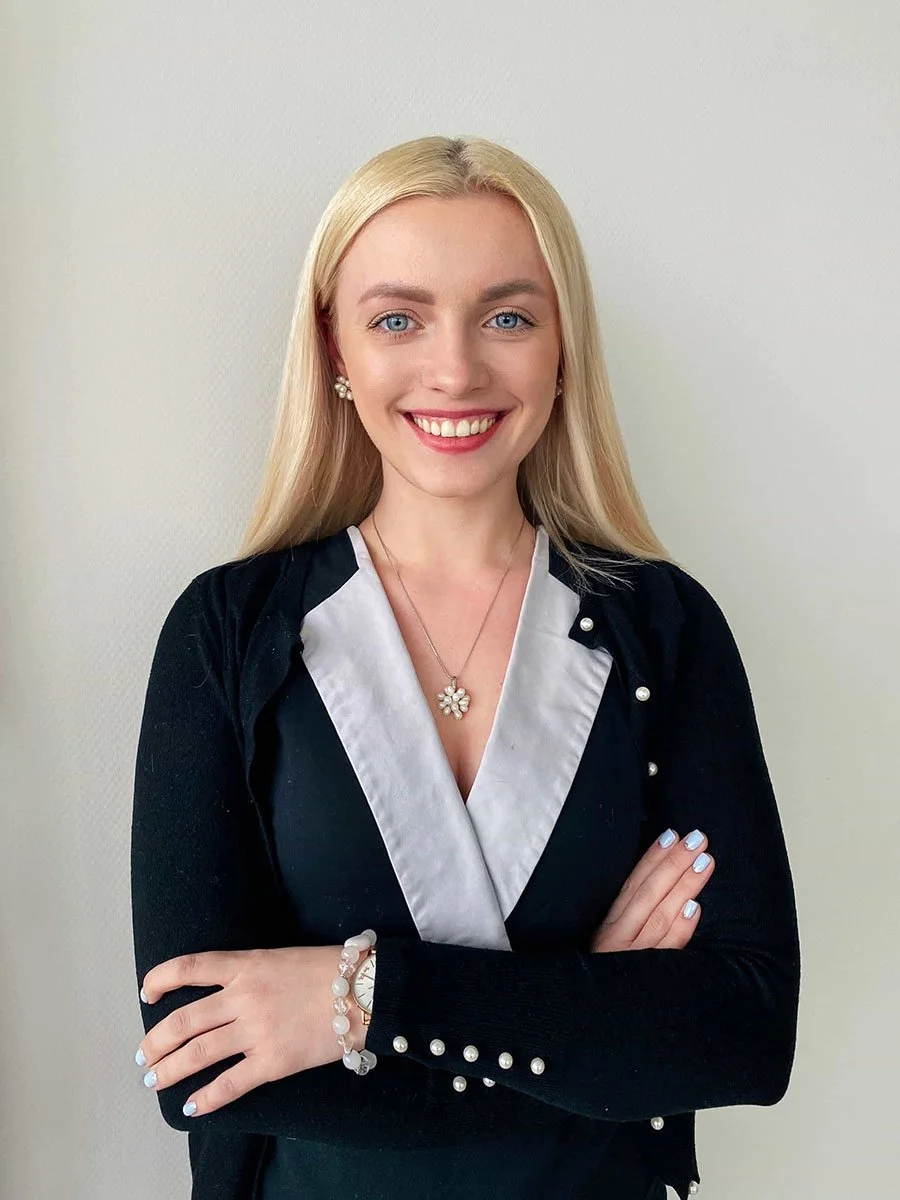
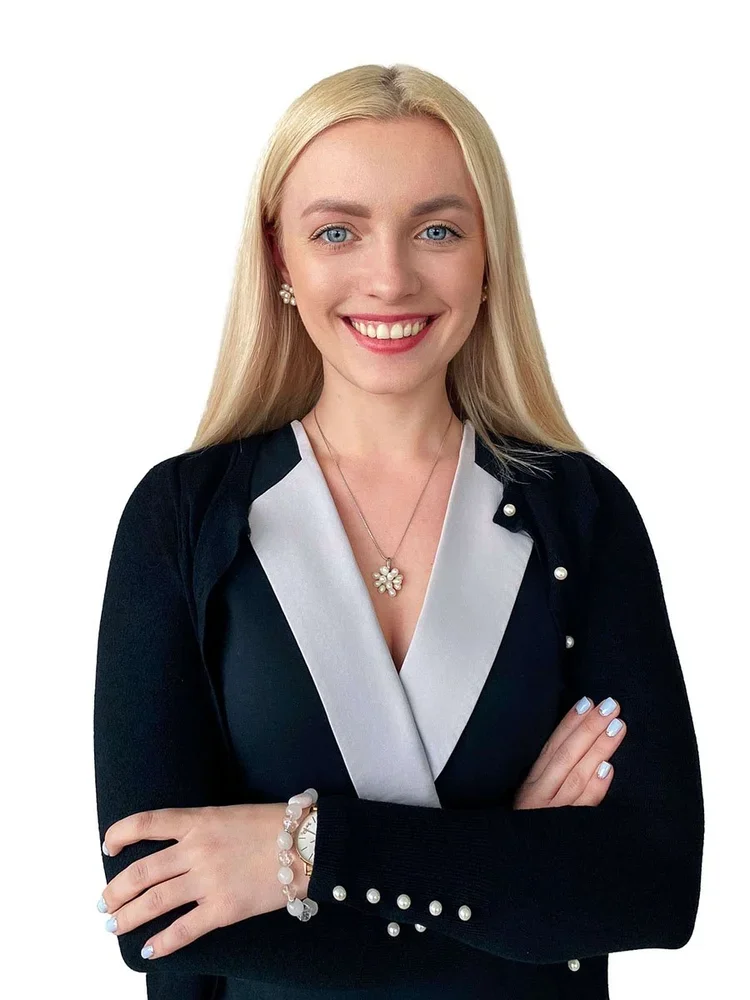
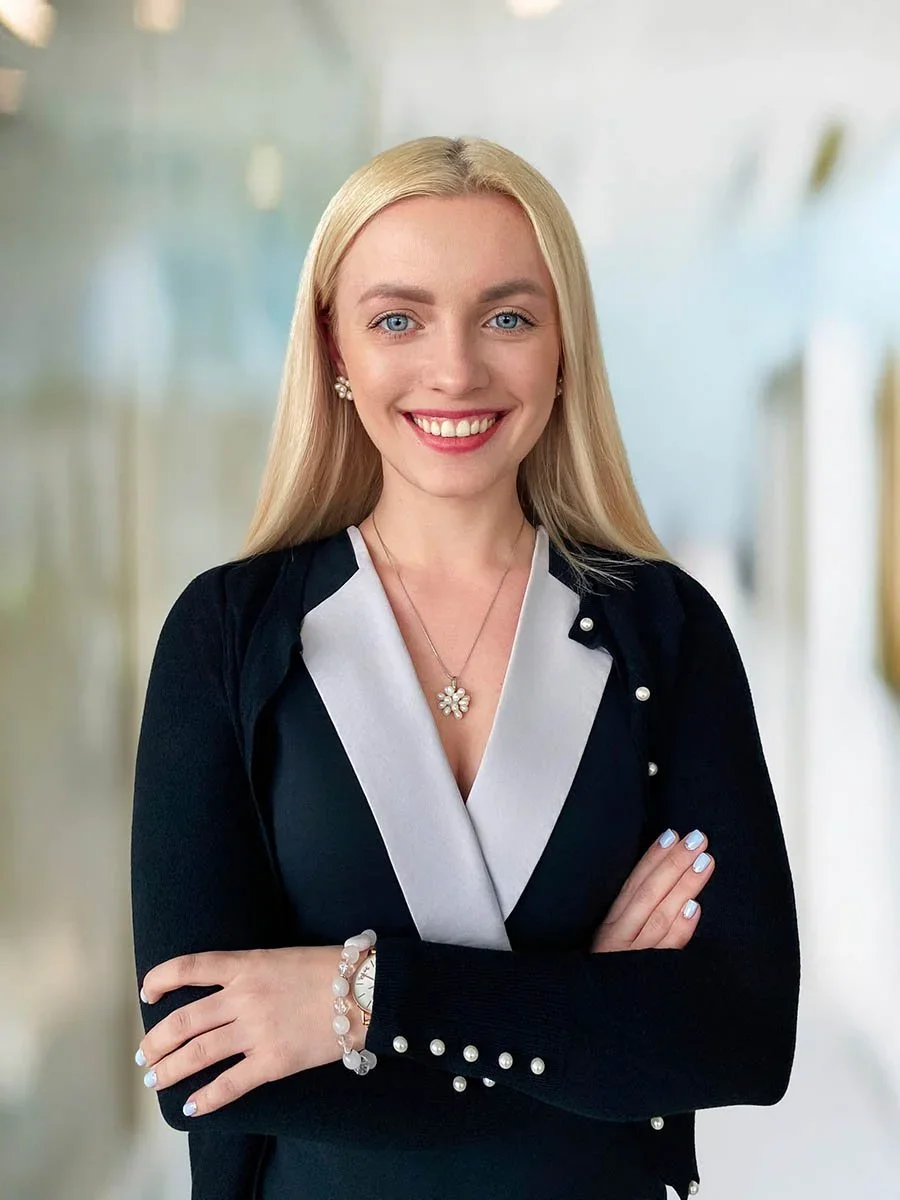
I’m Irina, Match’s lead producer. If your company invited you to a remote headshot, the preparation is simple: choose an available time, charge your phone and find a quiet space with usable window light and a stable connection. The photographer checks the setup, guides your framing and expression, and triggers full-resolution photographs on your phone.
What to know before your appointment
For existing company bookings, portal appointments are scheduled for 15 minutes. Follow the timing and preparation notes in your invitation.
The company session opens in a phone browser. There is no app to install for the current company portal workflow.
A photographer directs the session live. You receive help with light, camera position, posture, framing and expression.
Your phone captures the photograph. The photographer triggers full-resolution phone photographs rather than taking screenshots from the video call.
Your company sets who chooses the image. After the photographer shortlists frames, the program assigns the choice to HR, the employee or the photographer. The company brief defines retouching and delivery.
Prepare your phone and room
Bring the items and conditions the current company workflow asks for:
A charged smartphone.
A stable internet connection.
A quiet space where you can hear direction.
Usable window light.
A steady phone position near eye level.
You do not need to decide the final camera angle alone. The session begins with a camera check, and the photographer helps refine the phone position, light and framing. Follow any company-specific notes in the invitation because the agreed background, crop and finish may affect the setup.
Open the session link before your appointment and complete the release and device check. Follow the camera and microphone prompts so the photographer can see and direct you. If the check does not complete, send the coordinator or support contact the step where it stopped and the message shown. If your space is too dark or you cannot keep the phone steady, raise that before photography begins; the photographer can assess the setup rather than leave you guessing.
Schedule, connect and receive
Schedule: choose a time from your company invitation
For a company program, your invitation opens the company calendar. Sign in with your work email using the one-time link or code, review the deadline and preparation notes, and choose an available appointment shown in your own time zone.
Connect: complete the camera check
Open the session link on your phone. In the current company workflow, the session runs in the phone browser. The live video connection lets the photographer review the setup and direct you. The photographer triggers full-resolution photographs on the phone while the call carries the live direction.
Photograph: follow live direction
The photographer adjusts the practical details one at a time: phone height, available light, shoulder position, chin angle and expression. Frames upload during the session, and the photographer shortlists the strongest options.
Select and receive: follow your program scope
The program decides whether HR, the employee or the photographer chooses from the shortlist. Editors prepare the selected photograph to the agreed company finish. The portal shows square, web and original versions of that portrait; these are formats of one selected image, not extra portrait selections. Employees can use the frame-change option available in their program. If a delivered image needs a correction, HR can submit a request; the quote confirms eligibility, the included correction allowance and delivery timing.
What HR should tell employees
Your company invitation should tell you where to book, the booking deadline, how to prepare and who will choose the portrait. Verify the email address used for your invitation, then choose an available 15-minute appointment. Slots are shown in your local time zone; check the selected time before adding it to your calendar. If the invitation or verification message has not arrived, tell the company coordinator before the booking window closes.
Follow the company preparation brief for clothing and the intended look. You do not need to recreate a finished company background in your room: the photographer checks the available light and camera position, while the program sets the background options and finishing direction. The company visual-standard guide explains what HR and Brand should agree before you join.
Already invited to a company session? Follow the workflow and support details in that invitation. For a new individual booking, review Match’s $200 virtual headshot session. For company-wide remote programmes, explore Remote Headshots.
How live remote headshots differ from AI
On this site, remote and virtual headshots refer to a live session where the photographer and participant are in different places. The participant joins from a phone, and a real photographer directs the capture. The starting image is a photograph made during that session.
AI-generated headshots use uploaded images to synthesize a new portrait. That is a different process. Match may use AI-assisted upscaling during finishing, but the current remote workflow starts with a real phone photograph and does not replace the participant's face with a generated likeness. For a fuller comparison, see AI headshots vs real photography.
When to consider a studio or on-location session
An individual virtual session can suit a professional who cannot visit the studio. Consider a studio headshot when the brief calls for controlled lighting, several looks or a more involved portrait setup. An office or on-location day can fit a team gathering in one place or needing group photographs. Review NYC corporate headshots for that in-person company scope.
A real 15-person remote project
In one published Match Production project, branding agency Anchovies commissioned remote portraits for 15 people working across different cities and time zones. One photographer directed the sessions to one visual specification, and the finished portraits were prepared for the client's website. The project used an earlier remote-capture software workflow; it is a historical example, not a record of the current company portal process described here. See the photographs and production notes in the 15-person remote headshot case study.
Remote headshot session questions
Do I need to install an app?
Not for the current company portal session. Open the invitation and session link in your phone browser. The camera check runs before photography begins.
How long is the session?
For existing company bookings, portal appointments are scheduled for 15 minutes per employee. Follow your invitation and allow time before the appointment to prepare and complete the camera check.
What if I miss the appointment or cannot complete the camera check?
Use the contact or support instructions in your invitation, or contact Match Production for next steps. Allow time before the appointment to open the session link and complete the camera check. Your invitation or support response will confirm what to do next.
Who chooses the portrait?
The photographer shortlists frames, and the company program sets whether the photographer, HR or the employee selects one for retouching. Ask HR which option applies to your appointment.
Can the portrait follow an existing company look?
The company brief records the background, crop, ratio and finish that guide the session and editing. The live camera check still adapts the setup to the participant's room and available light.
Is the portrait generated by AI?
No. The starting image is a real photograph captured on the participant's phone during a live photographer-directed session. AI-assisted upscaling may be used in finishing; it does not replace the person's face with a generated likeness.
Follow Your Existing Invitation or Request an Individual Session
If you are an invited employee, use the link and preparation notes sent by your company. For a new individual booking, review Match’s virtual headshot session at $200 for one person.