
How Much Do Headshots Cost in NYC?
A useful headshot price comparison starts with the type of session and the files included. One person in a Midtown studio, a small team at an office, and a distributed group using remote sessions require different schedules and deliverables. This guide uses current Match Production offers as concrete examples and shows what to check before you book.
Start With the Session You Actually Need
For one person, compare individual professional headshot packages. For several people, start with team headshots or corporate headshots. Distributed groups can review the current remote headshot workflow.
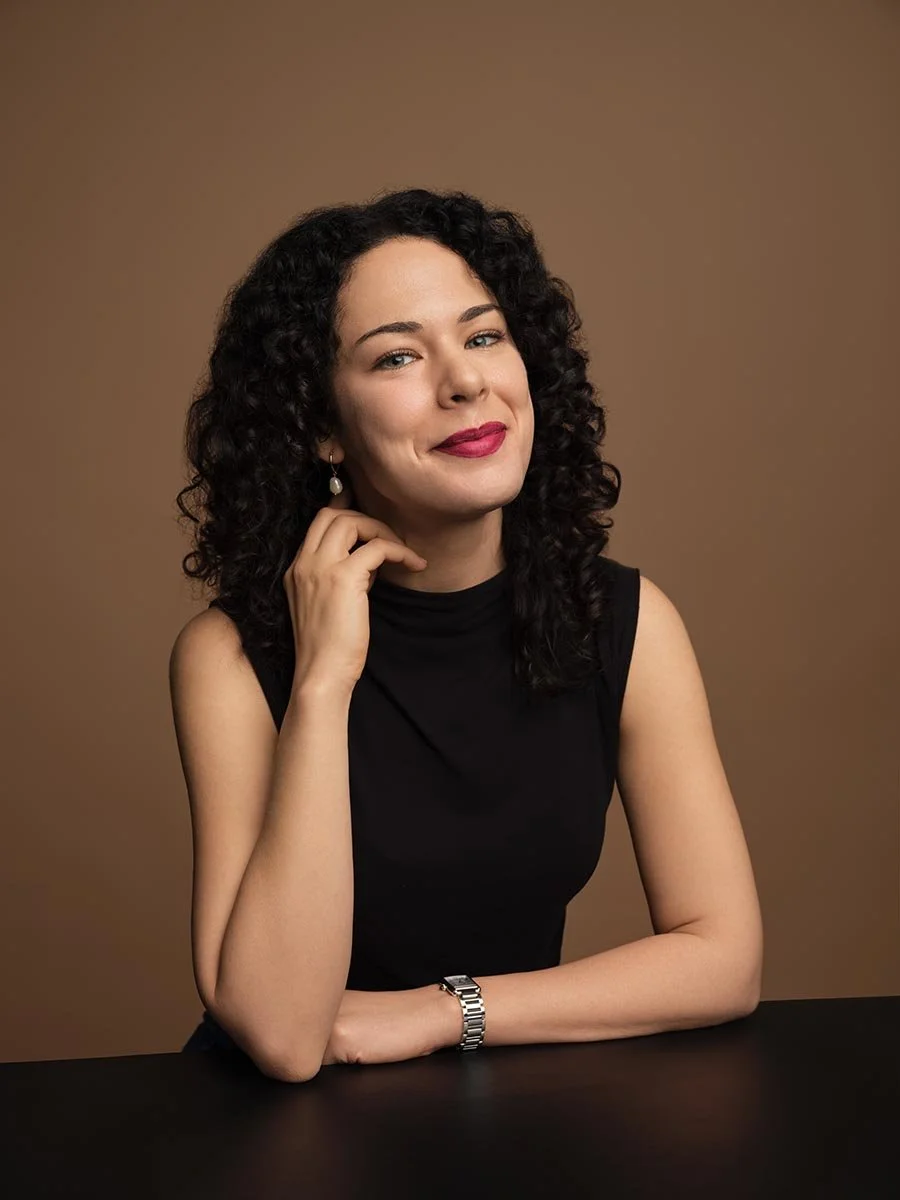
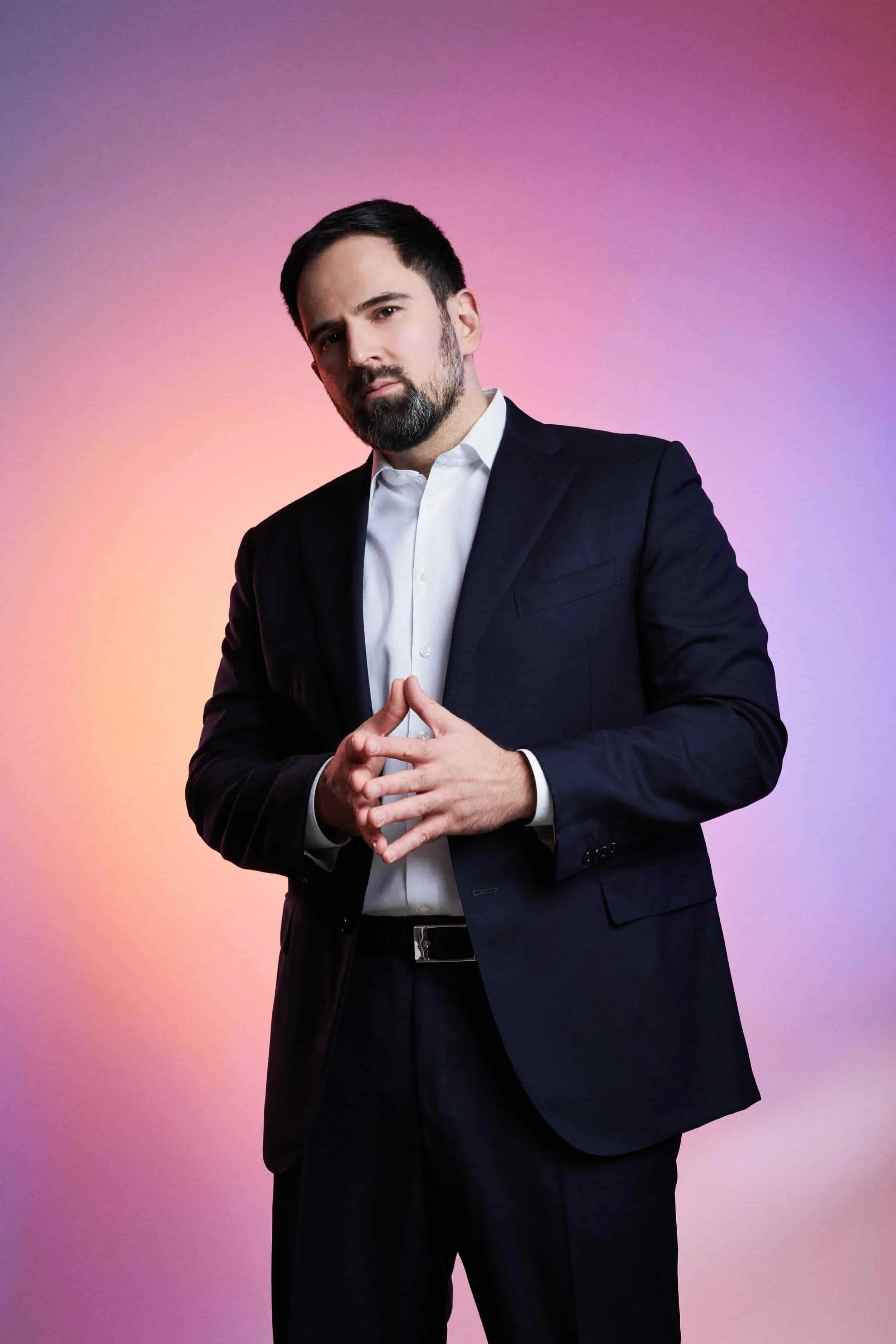
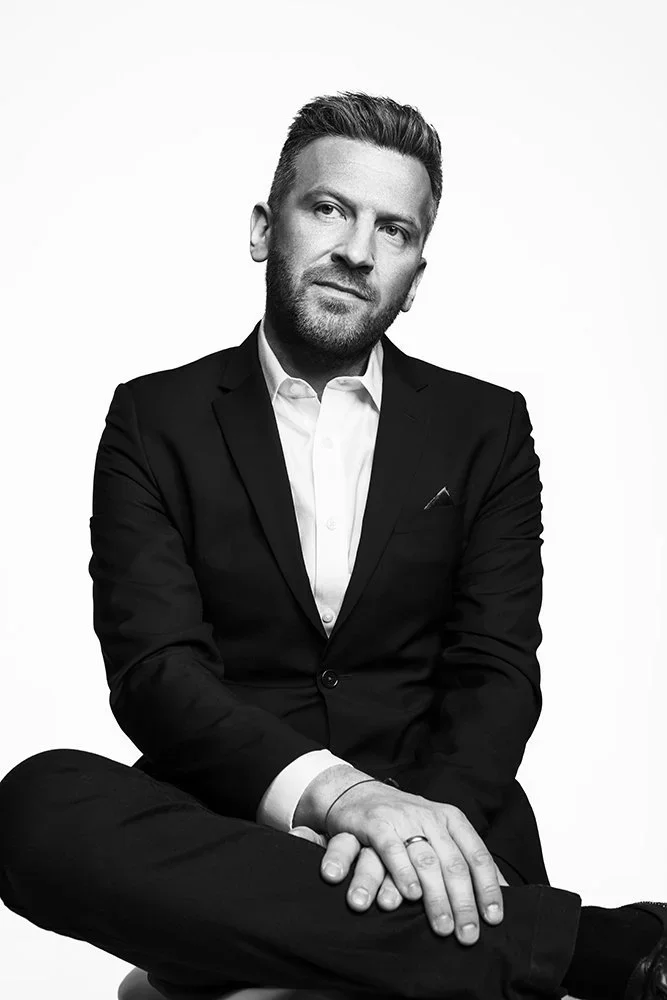
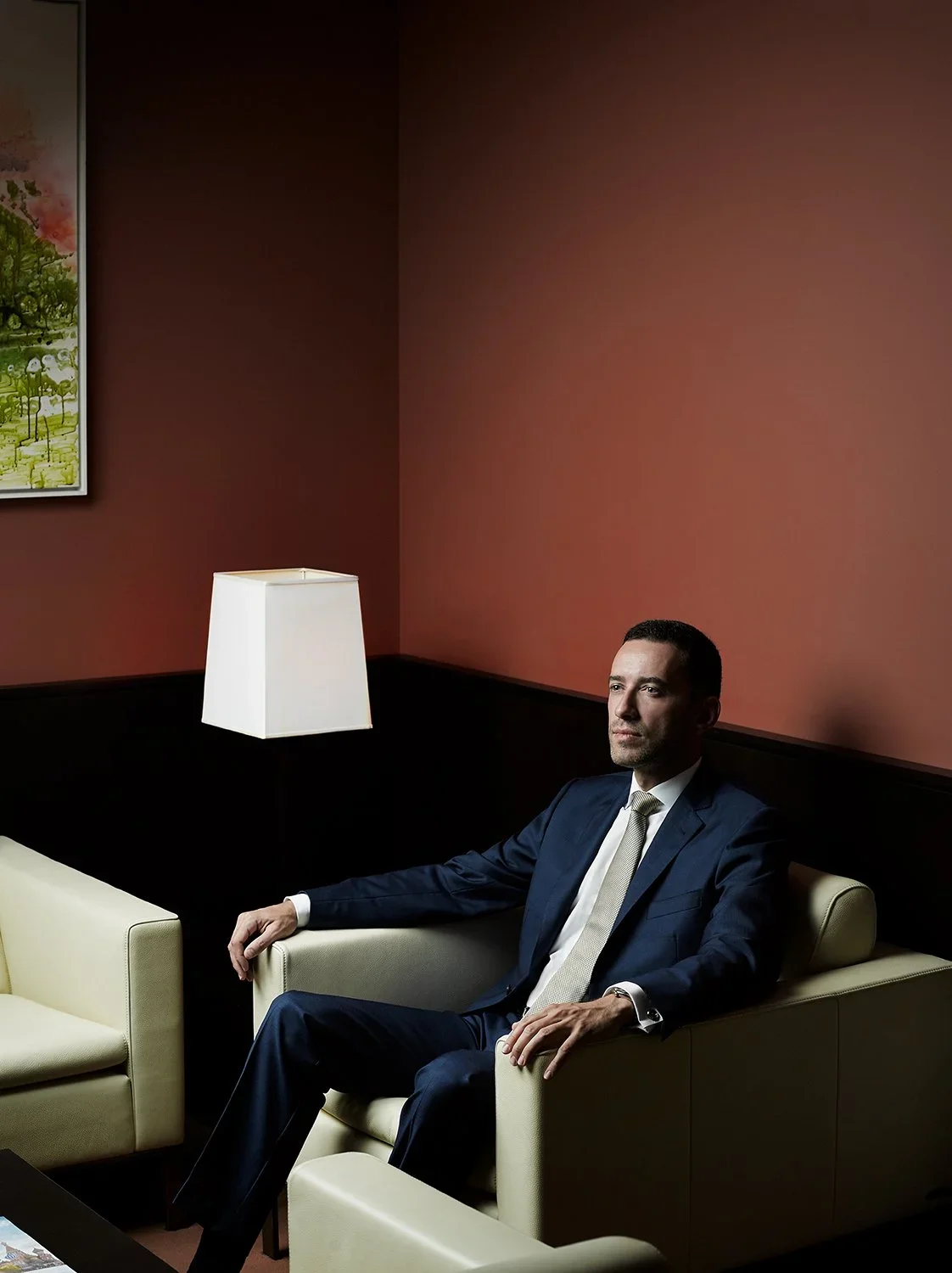
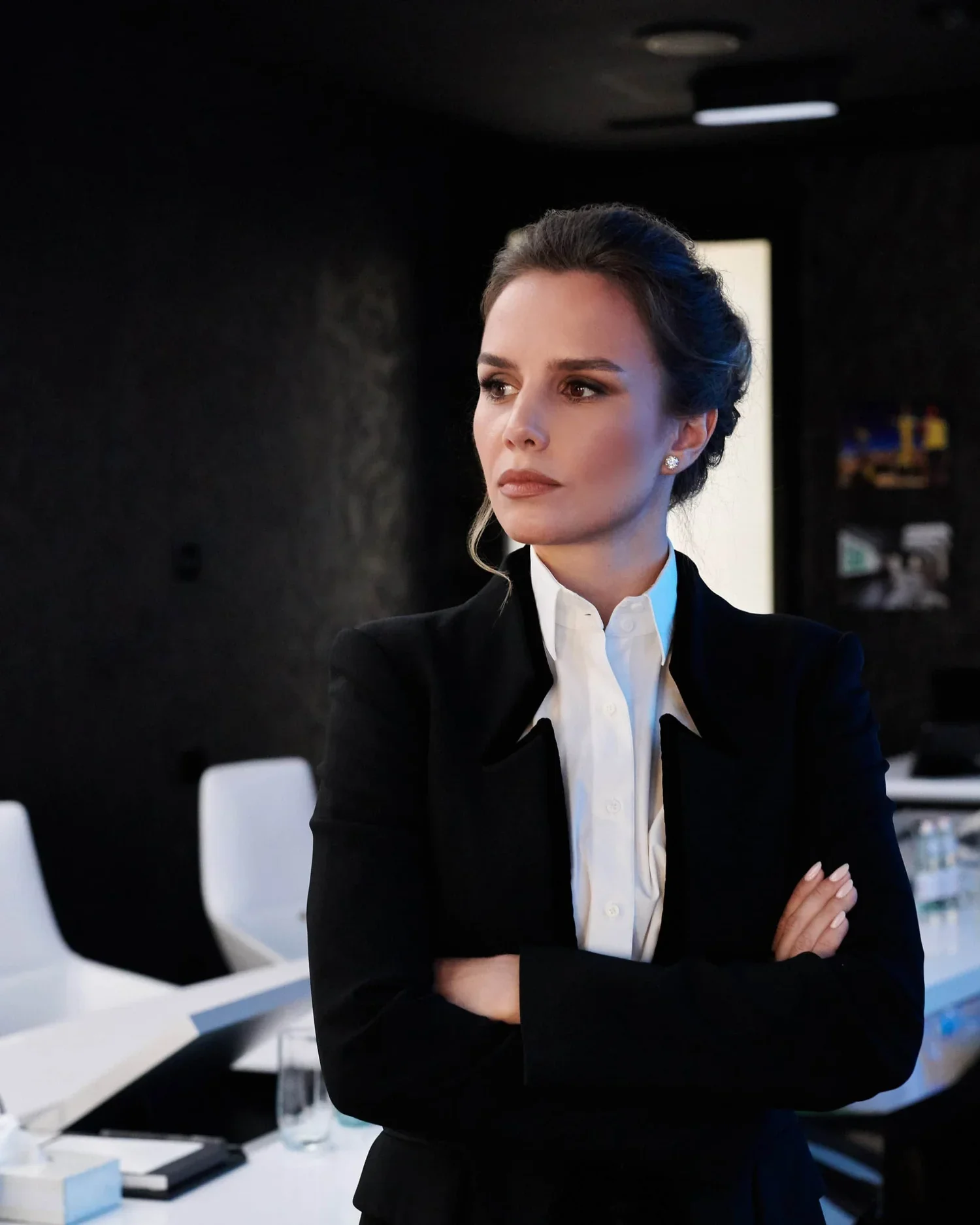
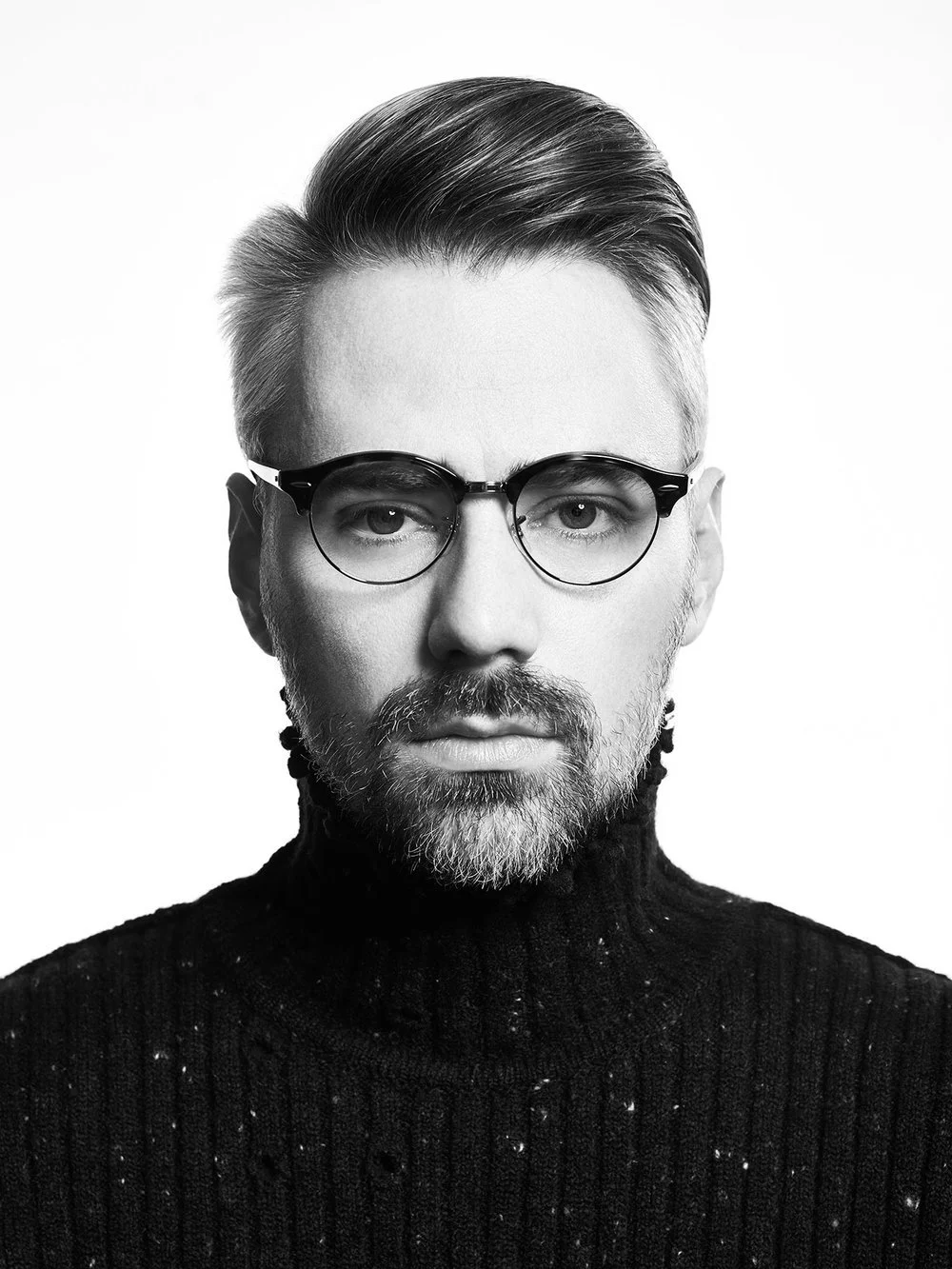
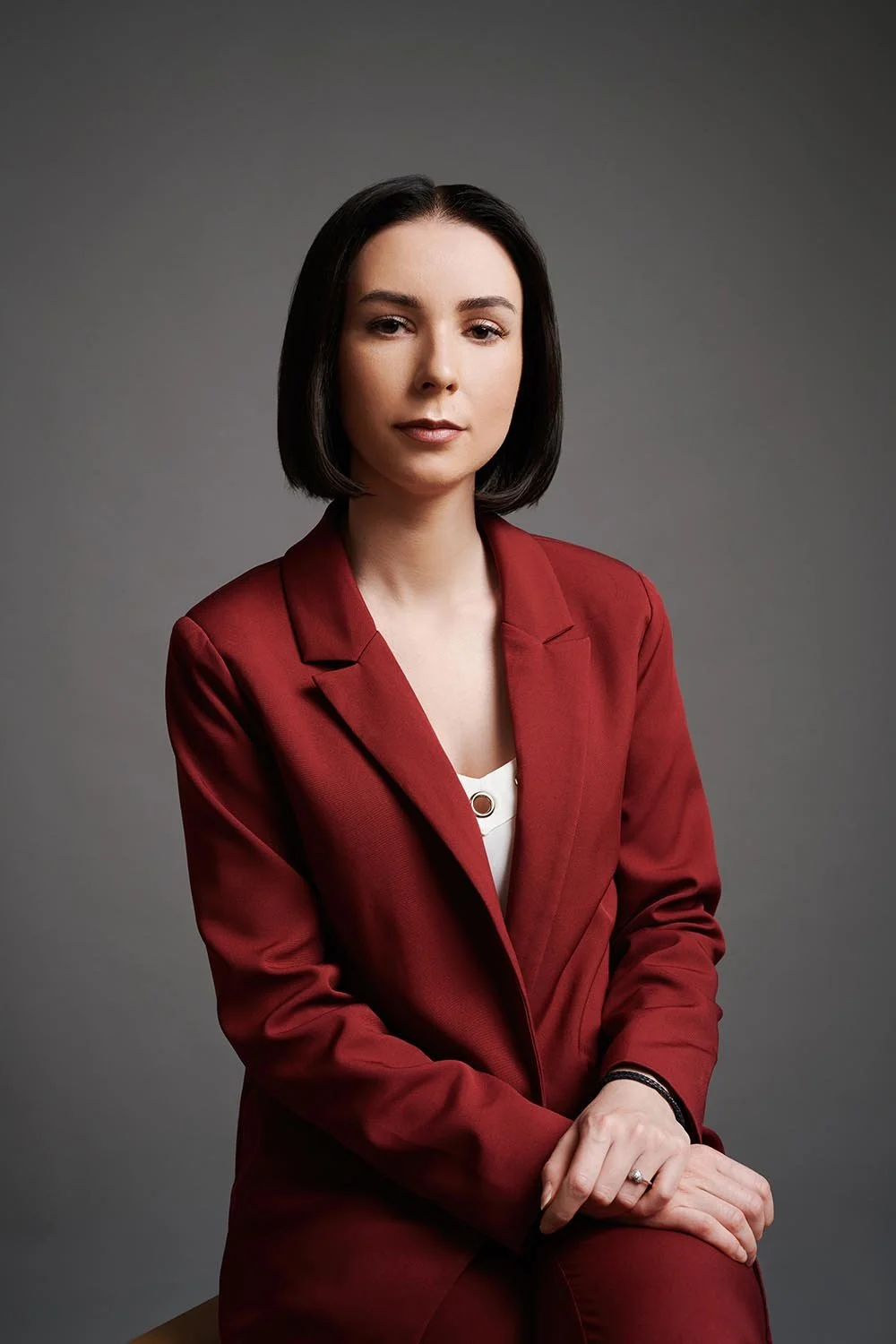
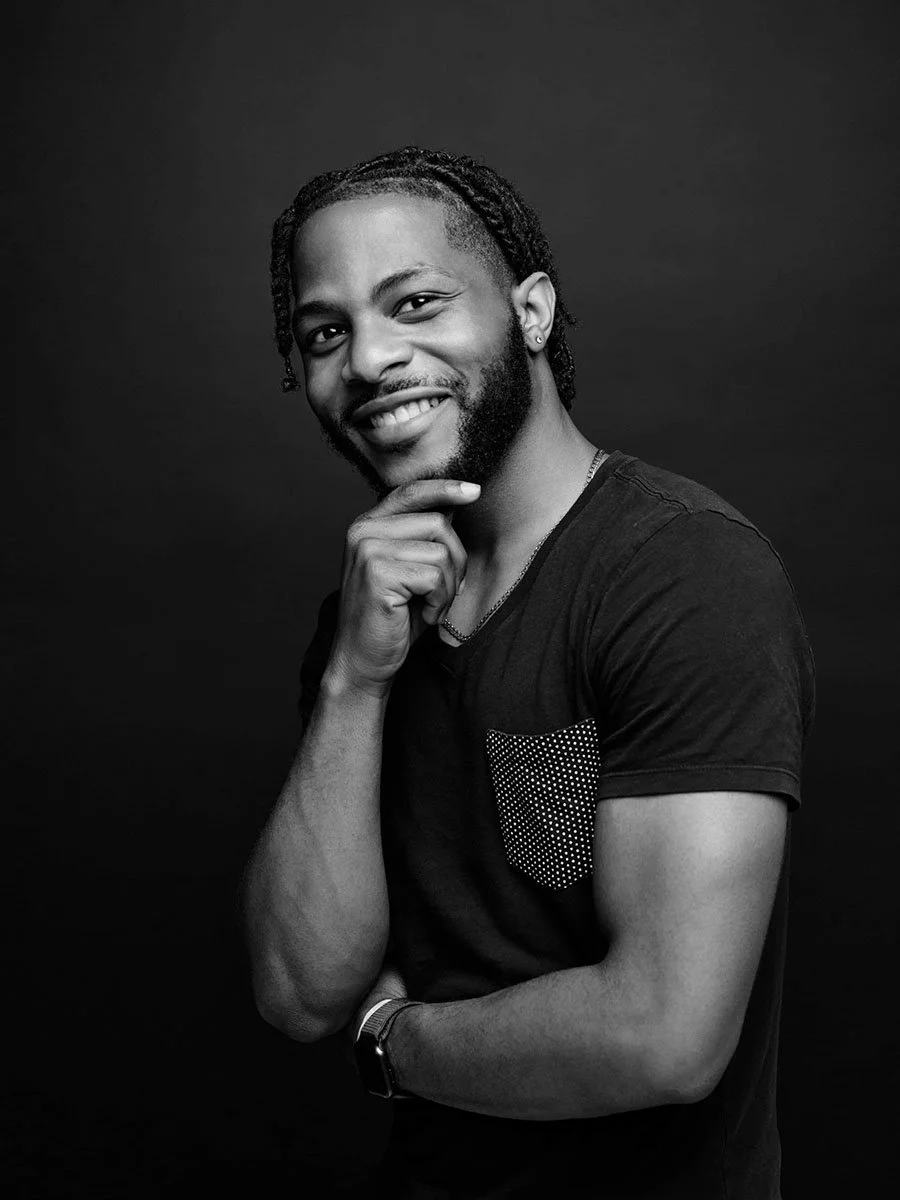
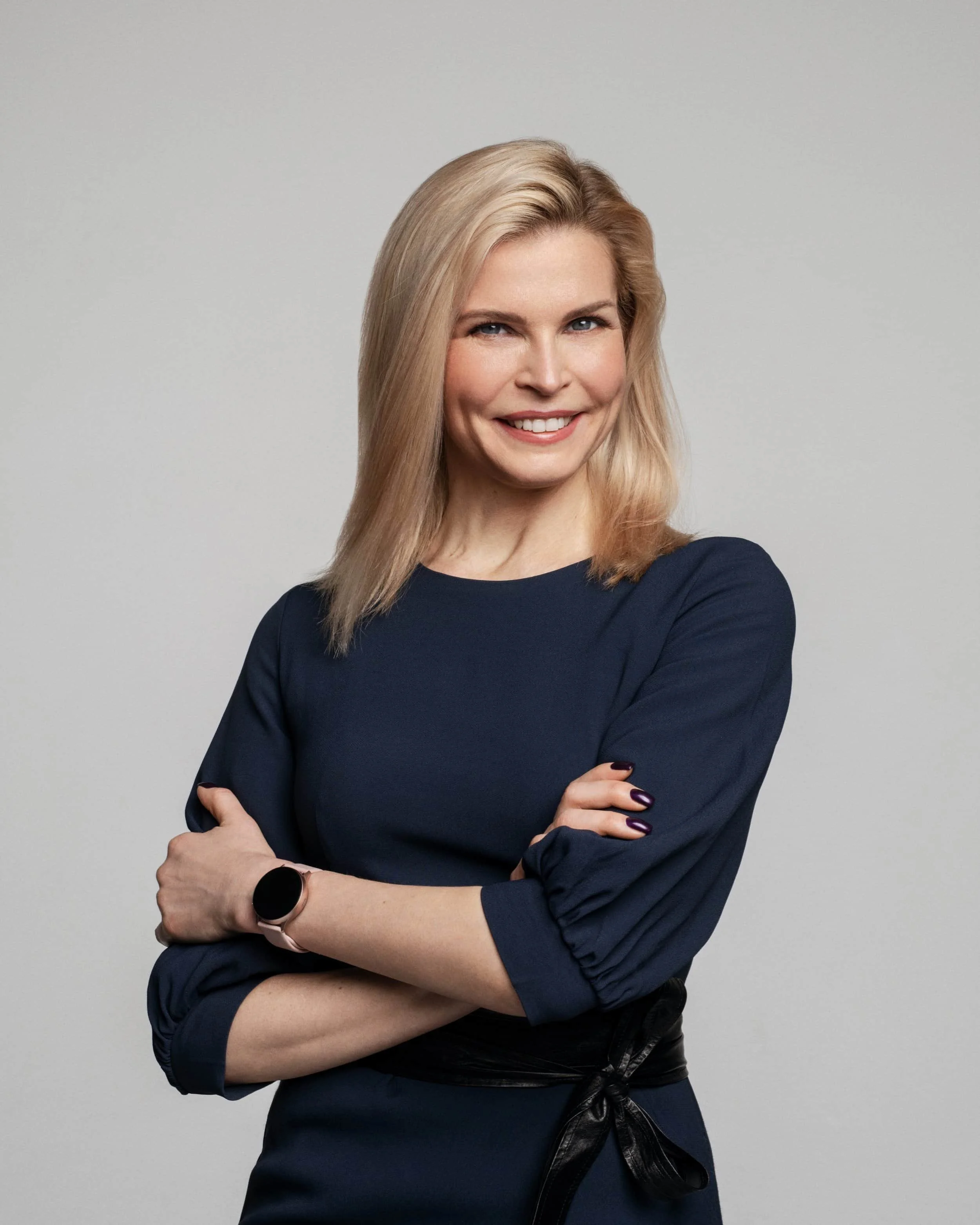
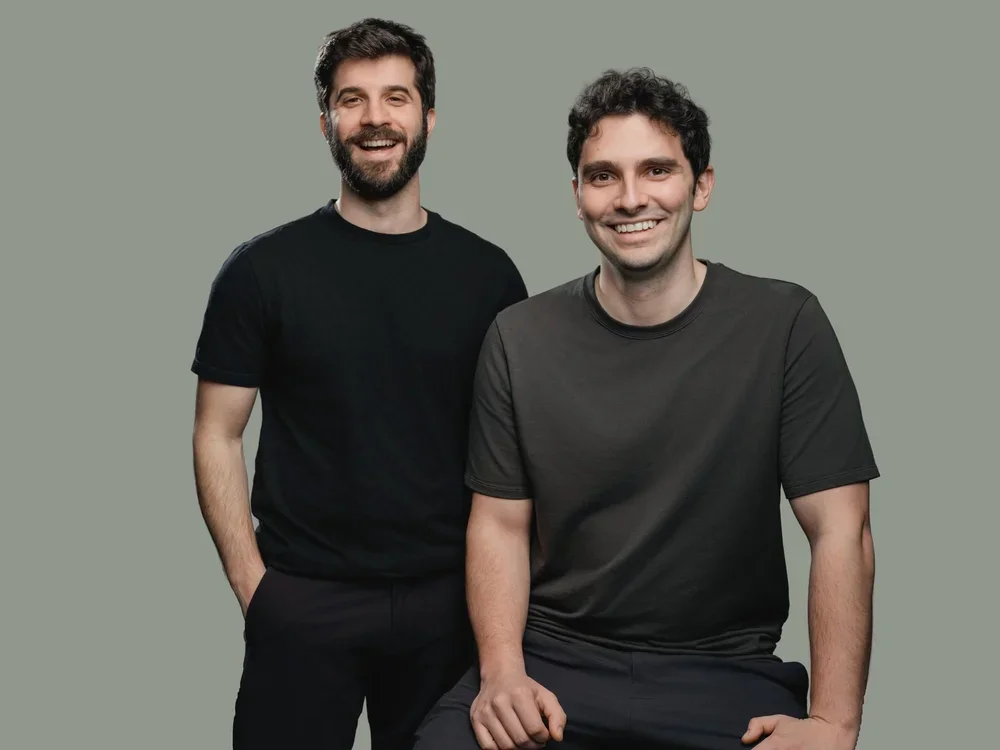
Current Match Production individual packages are $449, $600, and $949. They differ by session time, outfits, background setups, color-corrected selects, and retouched finals. The Quick package includes 15 color-corrected selects and 2 retouched finals; Standard includes 30 selects and 4 finals; Plus includes 50 selects and 8 finals.
Small-team packages start at $1,449. Larger team, enterprise, remote, personal branding, actor, and ERAS options use their own package structures. Compare the exact headcount, location, and deliverables instead of treating every quoted price as the same service.
Quick Answer: Current Match Production Starting Options
Compare the current package details on the pricing page. Planning a team day or custom project? Request a quote.
Use the starting price only after confirming what the package covers. The current individual Quick session is $449 for 30 minutes, 1 outfit, 1 background, 15 color-corrected selects, and 2 retouched finals. Standard is $600 with 1 hour, up to 2 outfits and backgrounds, 30 selects, and 4 finals. Plus is $949 with 2 hours, up to 4 outfits, up to 3 background setups, 50 selects, and 8 finals.
For groups, the current small-team starting package is $1,449 for up to 5 people. Enterprise and remote offers use headcount-based structures, so compare the threshold and included files as well as the displayed price.
The examples above are current Match Production offers. Use the following inputs to compare any two packages on equal terms.
What Changes the Price of a Headshot Session?
Session Time
More time can cover additional outfits, backgrounds, expressions, or a move between setups. Compare the stated session length rather than assuming every individual session includes the same amount of camera time.
Outfits and Backgrounds
Check how many outfit changes and background options are included. If you need distinct images for LinkedIn, a company bio, press, and speaking pages, decide whether one setup can serve them or whether the package needs more range.
Selects and Retouched Finals
Color-corrected selects are the gallery images used to choose favorites. Retouched finals are the selected images that receive final finishing. Confirm both counts. For example, the current professional Quick package includes 15 selects and 2 retouched finals, while the current individual LinkedIn package includes 25 selects and 2 retouched finals.
Headcount
Team and enterprise pricing depends on how many people must be photographed and how the day is scheduled. Send the confirmed or estimated headcount, identify leadership or group-photo needs, and note whether everyone can attend the same location.
Studio, Office, or Remote Format
An individual studio package, an office production, and a remote program have different setup and coordination requirements. Compare the offer designed for the actual format instead of applying an individual-session price to a team project.
Add-Ons and Custom Requirements
Ask which requested items sit outside the base package, such as additional retouched images, extra setups, styling support, event coverage, or a custom production. Put those items in the quote so the total is comparable.
Compare Individual Packages
For a single professional, choose between the current Quick, Standard, and Plus packages by time and deliverables. The professional headshot page keeps these individual offers together without mixing in team pricing.
Prepare a Team Quote
For a team, provide headcount, preferred date, studio or office location, background direction, group-photo needs, and the number of corrected and retouched files required per person. Use team headshots for group planning or corporate headshots for a company office production.
Match the Format to the People Being Photographed
Choose the format from real attendance and location constraints. Distributed groups can review remote headshots; individual studio buyers should compare the professional packages; office teams should request a team or corporate quote.
Questions to Ask Before Comparing Two Quotes
What happens during the session?
Confirm the scheduled time, who provides posing and expression direction, how many outfits or setups fit, and whether the session is in a studio, at an office, or remote.
How do I choose the final images?
Ask whether you receive a private gallery, how many color-corrected selects it contains, and how long gallery access remains available under the package.
How many retouched finals are included?
Keep the number of selects separate from the number of retouched finals. If you need more finals than the package includes, request that addition before comparing totals.
What usage rights are included?
Match Production's current listed packages include unlimited usage rights. When comparing another quote, check the written usage terms rather than assuming they match.
Does the quote match the intended use?
List the channels that need an image: LinkedIn, company bio, resume, website, press, speaker page, internal directory, or recruiting materials. This helps determine whether one final is enough or whether different crops, outfits, or backgrounds are useful.
Team and Enterprise Packages Need a Defined Scope
A team quote should state the covered headcount, location, scheduled time, files per person, background and crop direction, and any group photographs. Current enterprise package examples are shown below. For a smaller group, begin with the current team offers and provide the real headcount before requesting a custom plan.
Keep Specialty Sessions Separate
Personal branding, actor, ERAS, LinkedIn, remote, and corporate event packages have different deliverables. Compare each against the matching service page instead of using a broad market average or an unrelated package as the benchmark.
Choose the Package From the Deliverables Backward
For one person, list the images you need, then choose the shortest current professional package that covers the time, outfits, backgrounds, selects, and finals. For a team, begin with headcount and location, then add the per-person files and any group-photo requirement. For enterprise or remote programs, confirm the package threshold and capture workflow.
Quote Checklist
Number of people and roles
Studio, office, or remote format
Preferred date and scheduling constraints
Intended image uses
Outfits and background setups
Color-corrected selects and retouched finals needed per person
Group photographs or other requested additions
File crop, naming, and delivery requirements
Use Current Package Facts, Not Market Averages
A useful budget compares the exact package price with the included session and files. Current Match Production prices and inclusions belong on the pricing page; this guide explains how to read them and what information to provide for a team or custom quote.